Where Spark is strong
Spark, made by Readdle, has been one of the best-known alternative email apps for years, and it shows. It runs on Mac, Windows, iPhone, iPad and Android, so one inbox can follow you across a mixed set of devices. Its Smart Inbox groups mail into categories, and it has the usual power tools: snooze, pins, reminders, templates and a gatekeeper for new senders.
Spark is also built for teams. Its site lists shared inboxes, shared drafts, delegation and private comments on an email, which matters if two or three people answer the same mail. Its paid tiers add Spark +AI, which its site says can summarise long threads and meetings and prepare drafts in your voice.
The free plan is genuinely usable. As of November 2026, Spark's pricing page says the free plan includes the Smart Inbox, unlimited email accounts, smart notifications and a calendar. If that covers your needs, the money question disappears.
Where Suzume is different
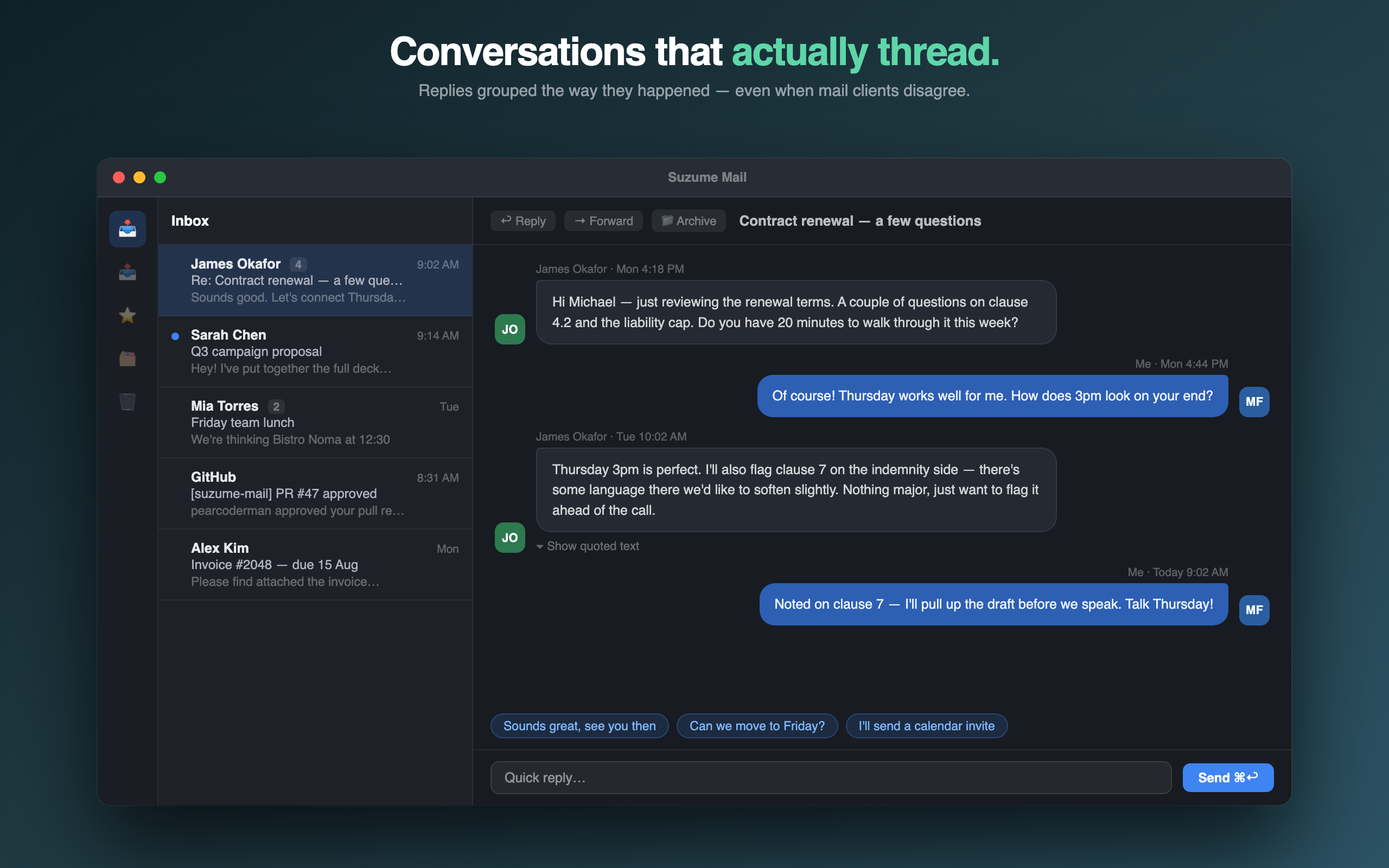
Suzume Mail is narrower on purpose. It is an email app for Mac and iPhone (the App Store listing also covers Apple Watch) that changes one thing about how mail looks: a thread opens as chat bubbles, with quoted text collapsed, so you can see who said what without scrolling through nested replies.
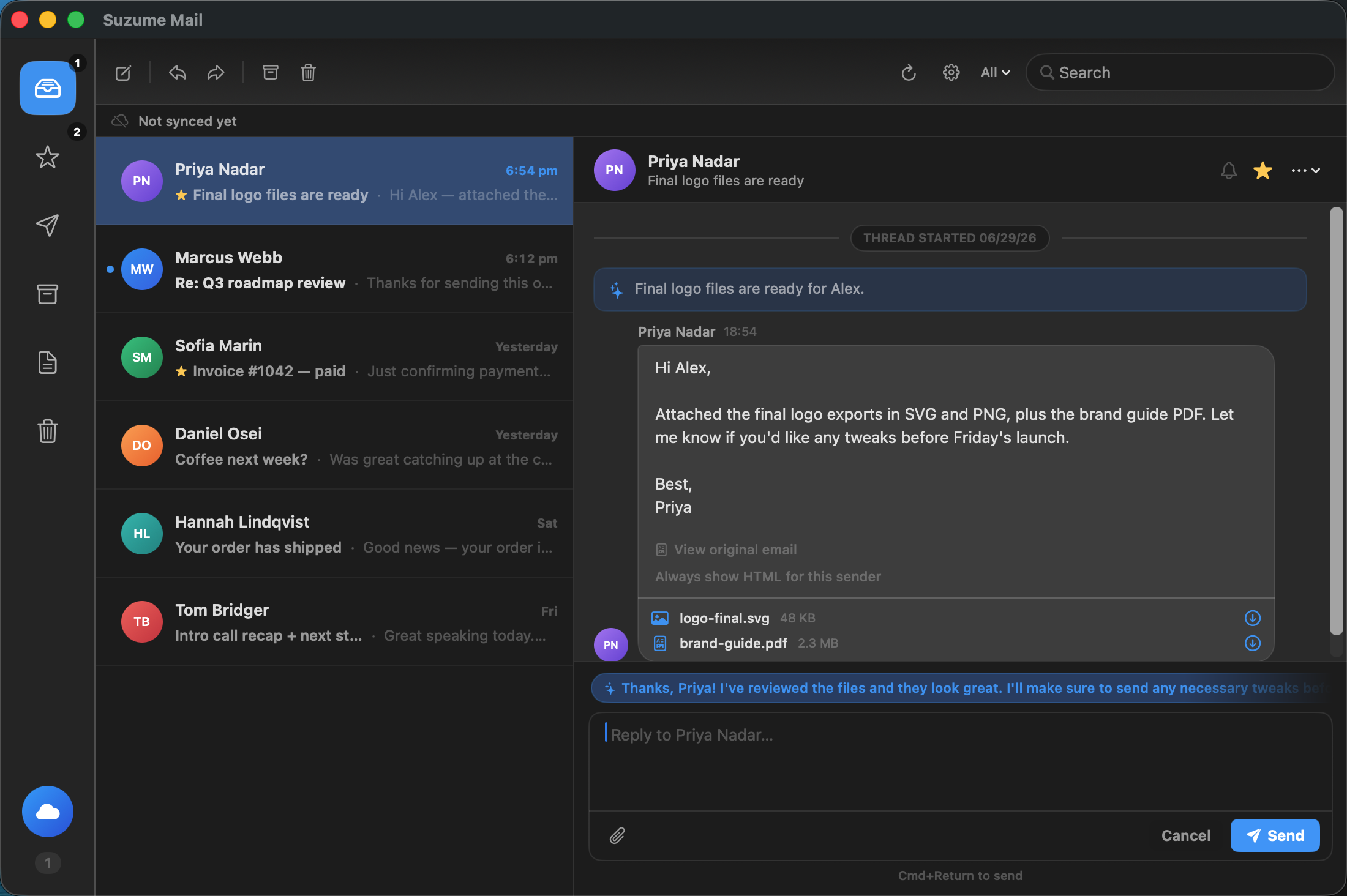
It talks straight to your mail provider over IMAP and SMTP, with OAuth sign-in for Gmail and Outlook and support for iCloud, Fastmail and other standard providers. Passwords and tokens sit in the macOS Keychain, the local cache is encrypted, and there is no Yuzool mail server in the middle. Its AI features (summaries, quick replies, writing suggestions and smart inbox ranking) run on the device through Apple Intelligence, which means they need macOS 26 on an Apple silicon Mac.
Pricing is the other big difference. Suzume is free to download from the App Store with a 14-day trial, then one $19.99 unlock covers all your devices. There is no subscription.
Feature comparison
Reading threads
Suzume turns threads into conversation bubbles. Spark uses a more traditional message view with its own grouping and smart features.
Teams
Spark has shared inboxes, delegation and comments. Suzume is a personal email app and is not built for shared team inboxes.
AI
Suzume's AI runs on the device on supported Macs. Spark +AI comes with its paid plans; check its privacy policy for how that processing works.
Pricing
Suzume: free download, $19.99 once. Spark: free plan, with Plus and Pro billed monthly or yearly.
How I would decide
Start with your devices. If you use a Windows PC at work or an Android phone, Spark is the simpler answer, because Suzume only runs on Apple devices. Then think about other people. If anyone else reads or answers your mail, Spark's team features do something Suzume does not try to do.
If you are on Apple devices and the mail is your own, the question becomes how you like to read and how you like to pay. Spend a few minutes in a long thread in each app. Some people find conversation bubbles far easier to follow; others prefer a classic message list. Then compare a one-time $19.99 with what you would pay Spark over two or three years, if you need its paid features at all.
Privacy is worth a look too. Spark's own site says its data storage and encryption are secured through Google Cloud, and its AI features are opt-in. Suzume connects directly from your device to your provider. Neither approach is wrong, but they are different, and it is worth knowing which one you are choosing.
When to choose Suzume
Choose Suzume if your inbox is mostly real back-and-forth with people, you live on a Mac and an iPhone, and you are tired of subscriptions for something as basic as reading email. It also suits people who want AI help without sending their mail to another company's servers, as long as their Mac supports Apple Intelligence.
It is a good fit for freelancers and solo workers who run several IMAP accounts and want rules, VIP senders, snooze, follow-up reminders and Undo Send without a team plan they will never use.
When Spark is the better pick
Choose Spark if you need it on Windows or Android, if a small team shares an inbox, or if you want email and calendar in one app. Its free plan is also a sensible choice if you do not want to pay anything and are happy with how it reads mail.
Spark is a mature product with a wide feature set. If you rely on that breadth, Suzume will feel smaller, because it is.
Verdict: Spark is the broader, cross-platform choice, especially for teams. Suzume is the focused Apple-only alternative for people who want conversation-style threads, on-device AI and a single $19.99 payment.
At a glance
| Suzume Mail | Spark | |
|---|---|---|
| Price (as of November 2026) | Free download, 14-day trial, $19.99 one-time unlock for all devices | Free plan; Plus $99/year or $10/month; Pro $199/year or $20/month (per user) |
| Platforms | Mac, iPhone, Apple Watch | Mac, Windows, iPhone, iPad, Android |
| Thread view | Chat-style bubbles, quotes collapsed | Traditional message view |
| AI | On-device (macOS 26, Apple silicon) | Spark +AI on paid plans, opt-in |
| Team inboxes | No | Yes, shared inboxes and comments |
| Calendar | Not part of the app | Included |
Spark prices are from its pricing page in November 2026 and may change; check its site before you buy.
Trying Suzume alongside Spark
- Add one account to Suzume and leave Spark as it is. Both read the same mailbox.
- Use Suzume for a week on real mail during the free trial.
- Check that folders, drafts and sent mail look right in both.
- Decide. Your mail lives on your provider, so nothing is locked in either way.
The switching checklist lists the tests worth running.
Questions people ask
Can I use both at the same time?
Yes. Both connect to the same mailbox, so read status and folders stay in step.
Does Suzume have shared inboxes?
No. It is designed for one person's mail. Teams that share an inbox are better served by Spark or a help desk tool.
Do I need a new Mac for Suzume?
Suzume needs macOS 14 or later. The AI features need macOS 26 and an Apple silicon Mac with Apple Intelligence turned on; everything else works without them.