Launch workflow
Launch with fewer scattered tabs.
For a small app, launch work is usually split across App Store Connect, spreadsheets, screenshots, site checks and search notes. This workflow keeps the loop simple: research, prepare, check, publish, improve.
The launch loop
- Find a real niche and the words buyers use.
- Compare the App Store listing against competitors.
- Prepare metadata, screenshots and launch pages before submission.
- Run a free public security check before promoting the site.
- Use Search Console after launch to improve pages that get impressions.
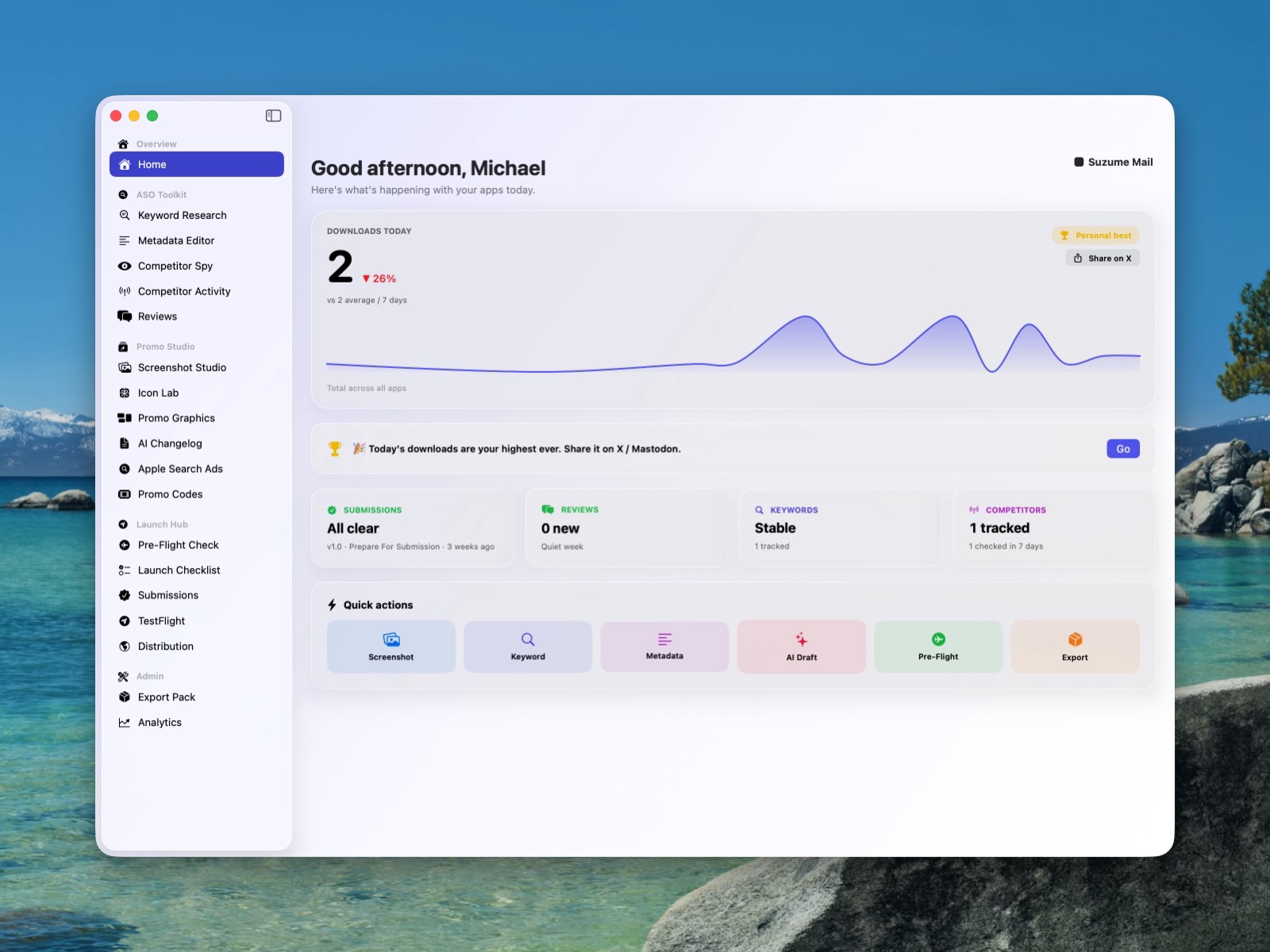
A small launch should still feel complete.
The risk with an indie launch is not usually that you forgot to build a giant funnel. It is that the obvious buyer questions are scattered across too many places: App Store metadata in one tab, screenshots in another, keyword notes in a spreadsheet, the website in a code editor, and a private list of “fix this later” doubts in your head.
The better rhythm is to keep the launch work close to the product. Write down who the app is for, the job it replaces, the search phrases people might use, the first screenshot promise, the support and privacy answers, then the one page you want Google and humans to understand first.
Start with positioning, not promotion
Before posting anywhere, describe the app in one sentence that a stranger would understand. If that sentence needs three paragraphs of backstory, the page probably needs sharper positioning. Dispatch helps here because App Store keyword research is not only about traffic; it is also a forcing function for language. The words people search for are often the words your page should use.
Make the listing and website agree
The App Store page and the product page should feel like two versions of the same promise. A visitor might discover the app through Google, the App Store, a blog post, a screenshot, or a link from a friend. If every entry point uses different positioning, trust leaks away. Use the same core promise, then adapt the detail to the surface.
Use launch day as the beginning of measurement
After launch, the useful question changes from “is it ready?” to “what is working?” That is where Rank becomes useful. Search Console impressions show which pages are starting to be understood. CTR tells you whether the title and promise are earning the click. A small technical check catches issues that quietly hurt discovery.
Use Dispatch to research keywords, compare competitors and prepare metadata before submission pressure arrives.
Use Rank to improve the pages that start getting impressions and keep a record of what changed.
Apps for this workflow
Use the app that matches the current stage rather than trying to manage the whole launch in one document.
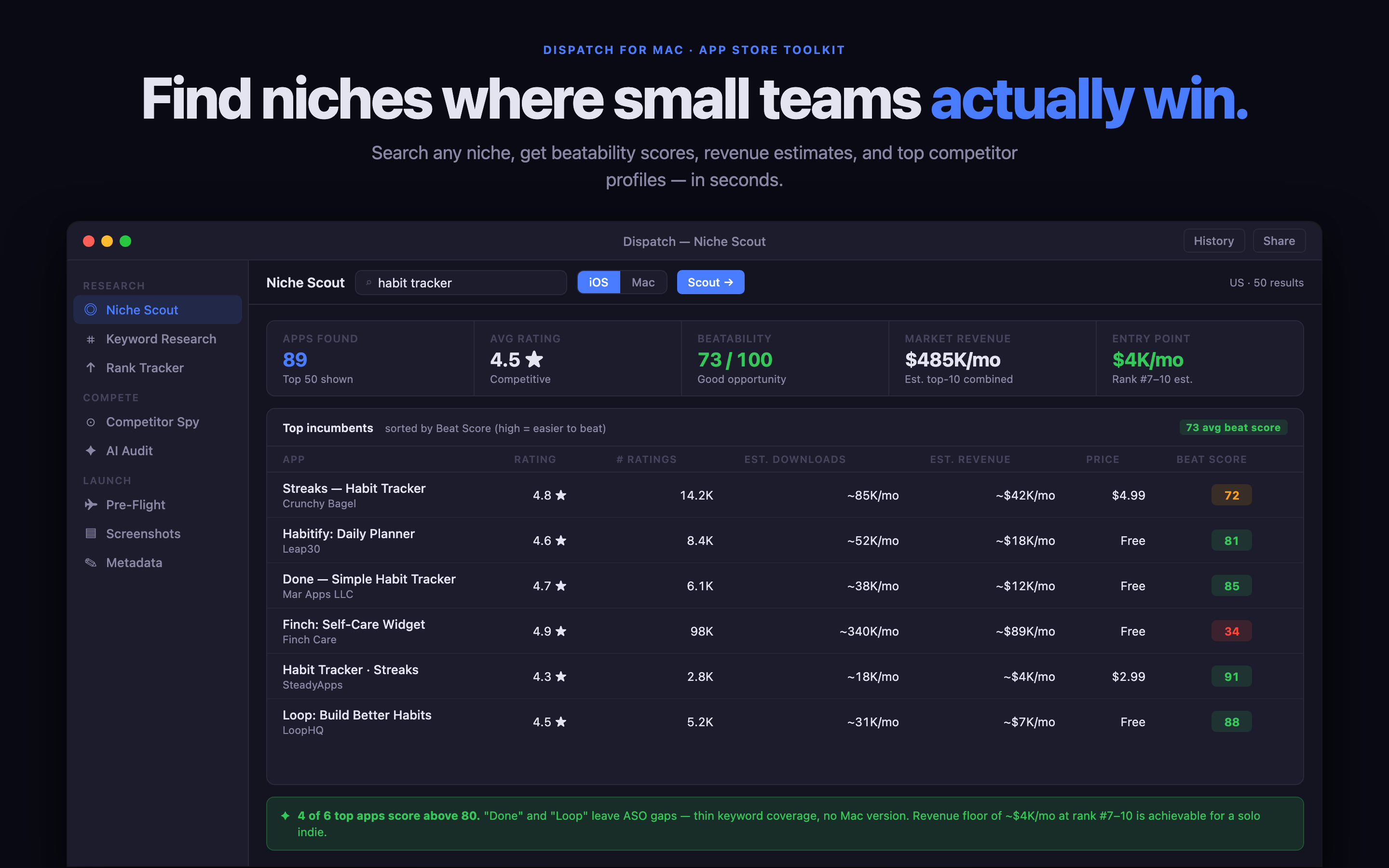
Dispatch for App Store launch work
Research keywords, competitors, metadata and launch assets from a native Mac app.
Read guide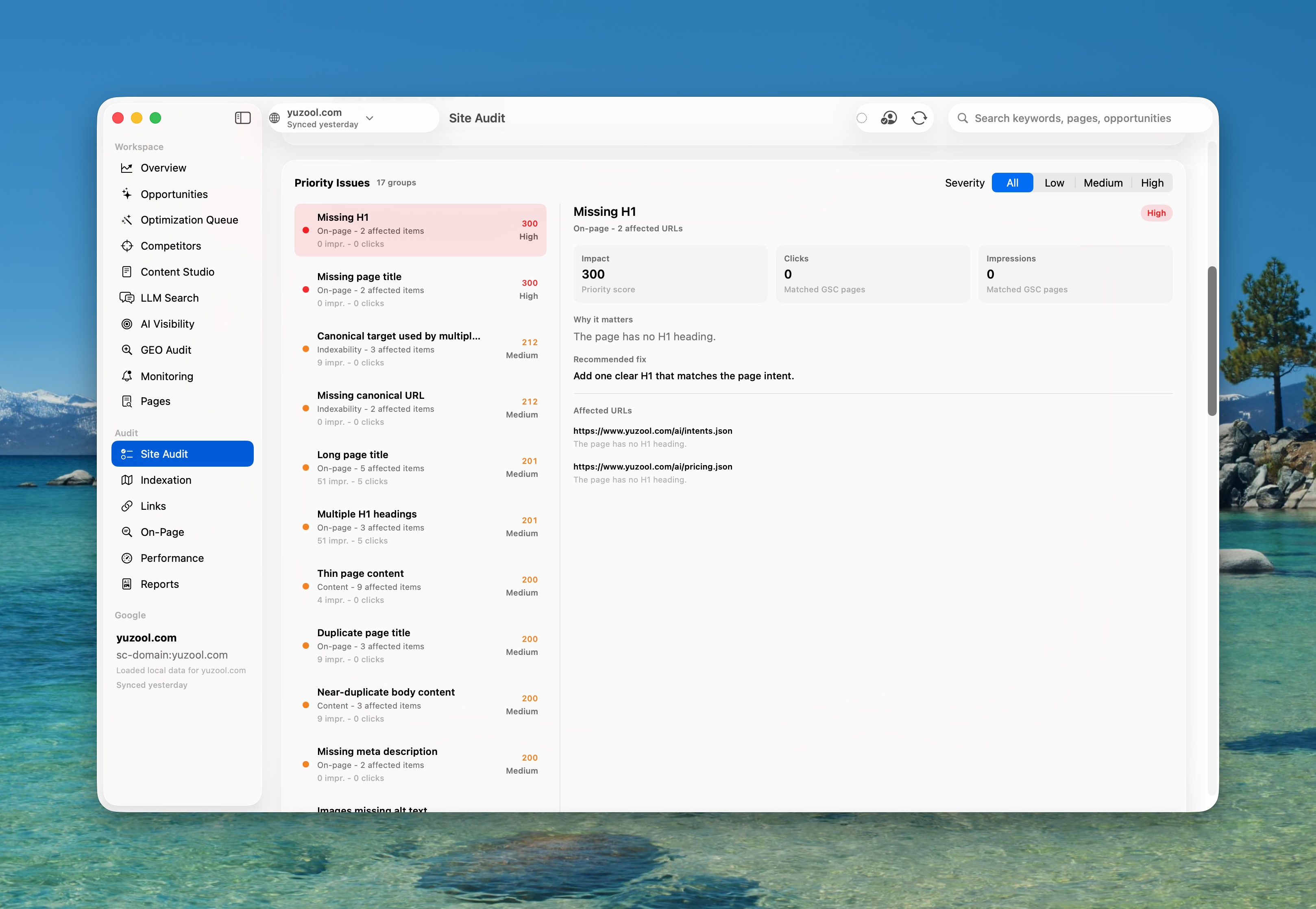
Rank for search improvements
Use Search Console data and local page checks to improve the pages that start getting seen.
Read guideA simple launch funnel
A practical way to move from problem to trust to product without building a giant funnel.
Read postStart with the listing work.
Dispatch is the clearest Yuzool starting point when you are preparing an app launch or update.