A freelance expense tracker should record each cost with its date, amount, supplier and category, keep a copy of the receipt, and say which client or project it belongs to. Settle does this on Mac and iPhone, next to your invoices, so billable costs can go on the next invoice. With Settle Pro you can scan a paper receipt with the iPhone camera and the amount, date and merchant are filled in for you to check.
Two kinds of expense
| Billable to a client | Your own business cost | |
|---|---|---|
| Examples | Travel to their site, stock images, printing, a tool bought for their project | Software subscriptions, equipment, insurance, your own training |
| What happens to it | Goes on an invoice, sometimes with a markup | Goes on your tax return as a deduction where allowed |
| Risk | Forgetting to bill it | Losing the record |
| What you need | A link to the client or project | A category and the receipt |
Keeping both in one place, tagged differently, is what stops the first kind being absorbed into your own costs.
What to record every time
- Date
- Amount, and the currency if it was not your own
- Supplier
- Category
- Client or project, if billable
- A photo of the receipt
Do it at the moment of purchase. A receipt photographed at the till is a ten-second job. Thirty receipts in an envelope in January is a lost weekend, and some will be unreadable.
Scanning receipts
With Settle Pro, point the iPhone camera at a receipt and the app reads the amount, date and merchant using Apple's on-device text recognition. You check the fields, choose a category and a project, and save. The image never leaves your devices except through your own iCloud sync.
If you only need the occasional receipt read, the free receipt scanner on this site runs in a browser and extracts the same three fields.
Billing expenses back to a client
Agree before the job starts whether expenses are billed at cost or with a handling margin, and whether they need approval above a certain amount. Then:
- Record the expense against the client or project when it happens.
- Add it as a line item on the next invoice, described plainly: "Train, London to Manchester, 12 March".
- Keep the receipt image in case the client asks for it.
Because expenses and invoices are in the same app, you are looking at the unbilled costs while you write the invoice. That is the whole benefit.
If you only need to scan receipts, sort them into categories and export them for tax season, without invoicing, the iPhone receipt scanner SnapTrack is the lighter fit.
Income, expenses and the quarter
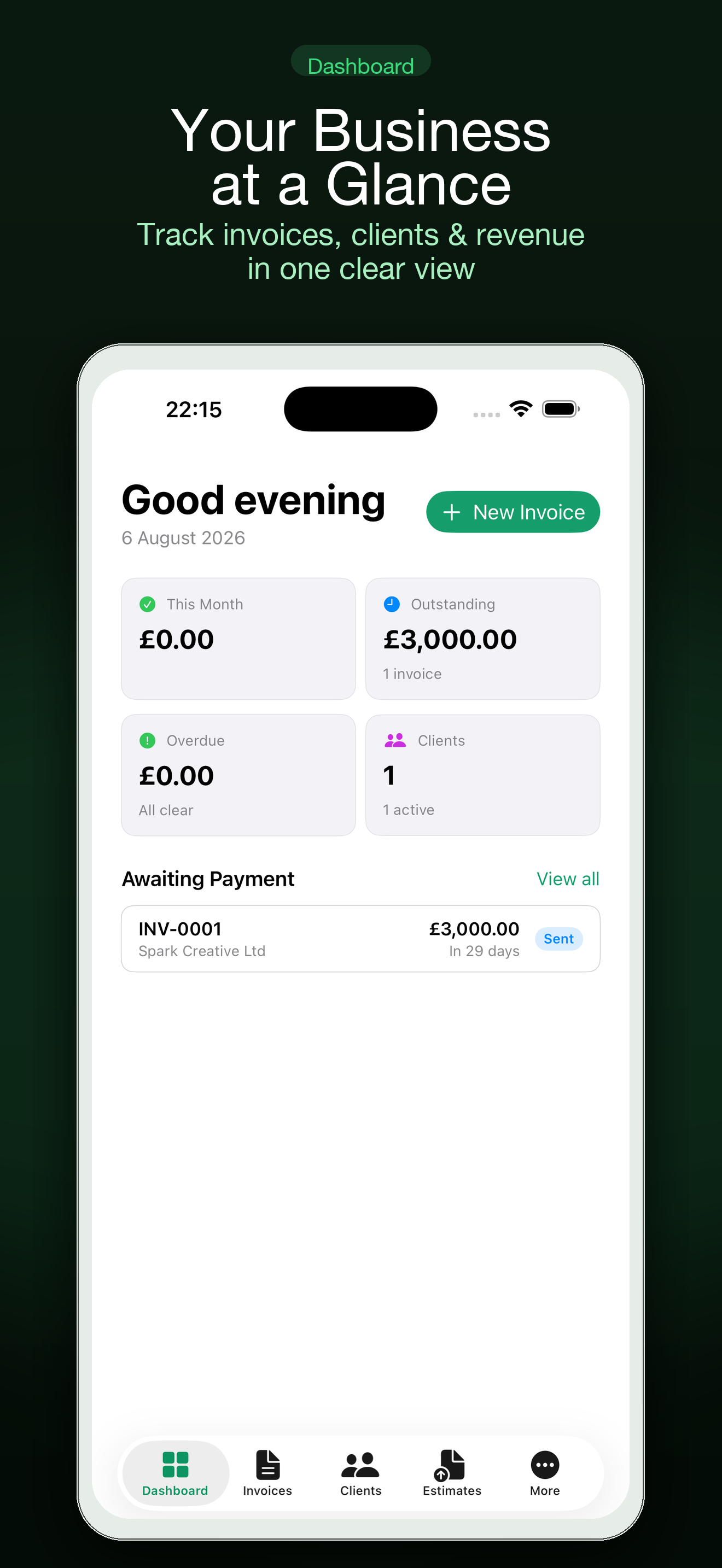
Many freelancers have to pay tax in instalments or file sales tax returns quarterly. What you need each period is a total of income invoiced or received, a total of expenses by category, and the tax you collected. Settle's dashboard shows revenue and what is outstanding, and expenses are listed by date and category so the period totals can be read off.
Which costs are deductible, and how much, depends on where you live and how you operate. A tracker gives you clean records; your accountant or the tax authority's guidance tells you how to treat them.
Knowing how long your money lasts
Expenses tracked properly also answer the freelancer's real question: how many months can I cover if work goes quiet? The free runway calculator on this site works that out from your monthly costs and cash in hand.
Free version and Settle Pro
| Free | Settle Pro |
|---|---|
| Invoices and PDF export | Invoice and reminder drafts from a plain-language description |
| Clients, estimates and expenses | Receipt and business-card scanning |
| Mac and iPhone, synced through your iCloud | Recurring invoices, deposits and retainers |
| No account to create | Widgets, Shortcuts and Siri |
One Settle Pro subscription covers both Mac and iPhone, and the yearly plan has a free trial. Apple shows current prices, and any lifetime option, at purchase.
Recording expenses by hand is free. Receipt scanning is part of Pro.
Common questions
Can I track expenses without scanning?
Yes. Enter the amount, date, supplier and category by hand in the free version.
Where are receipt images stored?
On your devices and in your own iCloud. Settle has no server that holds them.
Does Settle connect to my bank?
No. There are no bank feeds. You record expenses as they happen.
Can I export for my accountant?
Invoices and statements export as PDF. Ask your accountant what format they prefer for expense records.
Does it decide what is tax-deductible?
No. It records and categorizes. Deductibility is a question for your accountant.
Settle is an invoicing tool. It does not give tax, legal or accounting advice. Check requirements for your country with an accountant or the tax authority.
Stop losing billable costs and receipts: Get Settle free.