Where Zoho Invoice is strong
The headline is the price. As of November 2026, Zoho's pricing page describes Zoho Invoice as free, with no paid plans listed. The free plan covers up to 500 invoices a year, two users, three projects and two organisations under one account. Invoices carry a small "Powered by Zoho Invoice" line.
That free plan is not thin, either. It includes quotes, recurring invoices, automatic payment reminders, expenses, time tracking against projects, reports on sales and receivables, and a self-service client portal where customers can see what they owe. Zoho lists apps for iPhone, Android, Windows and Mac alongside the web version, and offers email and phone support on weekdays.
The other strength is the family it belongs to. If you already use Zoho CRM, or think you will move up to Zoho Books for full accounting one day, Zoho Invoice connects to them. That path is a real advantage for a business that expects to grow or hire.
Where Settle is different
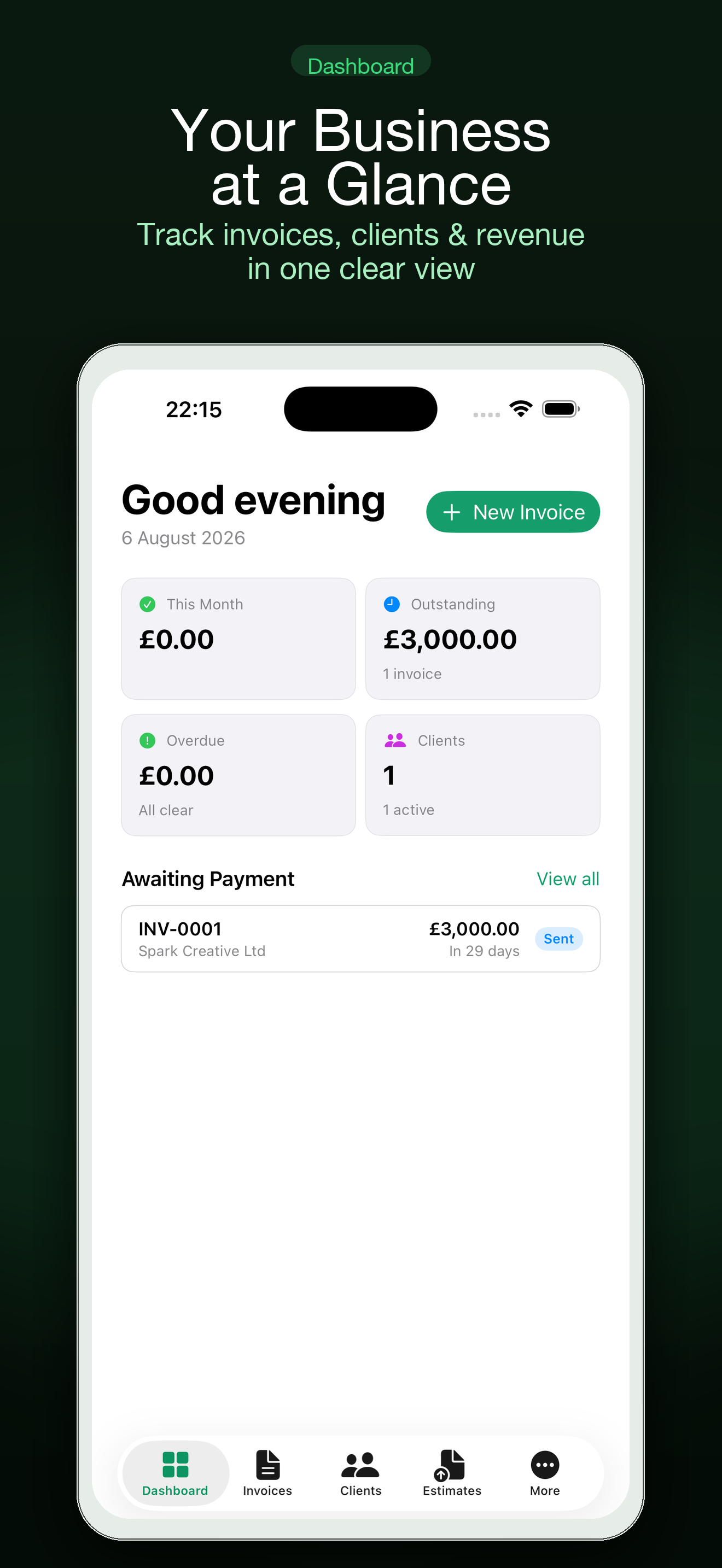
Settle is an invoice, quote and proposal maker built only for iPhone, iPad and Mac. Rather than a web service with apps attached, it is a native app first, with PDFs made on the device and data synced through your private iCloud. There is no Settle account to create and no Settle server holding your records.
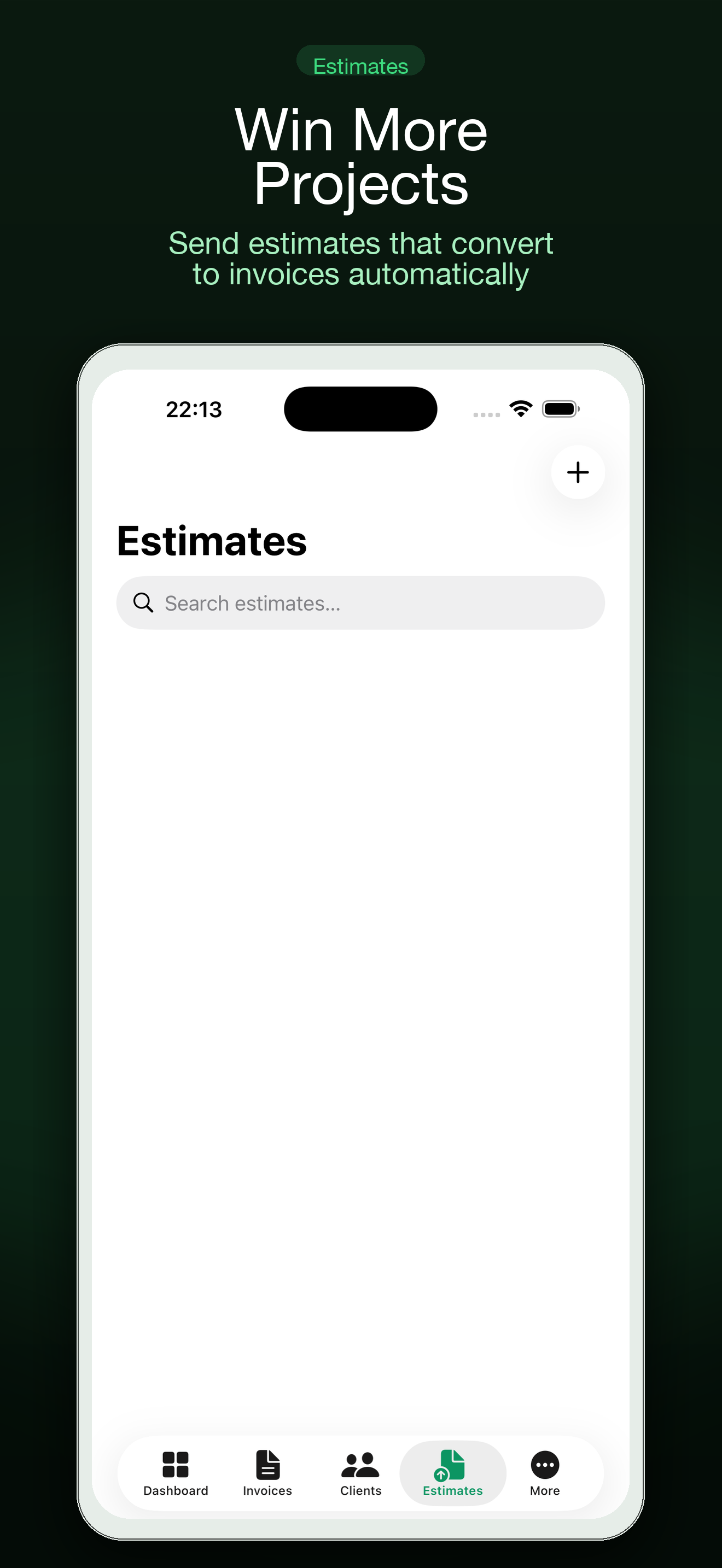
Its focus is the run-up to the invoice. You can track leads, write a quote, then turn it into a proposal with a cover letter, scope, timeline and terms. Clients can choose from up to three options plus extras and sign on your device, and Settle invoices the package they picked. Zoho Invoice has quotes too; Settle goes further on the proposal itself.
Feature comparison
Price
Zoho Invoice is free within its limits. Settle is free for quotes, proposals, time, expenses and your first five invoices; Pro unlocks the rest.
Where data lives
Zoho keeps it in your Zoho account. Settle keeps it in your private iCloud, with no separate account.
Clients' view
Zoho has a client portal. Settle shares a hosted invoice link and shows when it was opened.
Team
Zoho's free plan allows two users. Settle is a personal app for one person across their own devices.
Pricing in plain terms
Zoho Invoice costs nothing within the limits above. If you outgrow them, Zoho points you to its paid billing and accounting products, so the long-term cost depends on which of those you would move to.
Settle is a free download. Quotes, proposals, leads, time tracking and expenses are free, along with your first five invoices. Settle Pro unlocks unlimited invoices plus on-device drafting with Apple Intelligence, receipt and business-card scanning, recurring invoices, deposits and retainers, widgets, Shortcuts and Siri. The App Store lists Settle Pro at $7.99 a month, $24.99 a year or $59.99 for a lifetime licence in the US, and one purchase covers iPhone and Mac. Apple shows the price in your country before you pay.
So if the only question is cost, Zoho Invoice wins, and it would be odd to pretend otherwise. Settle has to earn its place on the way it works, not on price.
How I would decide
Ask who else needs to see your invoicing. If a partner, assistant or bookkeeper needs to log in, or a client would like a portal, Zoho Invoice already does that for free. Settle does not try to.
Then ask where you do the work. If you spend the day on a Mac and an iPhone and like apps that open instantly and work offline, try Settle. If you hop between computers or use Android, Zoho Invoice is the safer pick.
Finally, look at how you win work. If a one-line quote is enough, both apps cover it. If you regularly send a written proposal with tiers, Settle saves you stitching a document tool and an invoice tool together.
When to choose Settle
Choose Settle if you are a solo freelancer or one-person business on Apple devices, you want proposals with options and a signature in the same app as your invoices, and you like the idea of your client records staying in your iCloud. It suits people who prefer a quiet, focused app to a dashboard with many modules.
Be clear-eyed about the trade. Settle is new, made by one independent developer, and Apple-only. Zoho is a large company with a long history and many products.
When Zoho Invoice is enough
Zoho Invoice is enough if free matters most, if you need a client portal or a second user, if you work on Windows or Android, or if you already run part of your business on Zoho. If it is working for you today, there is no need to move.
Verdict: Zoho Invoice is the generous free cloud option with room to grow into a bigger suite. Settle is the native Apple alternative for solo workers who want proposals and their own iCloud as the home for their records.
Side by side
| Settle | Zoho Invoice | |
|---|---|---|
| Runs on | iPhone, iPad, Mac | Web, plus iPhone, Android, Windows and Mac apps |
| Cost | Free core; Settle Pro for unlimited invoices and extras | Free, up to 500 invoices a year |
| Users | One person, own devices | Up to two on the free plan |
| Quotes | Yes, plus proposals with options and signing | Yes |
| Recurring invoices | Pro | Yes |
| Time and expenses | Yes | Yes |
| Client portal | No; hosted invoice links | Yes |
| Where data lives | Your iCloud, no account | Your Zoho account |
Checked against Zoho's pricing page and Settle's App Store listing in November 2026. Limits and features change, so confirm before you decide.
Trying both
- Make your next quote in Settle and the same quote in Zoho Invoice.
- Look at both PDFs as your client would.
- Send the one you prefer and invoice from the same tool when the job is done.
- Keep the one that felt quicker after a few weeks.
Questions people ask
Can Settle import from Zoho Invoice?
There is no direct import. You add clients in Settle, or scan a business card with Pro.
Is Settle connected to Zoho?
No. Settle is made by an independent developer at Yuzool and is not affiliated with Zoho. Zoho Invoice is a trademark of its owner.