App Store
An App Store Launch Retrospective Template for Indie Developers
A practical App Store launch retrospective for indie developers: review traffic, conversion, feedback and distribution so the next release is based on evidence.
Published September 30, 2026 · Michael at Yuzool
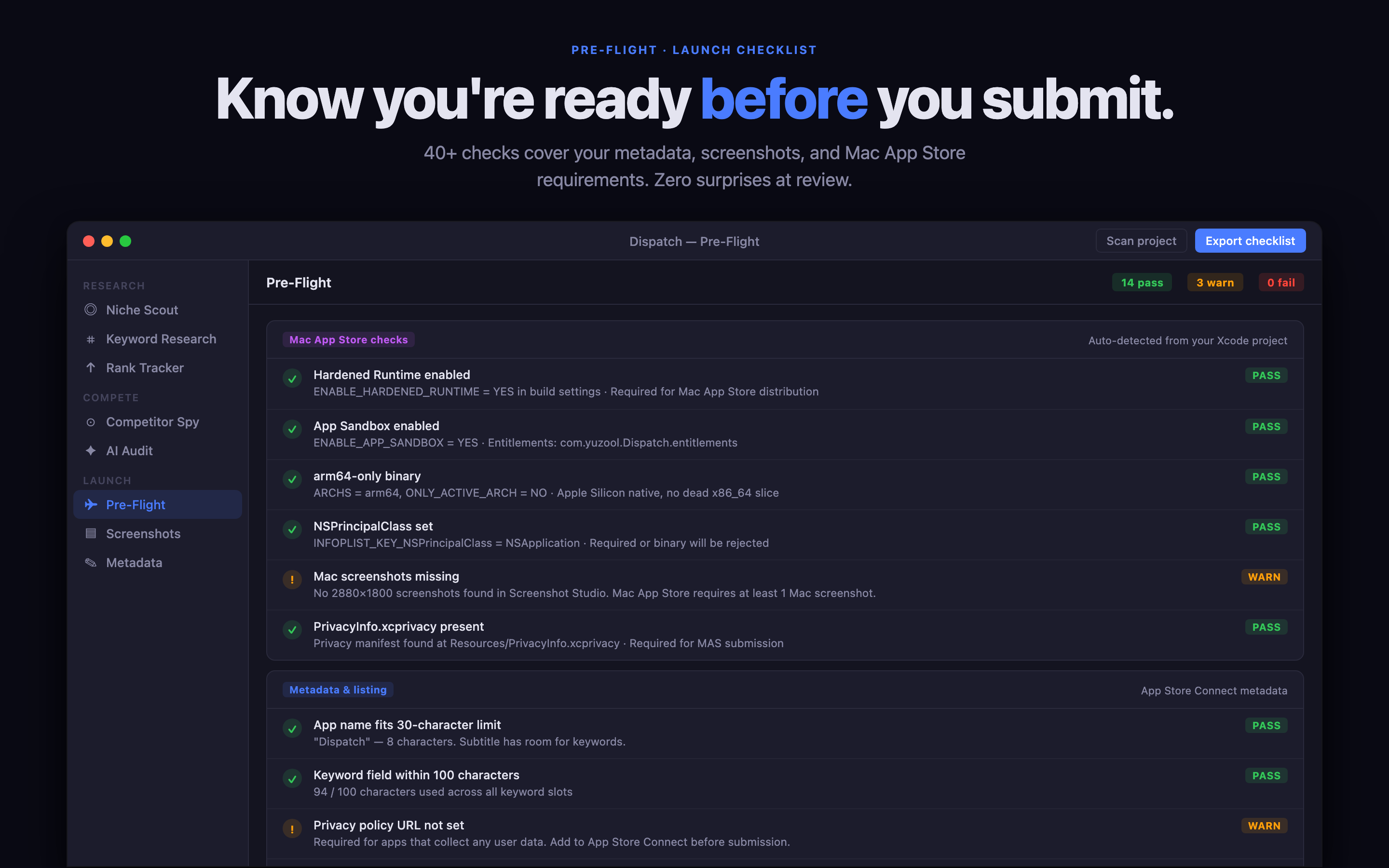
An App Store launch retrospective should be short enough to complete while the evidence is fresh. It is not a ceremony or a report for a marketing department. It is a way to turn one release into a better next decision.
Start with what actually happened
Write down the release date, the first meaningful update, the main distribution channels and the period you are reviewing. Separate what you know from what you assume. “The app had 400 impressions” is evidence. “The screenshots failed” is a hypothesis that needs more support.
Review the same window for product-page views, downloads, conversion, refunds, reviews and support questions. If the numbers are small, that is still useful: the purpose is to learn the shape of the funnel, not to pretend the sample is larger than it is.
Review the promise and the proof
Read the title, subtitle and first three screenshots as if you had never seen the app. Can you explain who it is for, what it helps with and why it is different?
Then compare that promise with the questions people asked. If support messages explain a feature that the page should have made obvious, the next update may be a copy or screenshot change rather than a product change.
Review distribution separately
List every source that sent visitors: search, an article, a directory, a newsletter, a social post, a review or a direct link. Record the destination URL and any tracking data you have. A channel that sends fewer visitors but better-fit visitors may be more valuable than a large spike with no conversion.
This is also where a small product like Dispatch can help. Keep the research, launch notes and next experiment together so you can see whether a change came from the listing, the audience or the distribution.
Choose one next experiment
Do not turn the retrospective into ten simultaneous fixes. Choose one experiment with a clear reason: rewrite the subtitle for the core job, reorder the screenshots, test a different price explanation, add a support answer or write a page for a newly visible search intent.
Give the experiment a time window and a success measure. If the result is unclear, record that too. An inconclusive test is still better than a collection of changes you cannot interpret.
Copy-and-use retrospective prompts
What did we expect to happen? What happened instead? Which audience found the app? Which promise earned attention? Which question appeared repeatedly? Which channel produced the most useful visitors? What is one thing we should stop doing? What is the one change we will test next?
Answer those questions in plain language. The document should help you make the next release calmer and more deliberate.