Why the Mac’s best features are the ones Apple never talks about
The quiet details that make a Mac feel less like a product and more like a place to work.
Read the postYuzool / Topic
The Mac is still a wonderfully direct place to work. These are notes on the details that make it feel that way.
Explore the archive
Practical notes, odd corners and useful context from the Yuzool editorial.
The quiet details that make a Mac feel less like a product and more like a place to work.
Read the postClipboard history is useful precisely because it sits close to the work. That also makes its privacy boundary important.
Read the postA week in front of you, the work on realistic days, and a simple way to move tasks when reality disagrees.
Read the post
A calm workflow for combining Apple Calendar or Google Calendar with a task list: keep appointments, due dates, and flexible work in the right place.
Read the post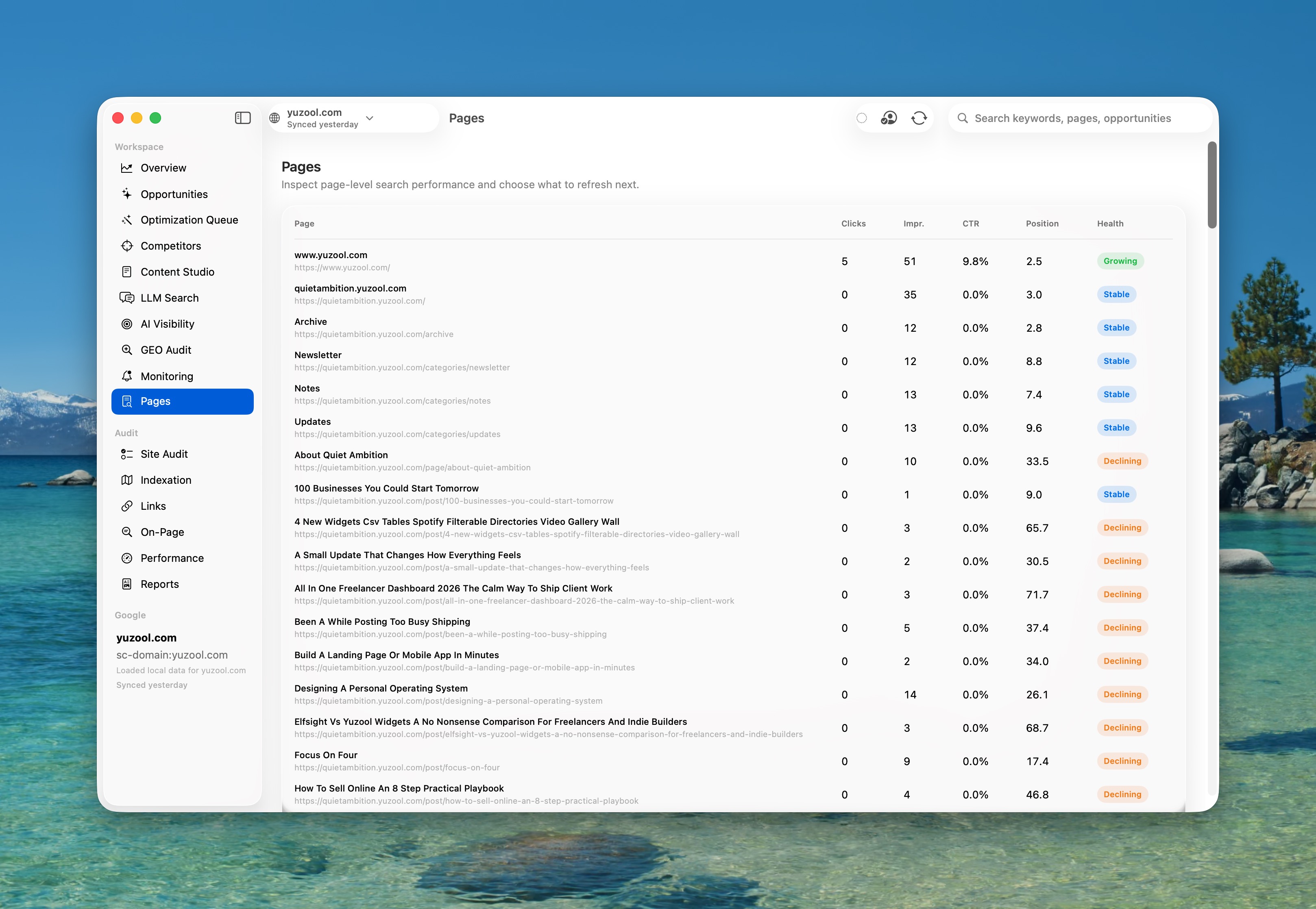
A focused workflow for finding pages with impressions but few clicks in Google Search Console, choosing one title or description change and measuring the result on Mac.
Read the postCompare Rank and Palm for indie founders on Mac: Rank focuses on Search Console and SEO decisions, while Palm turns product ideas into launch plans and assets.
Read the post
How to plan a realistic freelance week when client deadlines move: keep fixed commitments visible, carry unfinished work forward and protect capacity for surprises.
Read the post
Choose a practical Mac app bundle for a small design studio with tools for email, SEO, automation, planning and client work without stacking subscriptions.
Read the postHow freelancers can plan a realistic week across changing locations, client deadlines and limited focus time with a native Mac weekly planner.
Read the post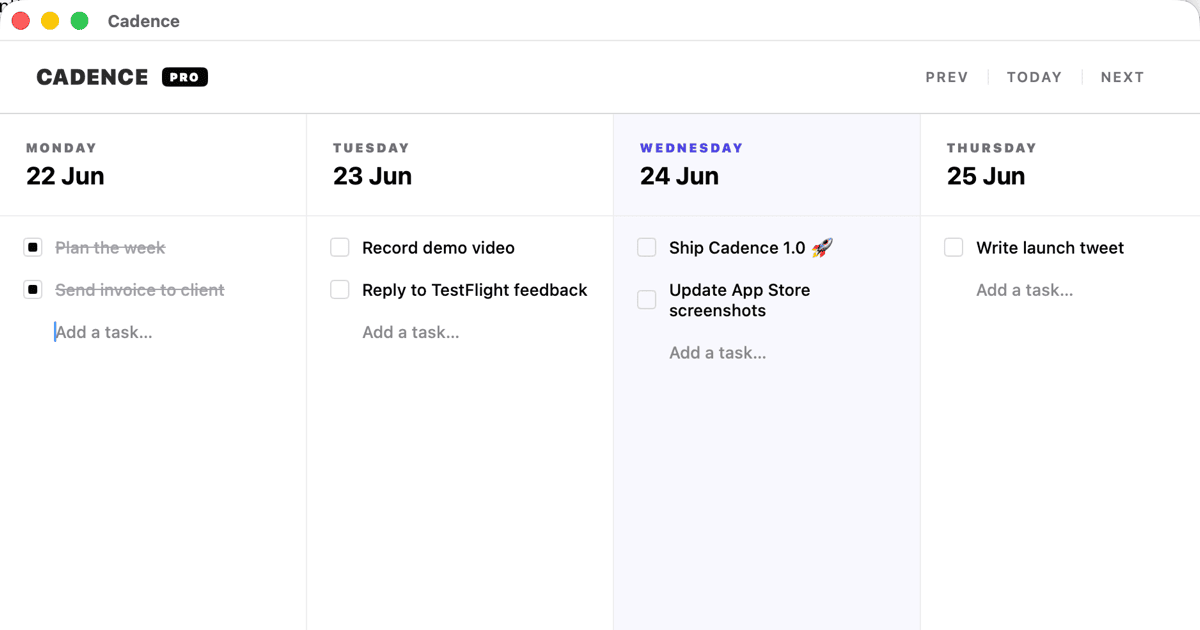
Keep the clarity of a paper weekly planner while gaining a native Mac view for unfinished tasks, client work and changing priorities.
Read the postA practical Mac software toolkit for remote workers who want focused apps for email, planning, automation and research without another monthly subscription.
Read the postFind a native Mac weekly planner for freelance work that keeps priorities visible, carries unfinished tasks forward and avoids another recurring subscription.
Read the post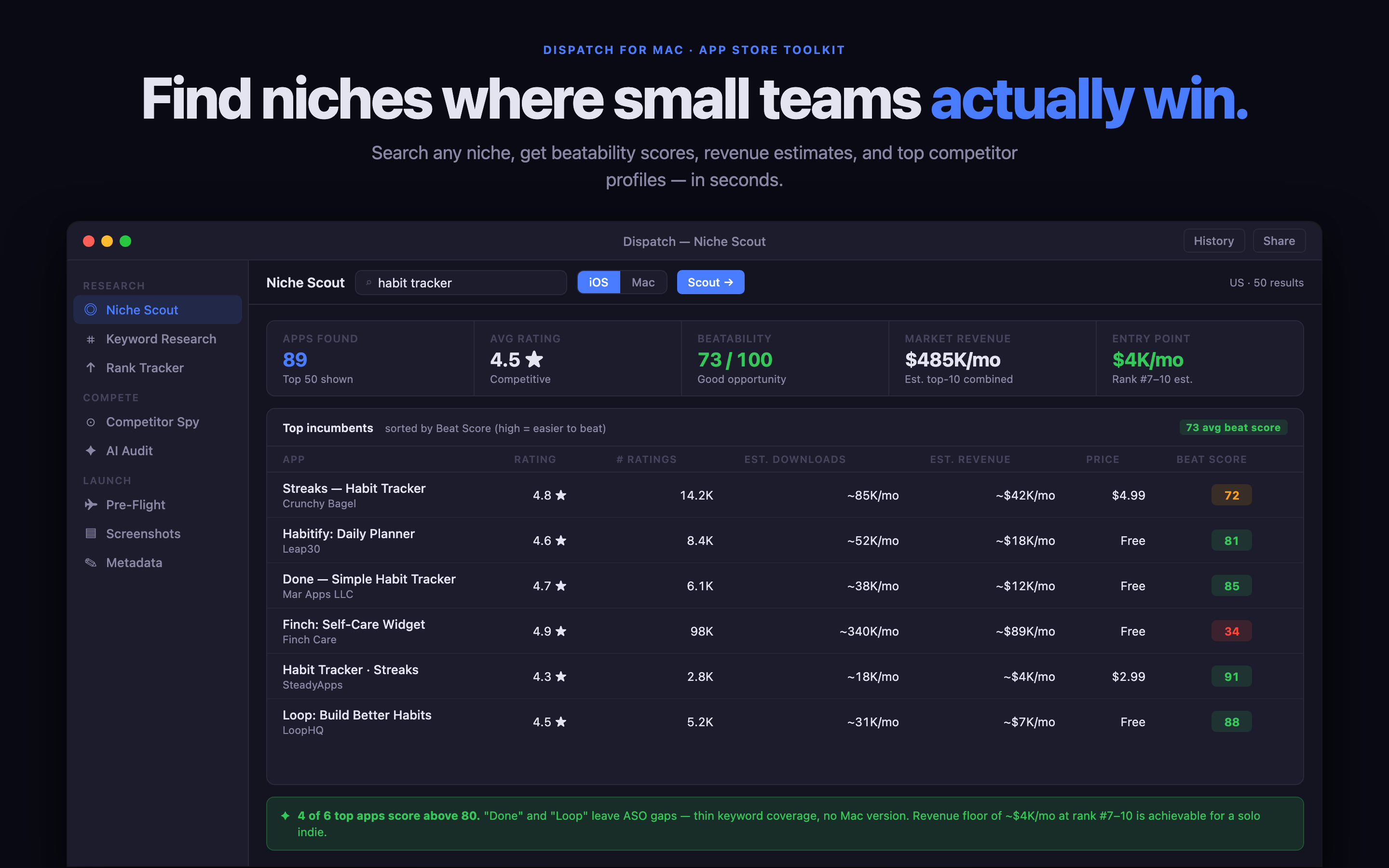
Use a focused Mac app to research App Store keywords, compare competing promises and turn search ideas into clearer metadata before an indie app launch.
Read the postA practical guide to choosing a Mac app bundle for indie developers who need SEO, email, automation, privacy and focused work tools without monthly subscriptions.
Read the postA practical guide to choosing a Mac app bundle for a one-person business, including weekly planning, SEO, email, automation and private tools.
Read the post
Looking for a weekly planner for Mac without a subscription? Compare the features that matter: carrying unfinished work forward, focus, privacy and a realistic weekly view.
Read the post
Compare a general task manager with Cadence, a native Mac weekly task board for freelancers who need to plan around changing client work.
Read the postPlan freelance capacity across multiple clients without maintaining a complicated Notion database, using a simple weekly view for real work and changing priorities.
Read the post
A focused Google Search Console workflow for freelancers: check anomalies, review low-CTR pages, prioritise fixes and keep SEO work from becoming an endless spreadsheet.
Read the post
A practical Mac app bundle for creative freelancers who need help with planning, SEO, email, launch work and automation without adding another monthly software stack.
Read the postA practical Mac app bundle for freelance designers who need weekly planning, SEO, email, automation and private tools without paying for a large agency platform.
Read the postA focused one-time-purchase Mac toolkit for freelance developers who need SEO, App Store research, automation, email and weekly planning in one affordable bundle.
Read the postCompare a focused Mac app bundle for freelancers who need SEO, email, automation, weekly planning and private tools without adding another monthly subscription.
Read the postCompare a practical Mac app bundle for independent developers who need SEO, email, App Store launches, automation, private AI and weekly planning tools without eight subscriptions.
Read the postChoose a focused Mac toolkit for remote work, including weekly planning, private AI, email, SEO and automation without adding a subscription for every small job.
Read the postA practical Mac app toolkit for a one-person business that wants SEO, email, automation, App Store research and weekly planning without adding eight monthly subscriptions.
Read the postA practical one-time-purchase Mac software toolkit for a small agency that needs SEO, email, automation, launch research and weekly planning.
Read the postA practical Mac app toolkit for solo consultants who need better SEO, email, research, automation and weekly planning without adding another subscription to the stack.
Read the post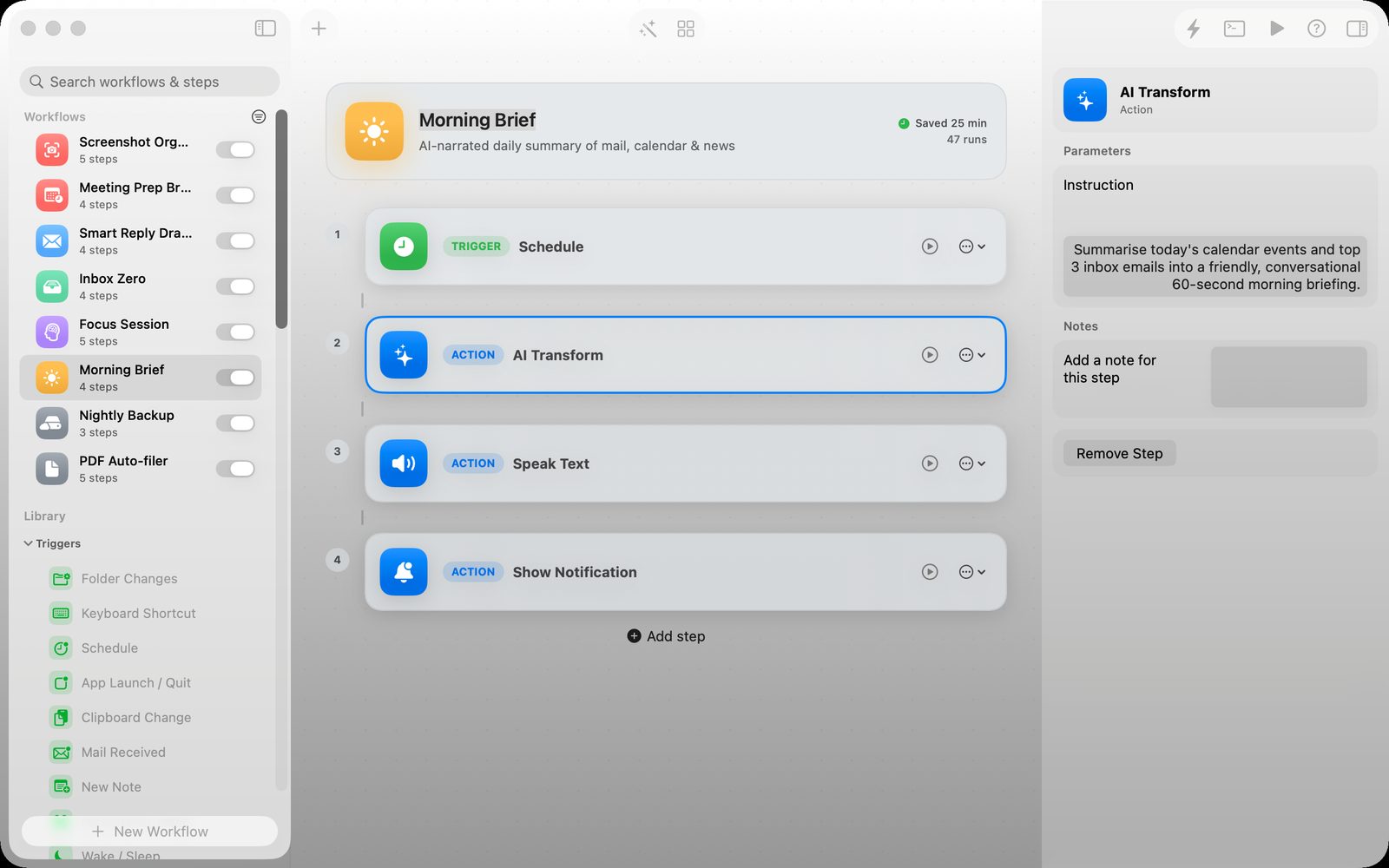
Use a Mac automation app to move files, trigger repeatable actions and reduce small chores without building a large cloud workflow.
Read the postChoose a focused Mac toolkit for product, SEO, email, automation and weekly planning without turning a one-person business into a pile of monthly subscriptions.
Read the postChoose a Mac weekly planner for independent contractors who balance client deadlines, changing priorities and unfinished work without a monthly productivity subscription.
Read the postPlan a realistic consulting week on Mac with a focused weekly task board for client work, proposals, admin, follow-ups and unfinished tasks that need to move forward.
Read the postCompare a Mac weekly planner with Todoist for freelance work: weekly capacity, carrying unfinished tasks, subscriptions, focus and realistic planning.
Read the postCompare a focused Mac weekly planner with Trello for freelance work, including client boards, capacity, unfinished tasks and the cost of maintaining another system.
Read the postChoose a Mac weekly planner with iCloud sync when you want one realistic task board across Mac and iPhone without a subscription or an overloaded project system.
Read the postA practical set of native Mac apps for freelancers managing several clients: weekly planning, SEO, email, automation, private AI and app launches without a monthly software stack.
Read the postA practical collection of one-time-purchase Mac apps for indie developers who need SEO, App Store research, email, automation and weekly planning without another subscription.
Read the post
What to look for in a private AI writing assistant for Mac: local processing, source context, editing control, privacy boundaries and a useful workflow.
Read the postWhat to look for in a private terminal AI assistant for Mac: command boundaries, local context, reviewable suggestions, privacy and safe automation.
Read the post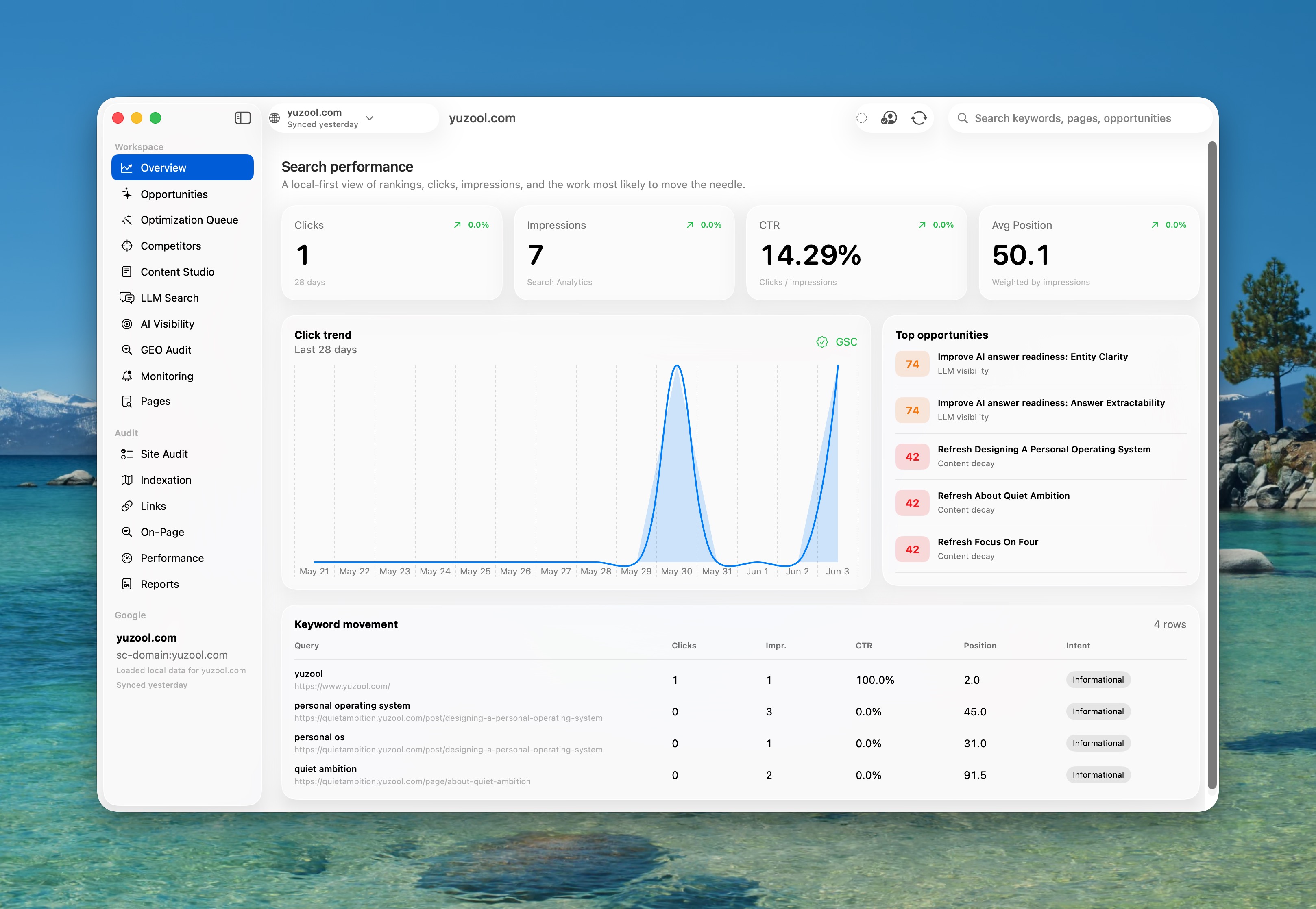
Compare the practical SEO jobs indie app developers need on Mac: Search Console review, launch-page checks, App Store research and a simple content workflow.
Read the postPlan design projects, client reviews and production work with a focused Mac weekly planner that keeps a realistic amount of work visible.
Read the post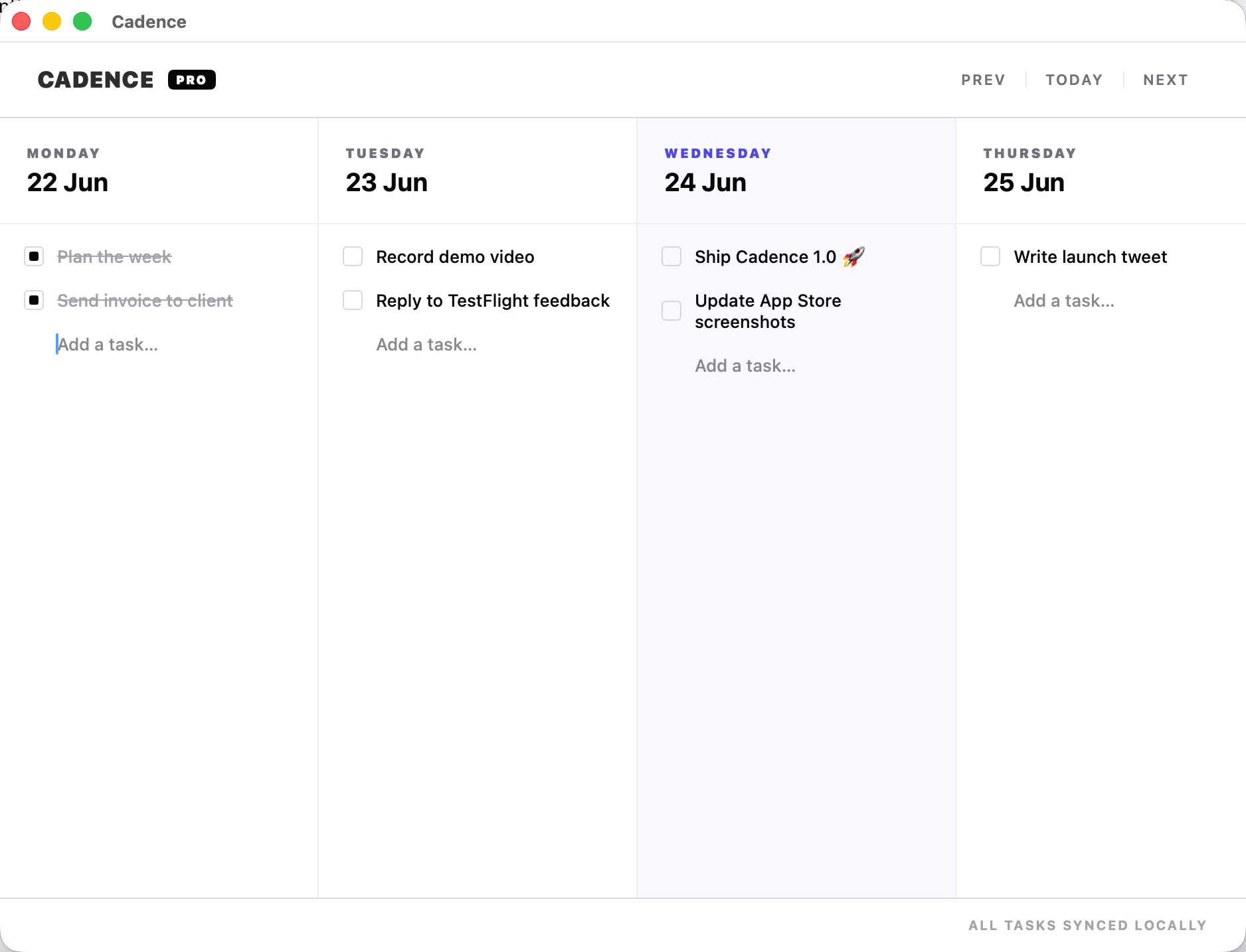
A realistic weekly planning method for freelancers handling several clients: reserve focus blocks, carry unfinished work forward and protect admin time.
Read the postPlan a freelance week when client deadlines change, with a simple Mac task board for reordering work without rebuilding your whole plan.
Read the postPlan freelance work when your hours change from day to day, with a weekly view that protects client commitments without pretending every day has the same capacity.
Read the postPlan a realistic consulting week on Mac when client projects have moving deadlines, review cycles and interruptions that do not fit an endless task list.
Read the post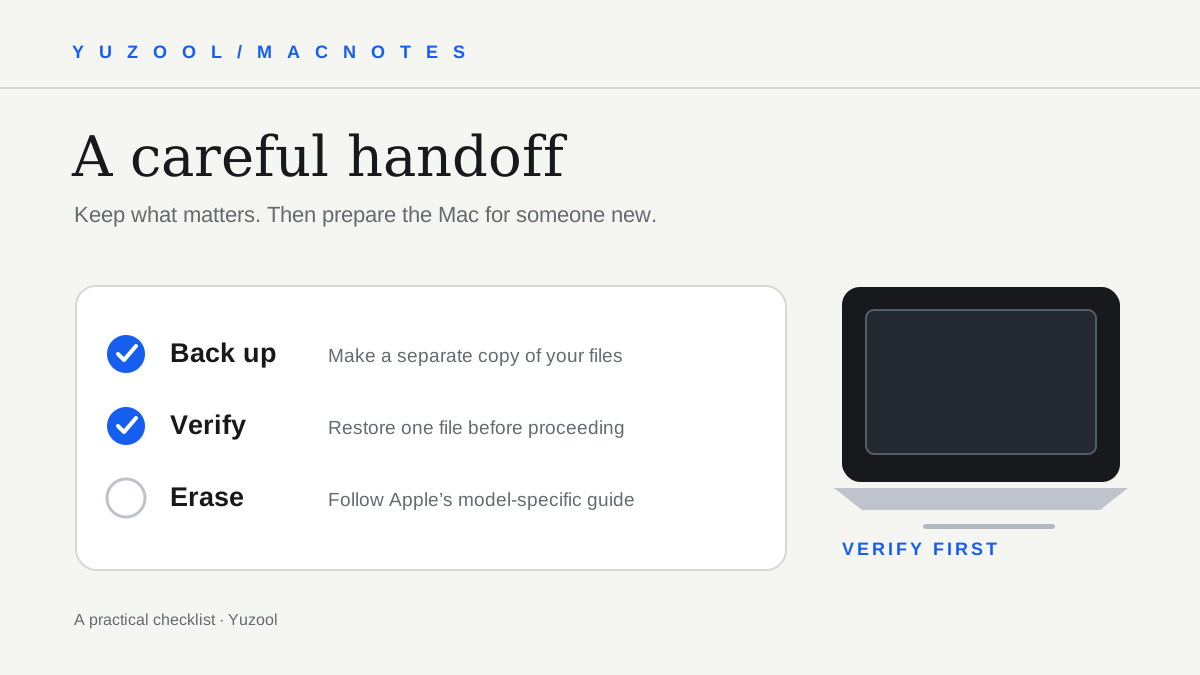
A careful checklist for preparing a Mac for sale or trade-in: plan the transfer, make and verify a backup, sign out, erase, and confirm the handoff.
Read the post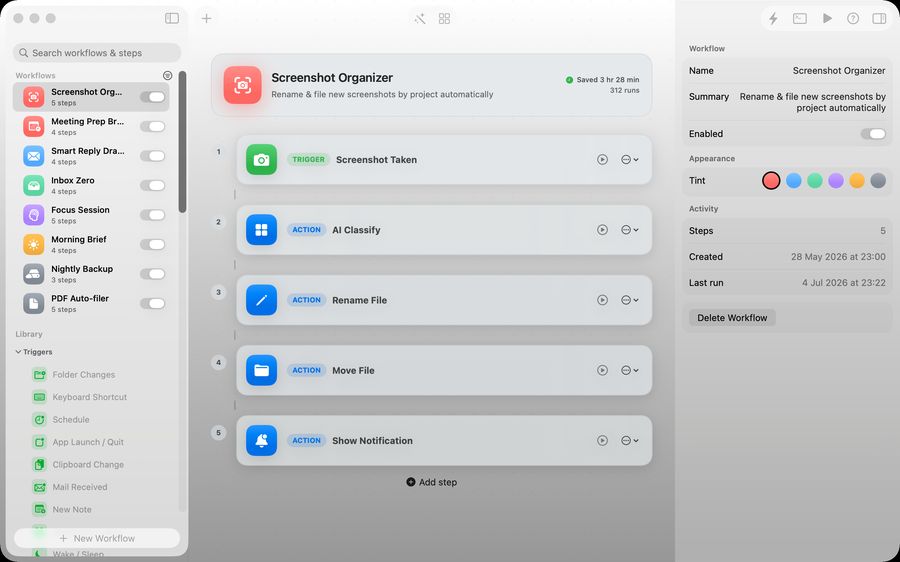
Stop letting screenshots pile up on your desktop. Set a Mac save location, use a project-and-date folder structure, and name important captures so they are easy to find.
Read the post
A realistic weekly planning routine for freelancers on Mac: review open work, choose a few outcomes, place admin deliberately, and move unfinished tasks without starting over.
Read the postWhat makes a good weekly planner for freelancers on Mac: visible capacity, quick capture, easy rescheduling, iCloud sync and a clear one-time price.
Read the postA practical guide to choosing Mac productivity apps without a subscription, including weekly planners, focused utilities, privacy and one-time pricing.
Read the postWhy the best Mac menu bar apps disappear into the edge of your screen until the exact moment their small job becomes useful.
Read the post