Apps & Tools
The Best Conference Expense Tracker for iPhone
What to look for in a conference expense tracker for iPhone: fast receipt capture, original currencies, travel context, manual entry and easy review.
Published September 24, 2026 · Michael at Yuzool
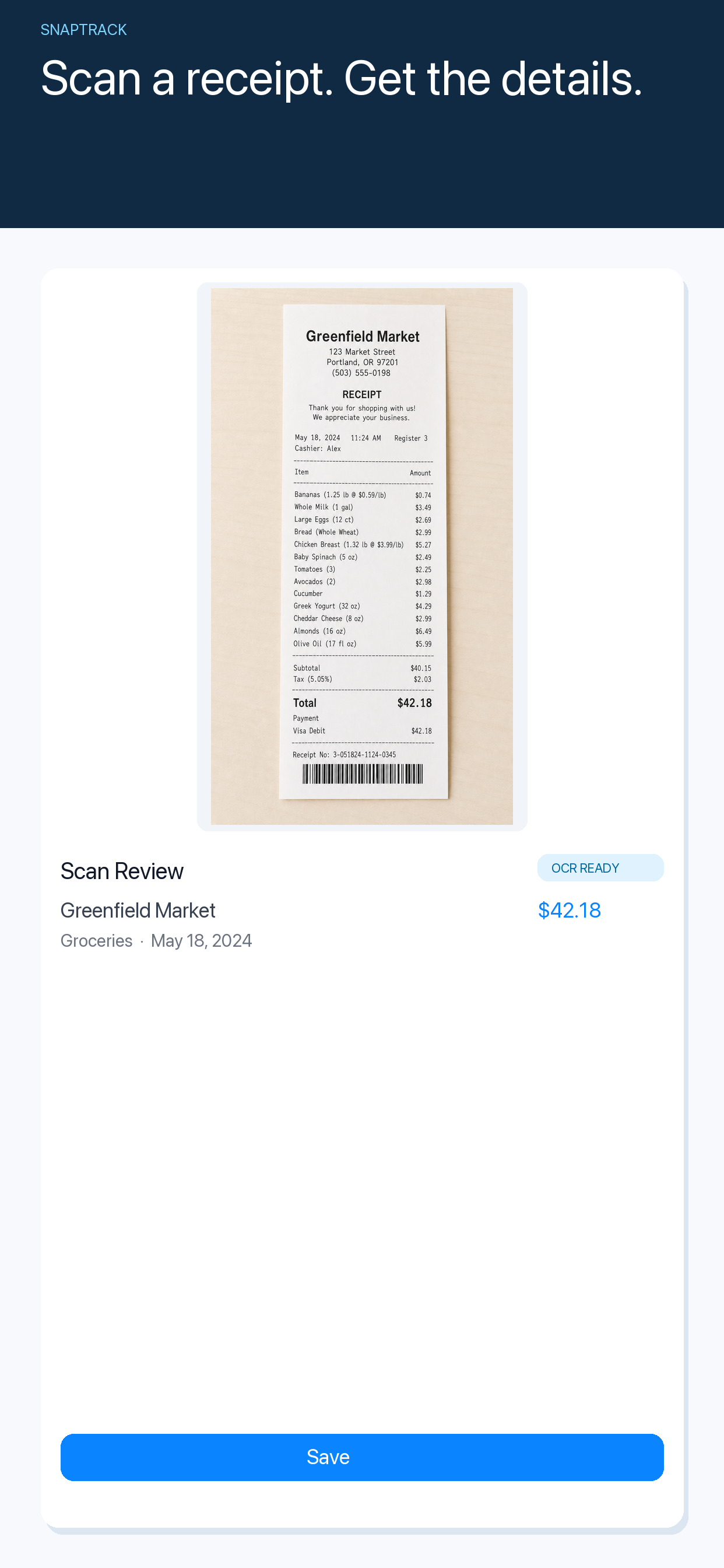
The best conference expense tracker for iPhone helps you capture costs while the trip is happening. Travel days create a stream of receipts—registration, hotels, meals, trains and small purchases—that becomes difficult to reconstruct once you are back at your desk.
Capture before the receipt disappears
Speed matters more than a large dashboard. Scan the receipt, check the important details and add enough context to remember the conference, client or project later.
Preserve the original currency
International travel creates a second layer of confusion. Keep the amount and currency printed on the receipt, then follow your employer’s or accountant’s reporting process for conversion.
Review is as important as scanning
A receipt app should help you return to a coherent history. Look for manual entry when a receipt is digital or faded, a clear list of expenses and a workflow that does not require you to maintain a second spreadsheet.
SnapTrack is a focused iPhone expense tracker for receipts, business travel and freelancers. See the conference travel guide or download SnapTrack.
Use the app as an organised record, not as tax advice. The best conference workflow is the one that leaves you with fewer mysteries when the event is over.