Apps & Tools
Best Receipt Scanner for Freelancers on iPhone: What Actually Matters
Choosing a receipt scanner for freelance work? Compare the features that matter most: fast capture, searchable context, privacy, currency support and easy review.
Published August 30, 2026 · Michael at Yuzool
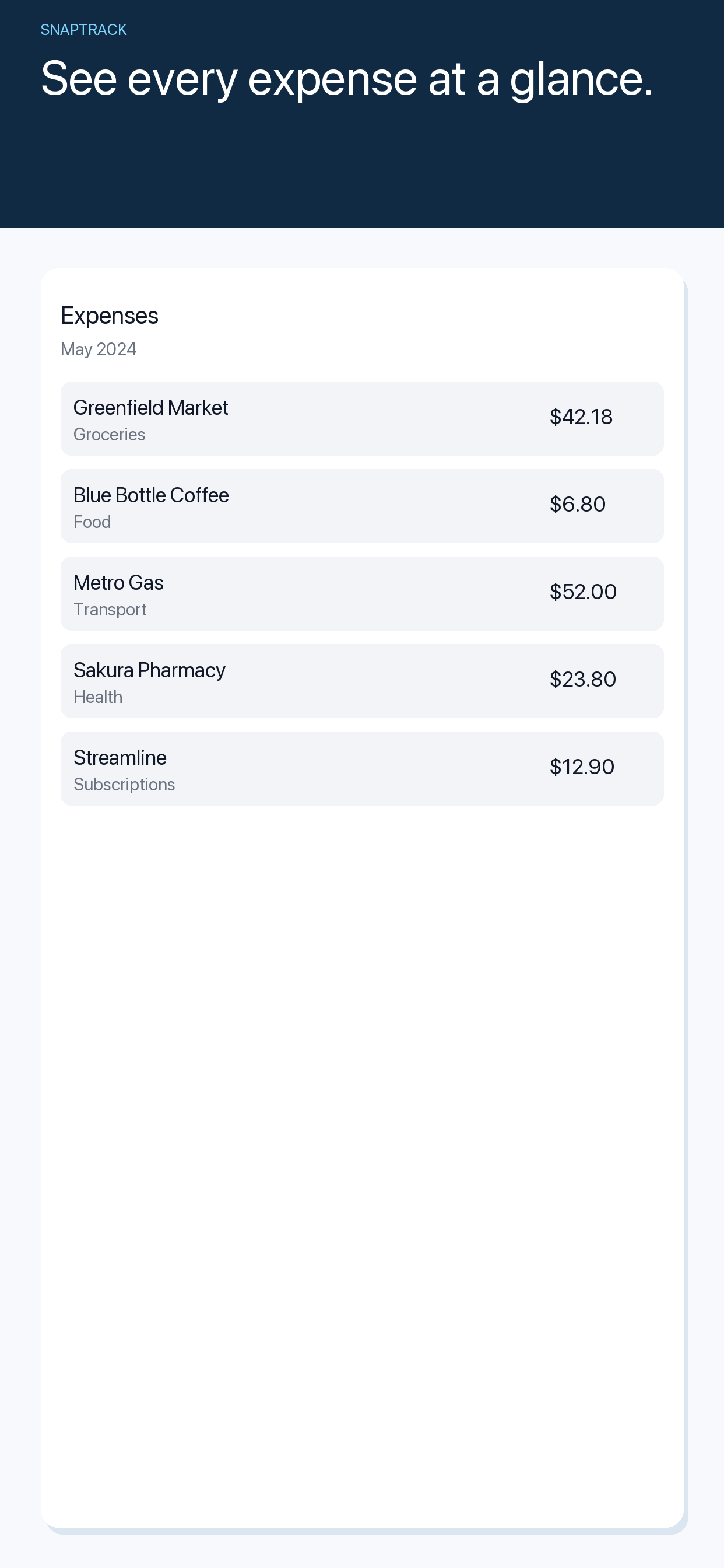
The best receipt scanner for a freelancer is not the one that promises to run the whole business. It is the one you will actually open after paying for a train ticket, a client lunch or a piece of equipment.
Freelancers tend to have uneven expense patterns. One week is quiet; the next includes travel, subcontractors and several small purchases that need to be remembered at invoice time. A good iPhone workflow should make those moments easy to capture without turning them into bookkeeping sessions.
1. Speed comes before automation
Receipt recognition can be helpful, but the first test is simpler: how many taps does it take to save the purchase? If capture is slow, you will defer it. If you defer it, the receipt will arrive at the end of the month with no useful explanation.
Look for an app that opens quickly, makes the camera obvious and lets you confirm the important details without completing a dozen optional fields. Automation should remove work from the workflow, not add a new inbox of corrections.
2. Context is more valuable than a perfect total
A freelancer usually needs to answer questions such as “Which client was this for?” or “Was this travel, software or equipment?” A receipt image alone may prove that you paid, but it does not always explain why.
The app should give you a small place to record purpose and project context. Keep it lightweight. A sentence like “train to Osaka client workshop” is often more useful than a complicated accounting category that you have to look up.
3. Original currency should survive the journey
Freelancers who travel need to keep the currency used at the point of purchase. Converting everything at capture time can make reconciliation faster in theory, but it weakens the link to the original receipt.
The better approach is to preserve the original amount and currency, then make any reporting conversion later. This is especially useful when a client asks about a particular line item or when your card statement uses a slightly different rate.
4. Review should be a first-class feature
The value of a receipt scanner appears when you return to it. Can you see the expense history as a coherent list? Can you spot a missing receipt? Can you understand the purchase without opening five other apps?
Capture and review are different modes. Capture should be fast and forgiving. Review should be slower, with enough information to check what happened. Apps that focus only on scanning often leave the harder half to your memory.
5. Privacy is part of the product decision
Receipts can reveal client names, locations, travel patterns and spending habits. Before choosing a receipt app, read its privacy page and understand where images and extracted information go. “Free” is not automatically a good deal if the trade is unclear.
For a small independent practice, a focused tool with a straightforward privacy explanation may be more suitable than a large platform that wants to become your complete financial home.
Where SnapTrack fits
SnapTrack is made for freelancers and travellers who want a small, dependable receipt trail on iPhone. It focuses on scanning purchases, keeping their original currency and context, and reviewing the history later. It is not trying to replace accounting software; it is the capture layer before the accounting work.
Try SnapTrack on the App Store
When comparing apps, choose the one that matches your actual habit. A perfect system that is postponed is less useful than a modest system that gets opened every time you pay.