Apps & Tools
How to Set Up a DIY Wedding Photo Booth With an iPhone
A low-fuss guide to making a DIY wedding photo booth with an iPhone, good light, simple prompts and photo strips guests will actually use.
Published September 28, 2026 · Michael at Yuzool
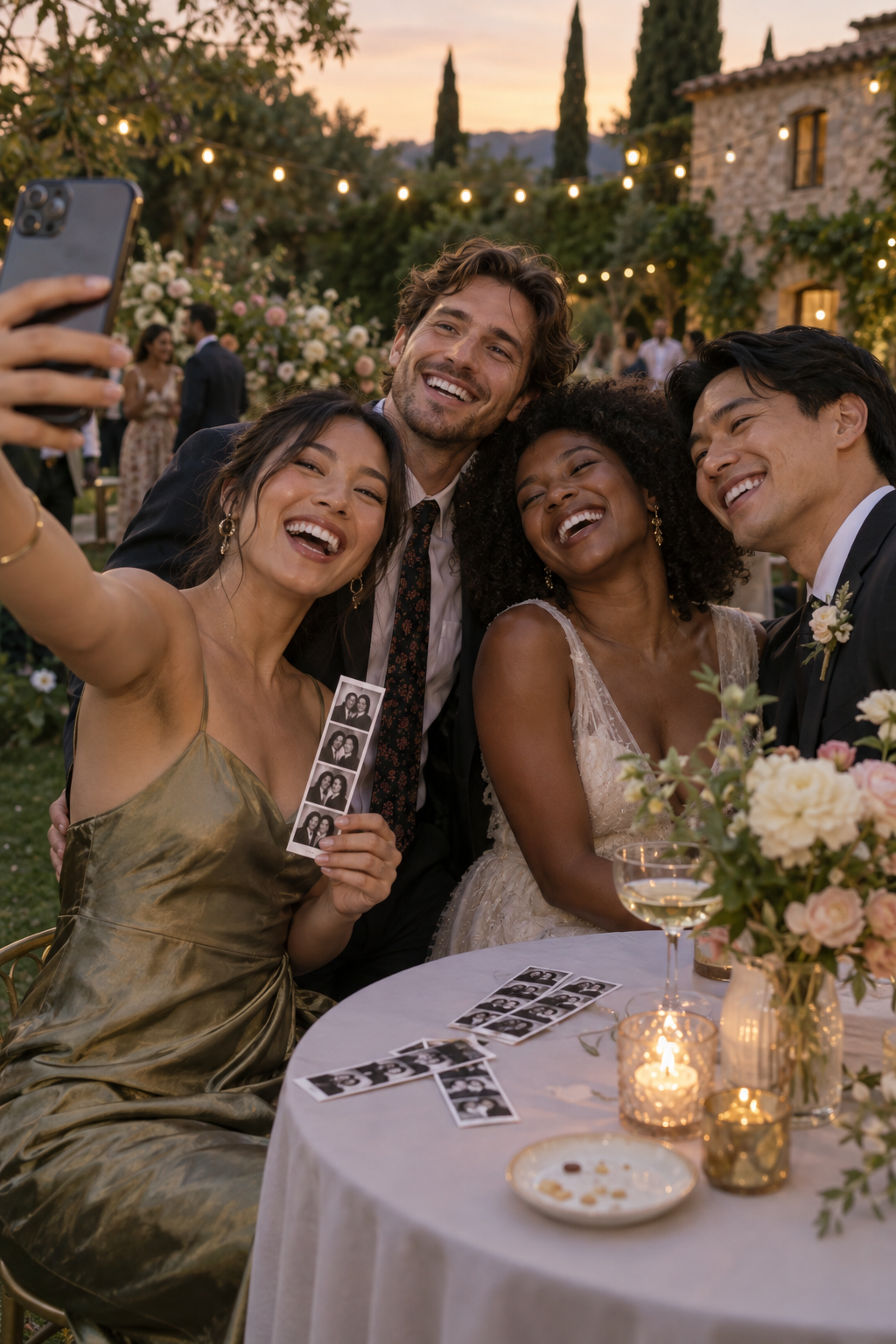
A DIY wedding photo booth does not need a large rental, a complicated backdrop or a member of the wedding party assigned to operate it all night. With an iPhone, a stable setup and a clear invitation, guests can make their own small record of the evening.
The best version is easy to understand in a few seconds. Guests should know where to stand, what to do and what they will get at the end.
Choose a simple location
Place the booth near a natural pause in the reception: beside the guest book, near the welcome drinks or close to the dance floor but away from the loudest speakers. Guests should be able to see it without blocking the queue for food or the main entrance.
Leave enough space for two or three people to stand comfortably. A small table can hold a sign and a stand, but keep the camera at face height rather than low on a surface.
Make the light do the work
Face the camera toward the room, not a bright window. Soft, even light is more flattering than a dramatic overhead spotlight. Test the setup from the position where guests will stand and check both the first frame and the edges of the image.
You do not need a perfect studio. You do need to avoid a dark face, a window behind the subject and a background full of distracting clutter.
Give people one clear prompt
The sign should explain the activity in one sentence: “Make a three-photo strip for the couple” or “Take three pictures with your table.” A single prompt creates momentum. A list of ten pose ideas creates homework.
Keep a few small props nearby if they fit the wedding, but let the people remain the focus. Guests usually create better pictures when the activity feels like an invitation rather than a performance.
Use a photo-strip flow
Photo strips work because they turn a quick interaction into a small keepsake. Three frames are enough for a reaction, a group pose and one deliberately silly picture. The result feels more like a memory than a folder of random camera-roll images.
Boothly is made for this lighter kind of photo booth: an iPhone-friendly flow for wedding photos, parties and small gatherings without hiring a large booth. It keeps the activity focused on taking and sharing the pictures rather than managing event equipment.
Do a five-minute test
Before guests arrive, check the camera position, lighting, storage space, battery and the exact path from the first tap to the finished strip. Ask one person unfamiliar with the setup to try it. If they hesitate, rewrite the sign or simplify the first step.
For more ideas, explore the Boothly photo booth app, read how to make a wedding photo booth with an iPhone or try Boothly on iPhone.