Apps & Tools
Event Photo Booth Privacy: A Simple Consent and Sharing Checklist
Plan an event photo booth with clear guest consent, private sharing choices and a simple image-retention plan before the first photo is taken.
Published October 5, 2026 · Michael at Yuzool
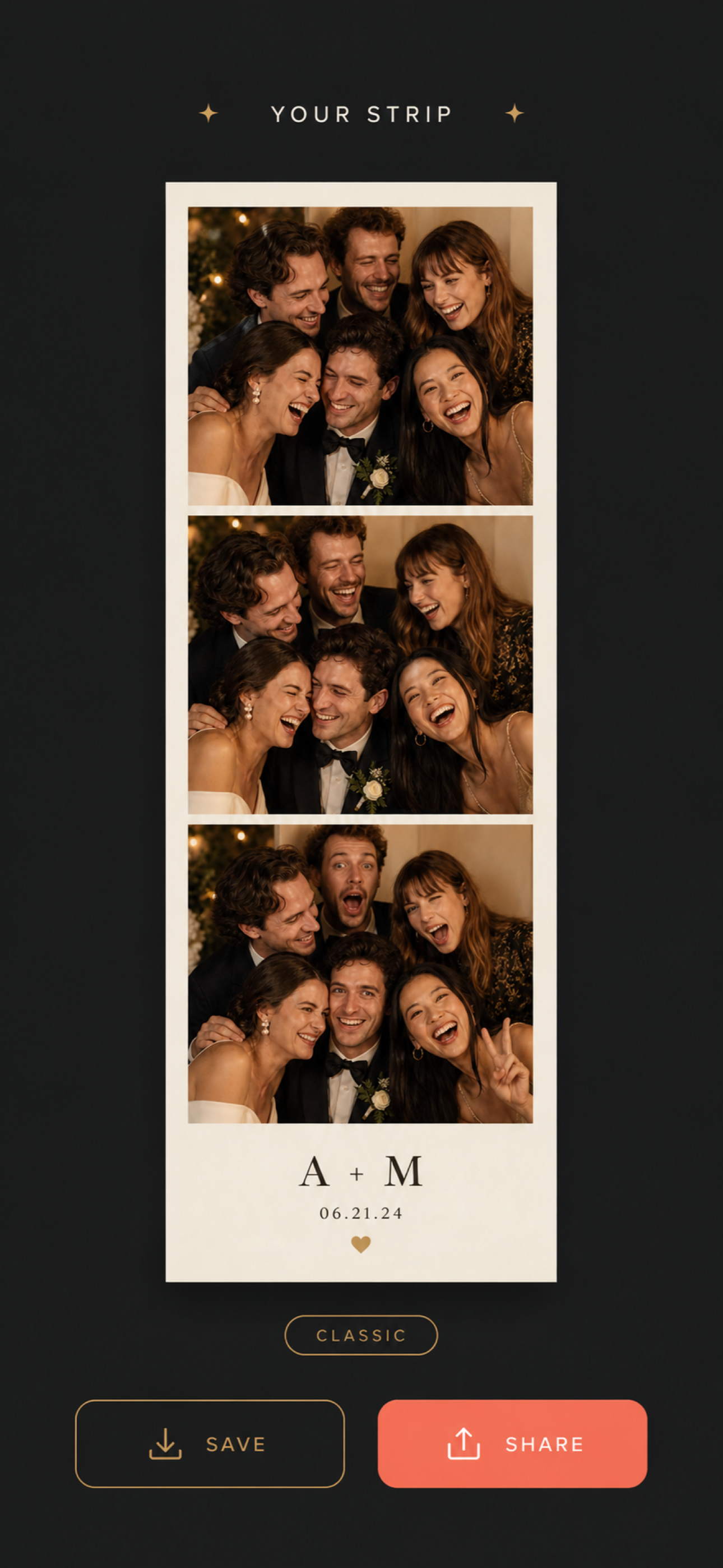
A photo booth can make a party feel warmer, but guests should know what happens to their pictures. Decide how photos are captured, who can see them and how long they will be kept before setting up the camera. That simple plan makes it easier for people to join in—or opt out—without an awkward conversation at the booth.
Tell guests what the booth does
Use a short sign near the camera that explains the immediate result: for example, photos are combined into a strip and saved to the device. If images will also be posted to a shared gallery, printed, used in a public recap or sent to the organiser, say so plainly. Do not imply that a photo stays private if it will be shared more widely.
Where practical, make saving or sharing a separate choice after the photo is taken. A guest who wants a keepsake may not want their image posted on a public account. Give people a way to take part without being included in public promotion.
Make opting out easy
Put the photo area in a clearly marked spot rather than aiming a camera across the whole room. Tell guests that joining is optional, and avoid making participation a condition of receiving a party favour or entering a giveaway. For events with children, follow the organiser’s consent policy and obtain the appropriate permission before taking or sharing identifiable images.
If the event has a photographer, coordinate the booth placement and explain any no-photo areas. A small sign and a considerate volunteer can prevent confusion better than a long policy nobody reads.
Choose a sharing route before the event
Decide whether the finished strips are saved on the device, sent directly to guests, printed or placed in a private gallery. If you use a QR code, check the destination on a phone and explain who can access it. Avoid putting sensitive event details or personal information in a public album title.
Assign one person to manage the device and explain the flow. They can help guests choose whether to save a result and keep the camera pointed at the intended area. For a practical capture setup, see the guide to running a QR photo booth at a wedding and a photo booth for a small dinner party.
Set a retention rule
Before capture begins, decide when the event copies will be reviewed and deleted. Remove test images and duplicates, restrict access to the person who needs it, and do not keep photos indefinitely just because storage is available. Follow the event host’s privacy expectations and applicable rules for your location.
Boothly is an iPhone photo booth app for creating event photo strips. It gives the organiser a focused capture flow; the host still decides how images are saved and shared. Explore Boothly or view it on the App Store.