Apps & tools
An Expense Tracker for Digital Nomads on iPhone
Keep travel receipts, currencies and business expenses organised on iPhone while working across countries, without waiting until the end of the month.
Published September 25, 2026 · Michael at Yuzool
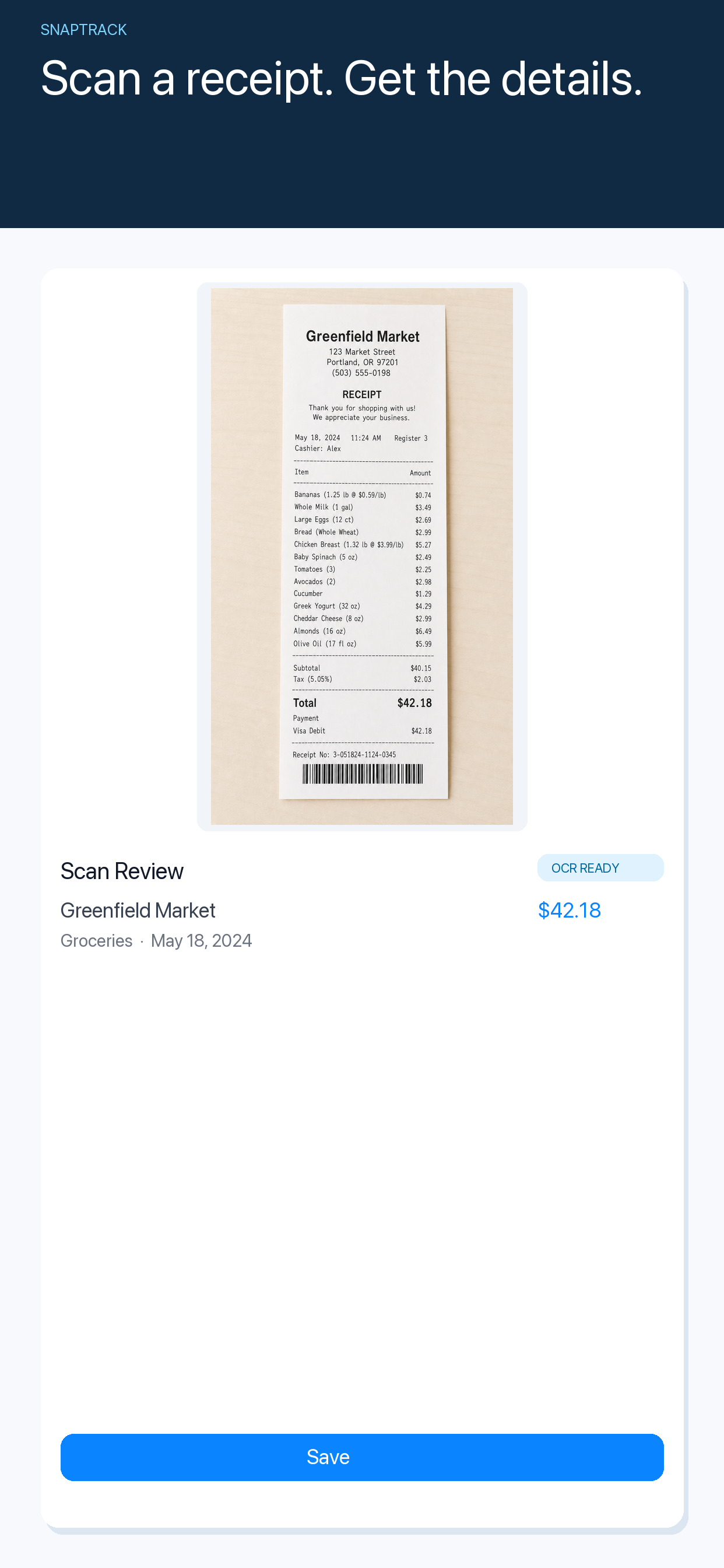
Working across countries makes expense tracking harder than simply saving a receipt. A meal may be in one currency, an accommodation charge in another and a business purchase tied to a client in a third place. The longer the details stay in pockets, email and camera-roll photos, the harder it becomes to reconstruct the trip accurately.
Capture the expense while you still know what it was
Take a photo at the point of purchase and add a short note about the client, project or trip. The note does not need to be a full explanation. “Lisbon client meeting” is enough to give a future-you clue that a merchant name alone will not provide.
SnapTrack is an iPhone receipt and travel-expense tracker for freelancers, consultants and remote workers. It is built around capturing the original detail, reviewing it and keeping the expense history together while the trip is still fresh.
Keep the original currency visible
Do not replace the original amount with a rough conversion from memory. Record the currency shown on the receipt and keep the original document. If you need a home-currency total later, use a consistent conversion method and note the date or rate source required by your reporting process.
An app can make the record easier to find, but it cannot decide how your tax or accounting system should treat an expense. Check local requirements or ask a qualified professional when the reporting consequences matter.
Separate business and personal context
Travel days often mix the two. Mark whether an expense is business, personal, shared or needs review. This is more useful than trying to remember at the end of a month why a charge appeared on a card statement.
Keep invoices, receipts and booking confirmations together when possible. A receipt tracker is the capture layer; your final accounting or reimbursement workflow may need additional documentation.
A small digital-nomad expense routine
- Photograph the receipt before leaving the venue.
- Record the original currency and a short context note.
- Mark business, personal or needs review.
- Review the trip once a week while details are still fresh.
- Export or hand off the information using your normal accounting process.
The best expense tracker for digital nomads is the one that keeps the original context attached to the cost. Explore SnapTrack for iPhone.