Apps & tools
Expense Tracker for Freelance Designers: Keep Client Costs Clear
Track receipts, client costs, currencies and reimbursable expenses on iPhone without turning a freelance design project into a spreadsheet exercise.
Published September 24, 2026 · Michael at Yuzool
Freelance designers often pay for more than software. There are client coffees, research trips, printing, stock assets, travel, props and small purchases made while a project is moving quickly. An expense tracker for freelance designers should make those costs easy to capture without adding another complicated business system.
Separate project costs from general business costs
Start by recording why the purchase happened. A train ticket for a client workshop, a print proof for a presentation and a font licence for a specific identity project should not be mixed into one vague monthly total. The context helps you invoice accurately and explain a reimbursement later.
You do not need dozens of categories. A small set such as travel, materials, software, meals and reimbursable client costs is usually easier to maintain. Add a note when the category alone will not explain the purchase.
Capture the receipt while the context is fresh
The best time to record a receipt is usually when you leave the café, studio or station—not at the end of the month. Waiting makes it harder to remember which client it belonged to and increases the chance that the paper disappears.
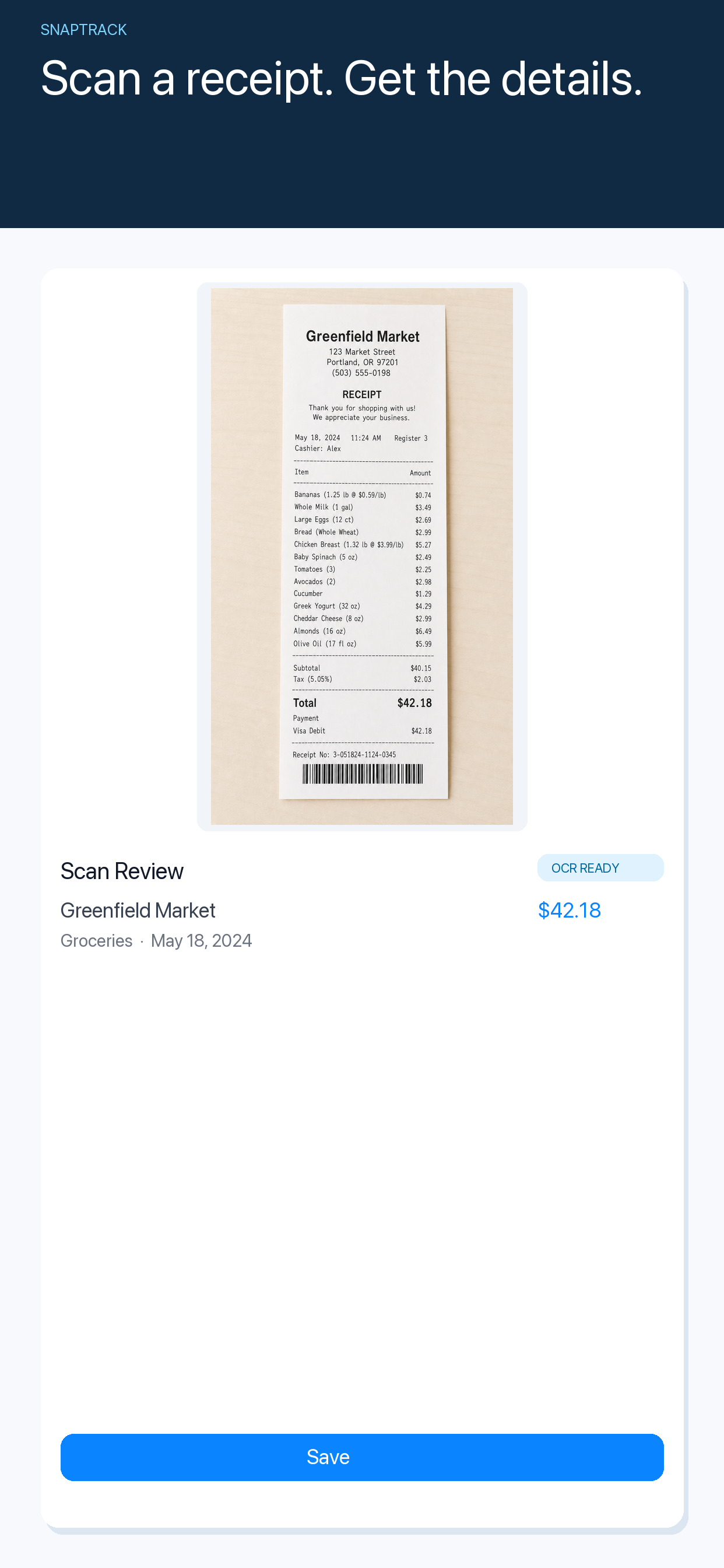
SnapTrack lets you scan a receipt on iPhone, review the detected merchant, total, date and category, then keep a searchable expense history. You stay in control of the result before saving it, which is useful when a receipt is faded or the OCR needs correcting.
Keep currencies visible on travel projects
Designers working with clients or conferences abroad may have receipts in several currencies. Do not replace the original amount with a converted guess. Keep the receipt currency visible, then add the home-currency rate needed for the report or invoice.
That gives you a clearer record: what the receipt actually said, which rate you used and what the converted total means. It is much easier to explain than a single number with no history.
Make reimbursement painless
At the end of a project, filter for client-related expenses and check the supporting images. Export or share only what the client needs, with a short description for each line. If a purchase is not reimbursable, keep it in your business record but do not add it to the client request.
Agree on the process at the start of the engagement. Ask whether receipts should be submitted weekly, at milestones or with the final invoice. A clear routine protects both the designer and the client from a surprise list months later.
The simplest system is the one you keep using
A spreadsheet can work if you enjoy maintaining it. A dedicated iPhone expense tracker is useful when the problem is capture: getting the receipt, context and currency recorded before the next meeting begins. The goal is not a bigger finance dashboard. It is a reliable trail from purchase to project decision.