Apps & tools
An Expense Tracker for Freelance Photographers
Keep freelance photography receipts organised by shoot, client and category with a simple iPhone expense tracker that captures costs before they disappear.
Published September 24, 2026 · Michael at Yuzool
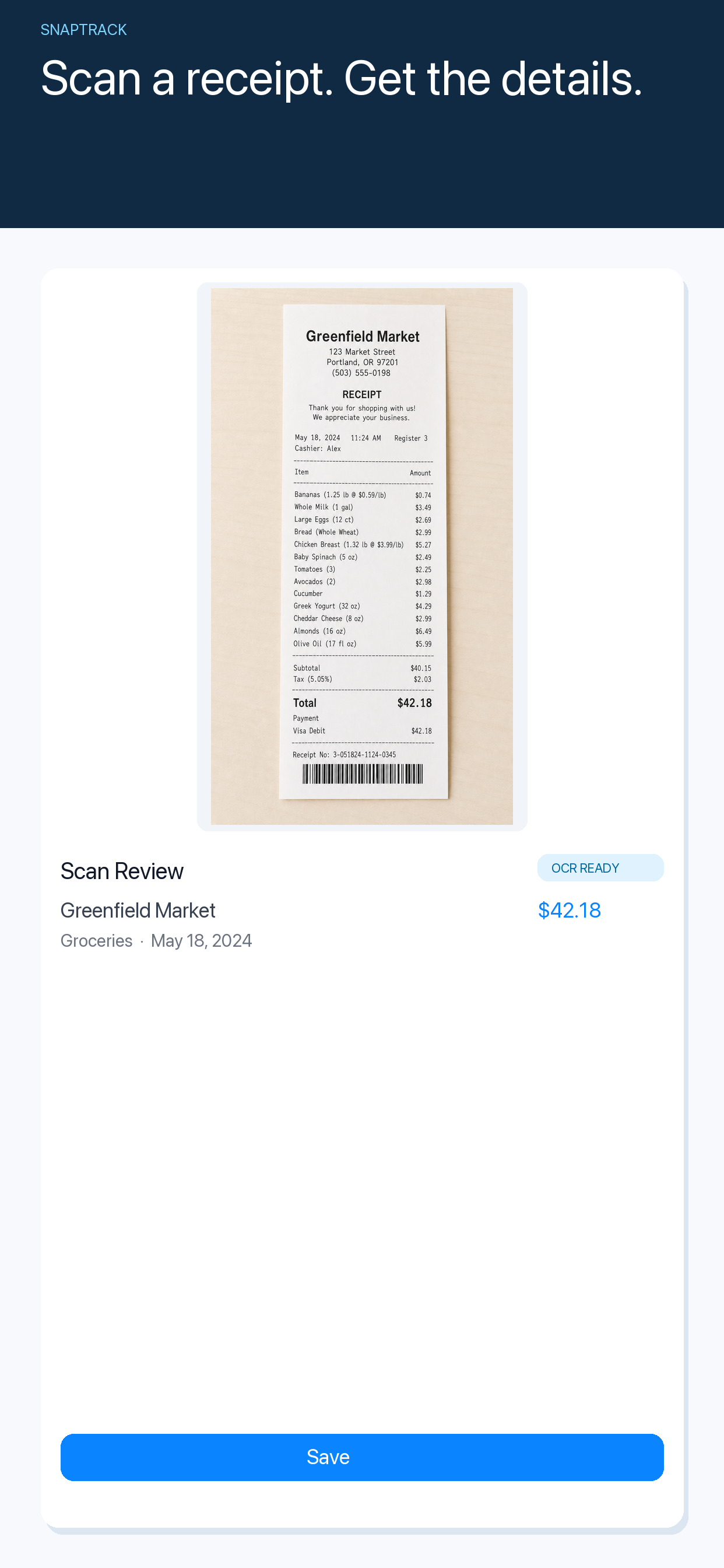
Freelance photographers collect expenses in motion: parking before a shoot, memory cards from a camera shop, a meal between locations, a taxi to an event and a last-minute prop that goes on the client invoice. The problem is rarely that the expense is impossible to record. It is that the receipt disappears into a pocket or camera bag before the day is over.
Capture the receipt at the useful moment
The easiest time to record a cost is immediately after paying, while you still know which shoot it belongs to. Take a clear photo, check the merchant and amount, then add a short note such as “wedding — second location” or “product shoot — prop.” That context is much harder to recreate at the end of the month.
Do not wait for the perfect bookkeeping session. A small record made at the right moment is more useful than a complete spreadsheet that never gets updated.
Organise by client and shoot
Photographers often need two views of the same expense. The category might be transport, equipment or meals, while the client context might be a wedding, editorial assignment or commercial shoot. Record both when possible.
This makes three later questions easier to answer:
- Which costs belong to this client?
- Which expenses should be reimbursed or passed through?
- What should be reviewed with an accountant at tax time?
Keep personal equipment purchases separate from shoot-specific costs. A clear distinction now avoids a long explanation later.
Review the day before you move on
At the end of a shoot, spend five minutes checking that the receipts from the day are present. Look for parking, travel, food, rentals and small purchases made while solving a problem. If a receipt is missing, add a note while the memory is fresh.
SnapTrack is a focused iPhone expense tracker for capturing receipts, checking the extracted details and keeping a usable history without building a large finance system around every job. The expense tracker for freelancers guide covers the basic workflow, while the receipt tracker for client projects is useful when several shoots overlap.
Keep business records separate from tax advice
An expense tracker helps you preserve information; it does not decide whether a cost is deductible in your jurisdiction. Keep the original context, review unusual items with a qualified professional and export or share the records in the format your bookkeeping process needs.
The best system for a freelance photographer is small enough to use while travelling between locations. Capture the receipt, attach the client context and review the day before the details fade. That turns expense tracking into part of the shoot routine instead of a second job at the end of the month.