Apps & Tools
How to Collect Event Photos Without Asking Guests to Download Another App
A simple event photo workflow for parties, weddings and small events: let guests take part quickly, keep the atmosphere moving and gather better shared memories.
Published September 5, 2026 · Michael at Yuzool
The easiest way to lose the energy of a party is to turn photo sharing into an onboarding flow. Ask guests to create an account, download an app, find a code and approve three permissions, and many of them will decide to return to the conversation instead.
A good event photo system should be almost invisible. Guests should understand what to do, take a photo, and get back to the people they came to see.
Choose one invitation
Put one short instruction where guests will see it: “Take a photo, choose a frame and scan this code to add it to the album.” Avoid explaining every possible feature before anyone has taken a picture.
If the event has a theme, make the invitation feel like part of it. A small sign near the entrance or beside the guest book is often enough. The physical cue matters because guests are not searching for a photo workflow; they are looking for something enjoyable to do.
Make the first photo take seconds
The first interaction should be obvious. A camera screen, a familiar shutter button and a small number of frame choices are easier than a menu of settings. Save the creative decisions for after the photo exists.
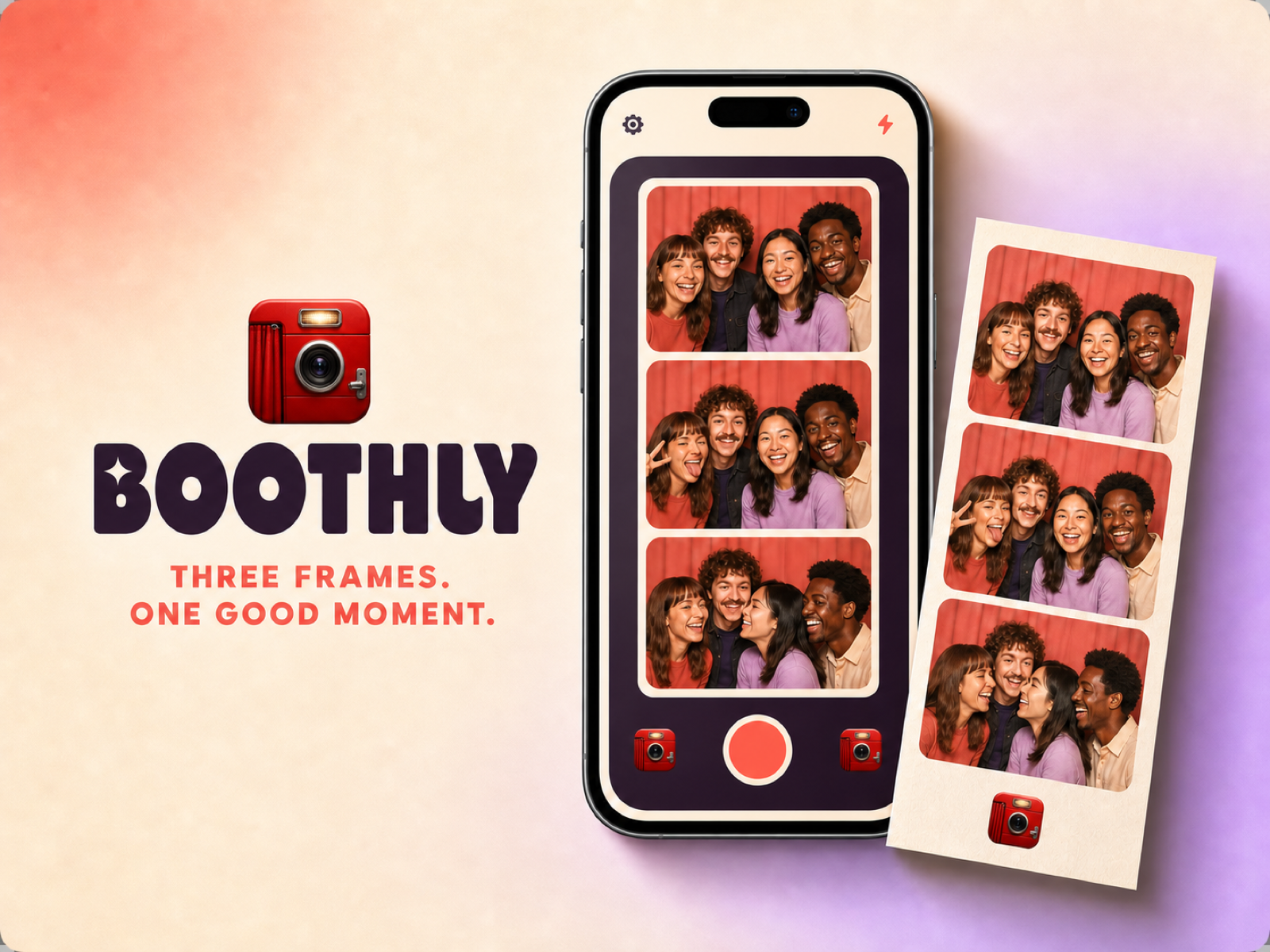
This is where a focused photo booth app can be more useful than a general album. Boothly is designed around quick retro-style photo strips and shared event memories, so the result has a little character without requiring guests to learn a new system.
Use QR codes as a bridge, not a barrier
A QR code is helpful when it connects a physical moment to a digital album. It is less helpful when it is the only explanation. Put a plain-language instruction beside it and make sure the destination works well on a phone.
Print a backup link in small type for guests whose camera does not recognise the code. The fallback does not need to be prominent, but it prevents one technical problem from stopping participation.
Keep the host out of the support queue
At a wedding or birthday, the host should not become the event’s help desk. Test the camera, code and sharing flow before people arrive. Put the instructions where a guest can understand them without asking the organiser.
Decide who can see the collection and how long it will remain available. Shared memories are more comfortable when people know the album is intentional rather than an accidental public folder.
Collect variety, not volume
One hundred nearly identical selfies are less interesting than a smaller set with different people, angles and moments. Encourage guests to photograph the details they notice: the table, the shoes, the cake before it is cut, the friend who is always behind the camera.
The point of a photo booth is not to replace the event with documentation. It gives people a small excuse to play, then leaves behind a record with more personality than a camera roll full of unlabelled images.
After the event, share a small selection first. A contact sheet or strip of highlights is easier to revisit than an unfiltered dump. The archive can remain complete, but the memory should have an edited front door.