Apps & Tools
How to Organize Receipts for Tax Season as a Freelancer
A simple receipt organization system for freelancers: capture expenses quickly, add context, separate business costs and prepare a cleaner tax review.
Published September 2, 2026 · Michael at Yuzool
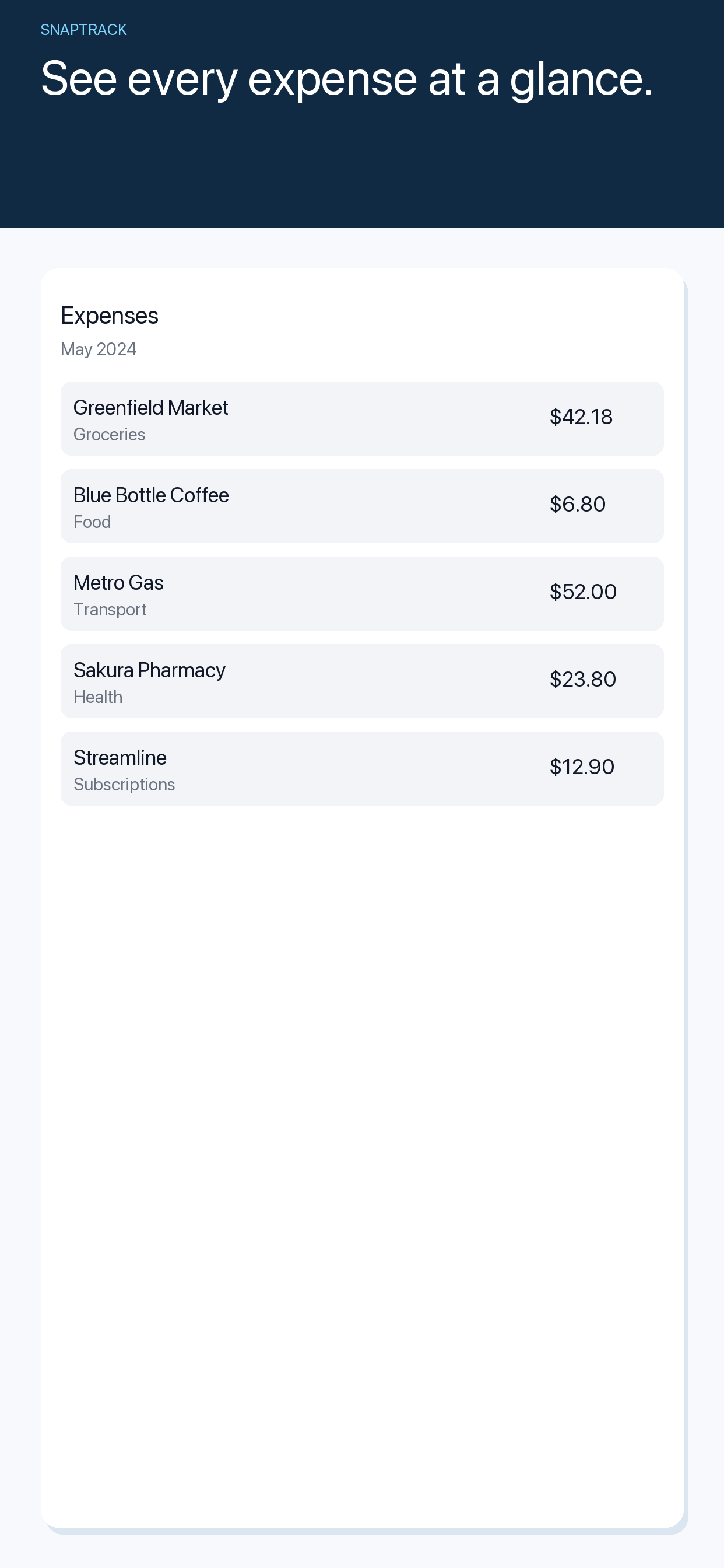
Tax season becomes difficult when receipts are treated as souvenirs. They arrive by email, sit in a wallet, disappear into a camera roll and then reappear months later without any clue about the client, project or reason for the purchase.
A useful system does not require perfect bookkeeping every day. It makes each expense easy to capture, gives it enough context to be understood later and creates a short review habit before the numbers matter.
Capture the receipt when the transaction happens
The first rule is speed. Photograph the receipt or save the digital copy before it becomes part of the mystery pile. A capture does not need to be perfect; it needs to be findable and legible.
If you paid with a business card, the receipt still matters. The bank statement may prove that money moved, but the receipt explains what was purchased and why it belongs in a particular category.
Add three pieces of context
For each expense, record:
- what it was;
- who or what it was for;
- how much was business-related.
“Lunch, $42” is a weak record. “Client planning lunch, March project, 50% business use” gives future-you something to work with. Add the client or project name when it is relevant, especially if you work across several engagements.
Separate capture from review
Do not stop in the middle of a busy day to build a perfect spreadsheet. Capture first, then review once or twice a week. During review, check the image, correct the category, add missing context and mark anything that needs an accountant's advice.
This separation keeps the habit small. It also makes gaps visible while they are still recent enough to remember.
Keep digital receipts with the same rules
Forwarded invoices and emailed receipts deserve the same treatment as paper. Save the original file where possible, but also keep a searchable record with the merchant, date, amount and purpose. A folder full of PDFs is storage, not organization, unless you can answer a question from it.
SnapTrack is built for freelancers who want to photograph receipts, add notes and keep travel or project expenses together. It is useful as a capture and review layer; confirm categories and tax treatment with your accountant or local tax authority.
Do a final exception pass
Before handing records over, look specifically for exceptions: foreign currency, shared purchases, refunds, missing receipts, subscriptions and expenses paid personally on behalf of a client. These are the items most likely to need a note.
The goal is not a beautiful archive. It is a record that makes every number explainable without forcing you to remember an entire year at once.