Apps & Tools
How to Track Travel Expenses in Different Currencies on iPhone
A practical way to track travel expenses in different currencies on iPhone, with a simple receipt workflow for freelancers, business trips and holidays.
Published August 30, 2026 · Michael at Yuzool
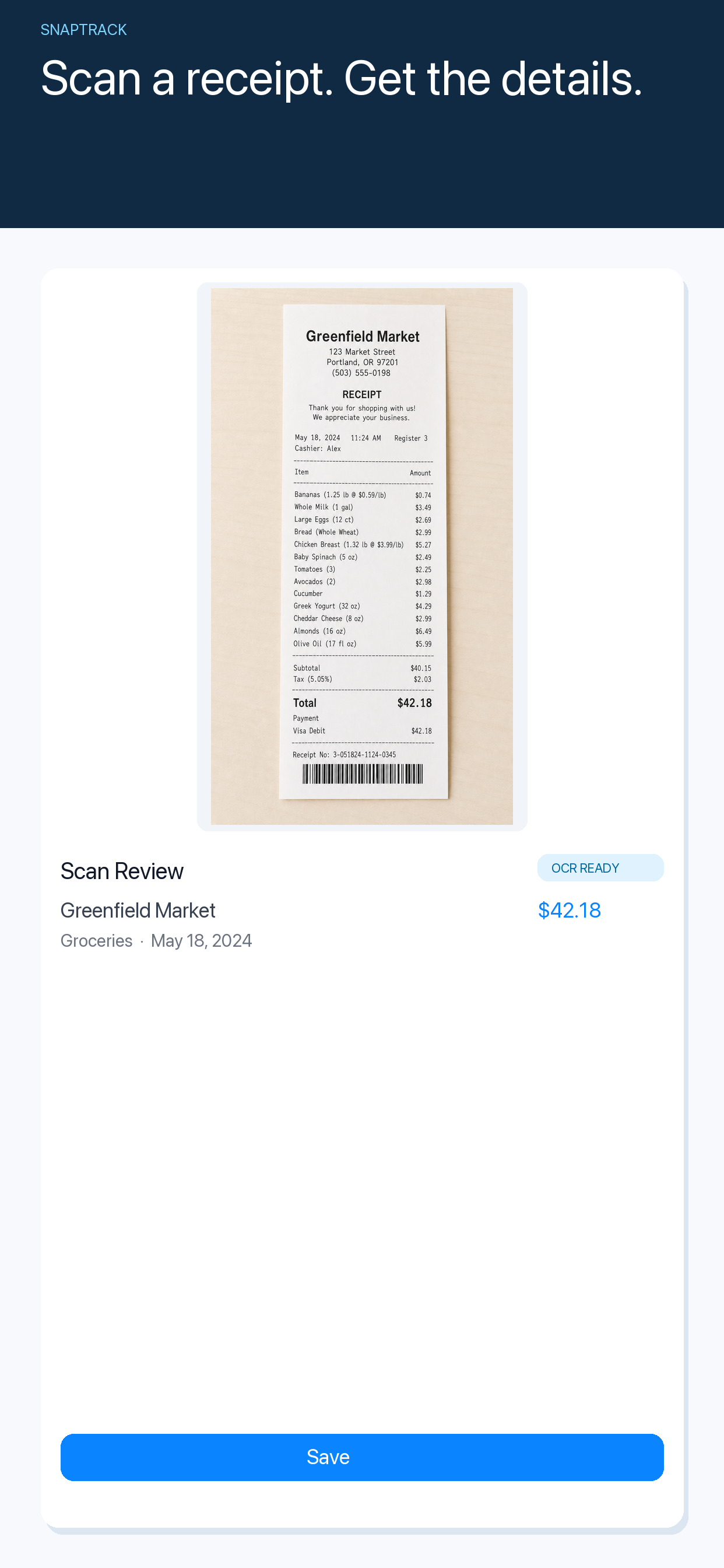
Tracking travel expenses in different currencies sounds like a spreadsheet problem. Usually it is a timing problem.
The receipt is easiest to understand immediately after the purchase. A few days later, the meal, taxi or train ticket has become an unexplained number in a camera roll. If the amount is in another currency, the memory has to reconstruct both what happened and what the number meant.
Start with the original amount
When you return home, it is tempting to convert every purchase immediately. That can make a list look tidy, but it can also hide useful context. Exchange rates vary, card providers add their own adjustments and a converted total can make it harder to match a receipt later.
Keep the original amount first. The useful record is “€38.50, dinner, Tuesday, client trip,” not simply “$42.11.” Conversion can be a later reporting step. The first job is to preserve what the receipt actually says.
Use a three-step capture habit
The most reliable travel expense workflow is deliberately boring:
- Scan or photograph the receipt soon after paying.
- Check the merchant, amount, currency and purpose while they are fresh.
- Review the complete trip when you have time to make decisions.
This separates capture from analysis. You do not have to categorize an entire trip while standing outside a restaurant. You only need to prevent the receipt from becoming anonymous.
What to record for each purchase
For a personal trip, the amount and merchant may be enough. For freelance or business travel, add the small piece of context that will save you work later: project, client, meeting or expense type.
The best expense tracker is not necessarily the one with the most fields. Too many fields turn capture into a form, and forms are easy to postpone. The right question is: what will I wish I had written down when I review this next week?
For most travel purchases, that means:
- merchant or place;
- amount and original currency;
- date;
- a short purpose;
- the receipt image itself.
Review the trip as a story, not a pile of receipts
Once you are home, look through the expenses in sequence. The order often reveals errors faster than a total does. A duplicate taxi, a missing hotel charge or a meal entered under the wrong currency becomes obvious when the record follows the journey.
This is also the moment to decide what needs to become a reimbursement request, an invoice cost or a personal budget item. Capture should be quick; review should be calm.
Why a focused iPhone app can help
General notes apps and spreadsheets can both store expenses. The challenge is remembering to create the right structure every time. A focused app gives the habit a place to land without asking you to design the system while travelling.
SnapTrack is designed for this narrower job: scan receipts, preserve their currency and context, and return to the record later. It is useful for business trips, freelance work and holidays where you want a clearer memory of what the trip cost.
Get SnapTrack on the App Store
If your next step is turning a receipt into a clean document or calculation, Yuzool’s free tools may help with the final bit of admin. The important part is still the first one: capture the purchase before it loses its meaning.