Apps & tools
An iPhone Expense Tracker for a Freelance Business Trip
A practical receipt workflow for freelancers on a business trip: capture receipts immediately, label them by project and review expenses before returning home.
Published September 24, 2026 · Michael at Yuzool
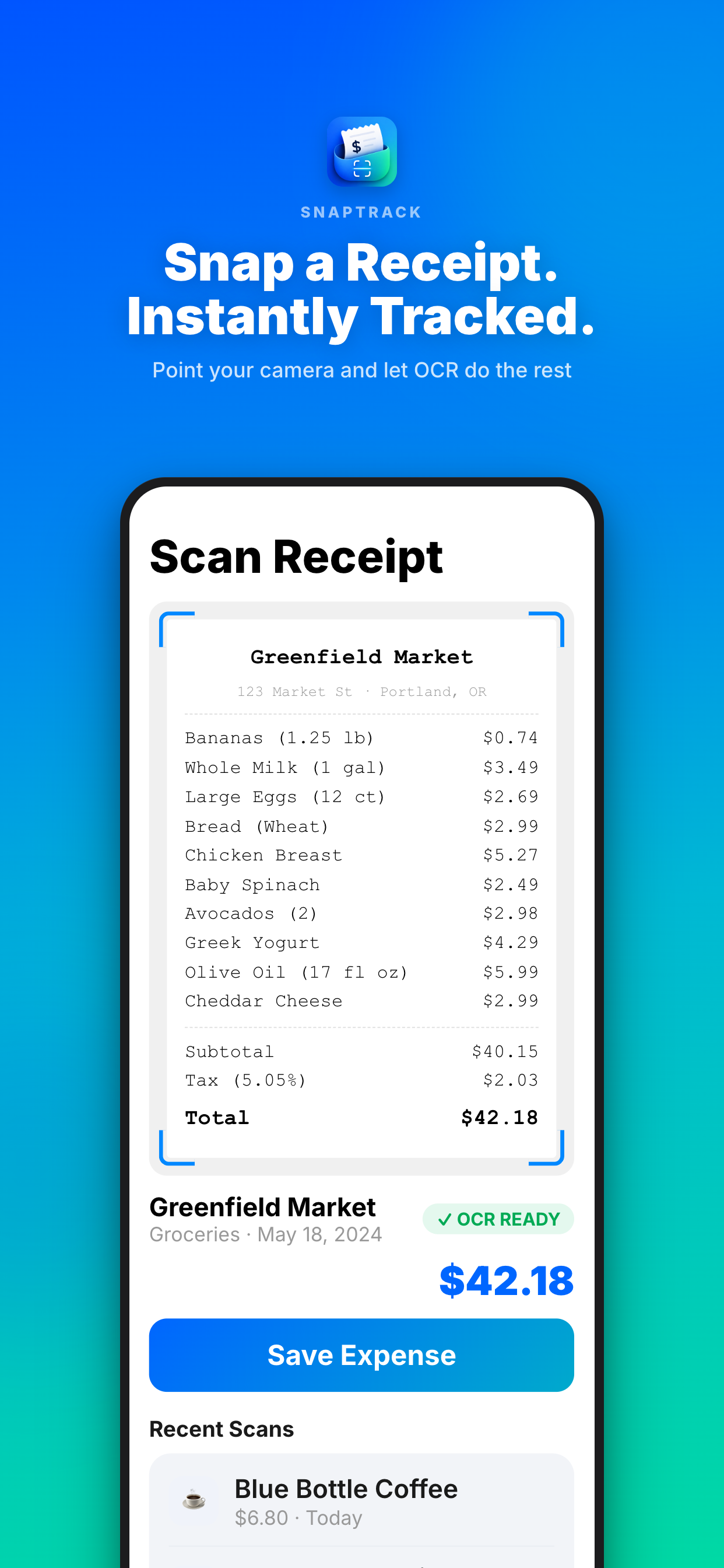
Business-trip receipts are easiest to lose at the exact moment they are created: after a late meal, while leaving a taxi or between two meetings. A freelancer does not need a complicated accounting system to avoid that problem. They need a reliable capture habit and enough context to understand each expense later.
Capture the receipt before moving on
Take the photo while the purchase is still in front of you. Check that the total, date and merchant are readable. If the receipt is digital, save the confirmation immediately instead of trusting that the email will still be easy to find during tax season.
Add a short note when the reason is not obvious. “Train to client workshop” is more useful than a category alone, especially when several trips happen in the same month.
Use project labels, not a perfect taxonomy
Choose labels that answer the question you will ask later: which client, which trip or which project? Keep the list short. Travel, meals, transport, accommodation and supplies are usually enough to start. You can add a client or project name when the expense needs to be billed or reimbursed.
SnapTrack is an iPhone receipt and travel-expense tracker for capturing receipts, notes and trip context as you go. The Airbnb business travel guide covers the kind of booking, cleaning-fee and tax details that often become scattered across confirmation emails.
Review before the trip ends
Spend five minutes at the end of each travel day checking for missing receipts and unclear notes. This is faster than a large clean-up session after returning home, when the reason for a purchase may no longer be obvious.
Before submitting an invoice or expense report, check the date range, currency, duplicate photos and any items paid personally versus by a client. Export or share the record using the method your client or accountant expects.
The workflow is deliberately boring: capture, label, review. That is a feature. A receipt tracker earns its place when it makes the final report unsurprising.