Apps & Tools
The Best iPhone Receipt Scanner for Freelancers Is the One You Actually Use
What to look for in an iPhone receipt scanner for freelance expenses: fast capture, original currency, useful context, privacy and a review workflow.
Published September 4, 2026 · Michael at Yuzool
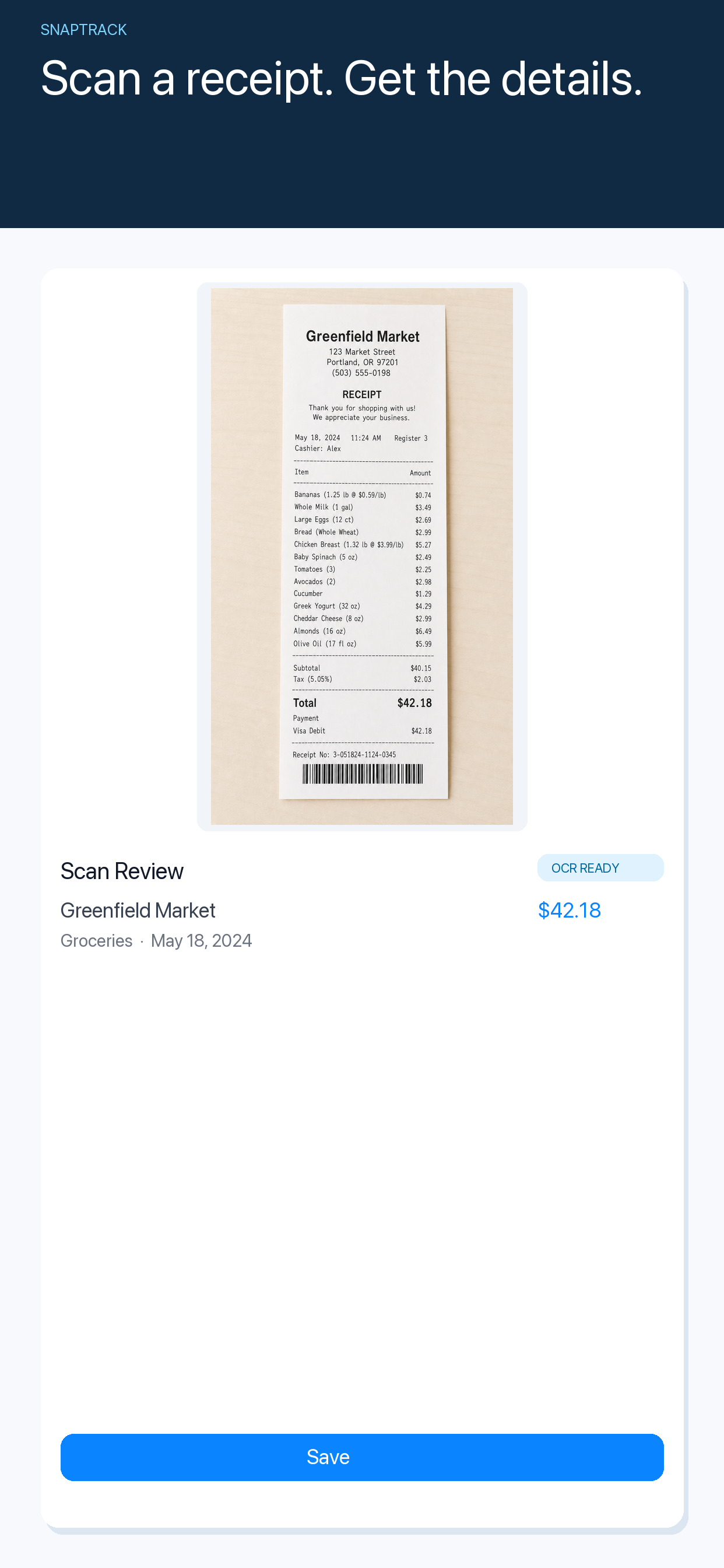
Freelancers do not usually lose receipts because they cannot build a spreadsheet. They lose them because capture happens at an awkward moment: leaving a client meeting, changing trains or paying for a meal while already thinking about the next thing.
The best iPhone receipt scanner for freelance expenses is therefore not the one with the longest feature list. It is the one that makes the correct action easy in the few seconds after purchase, then gives you enough context to review everything later.
Capture the original receipt, not just the total
A bank notification tells you that money moved. It does not always tell you what the purchase was for, which client it belonged to or whether the amount included a tip. A receipt preserves the small details that become useful during invoicing or tax preparation.
Scan it while the purchase still has a context. Add a short note such as “train to Osaka client workshop” or “domain renewal for project site.” That sentence is often more valuable than a long category list.
Keep foreign currency visible
Travel receipts are especially easy to misread. If you convert every amount immediately, you may lose the original number that appears on the receipt and card statement. Keep the original currency as the source record, then use a conversion when you prepare a report.
This approach also makes review easier. “€42.80, dinner, September 4” is a record you can match. A converted number without its original currency is a guess waiting to become a reconciliation problem.
Choose the minimum useful fields
For most freelance expenses, you need the merchant, amount, currency, date and a short purpose. Add a client or project when it will affect billing. Do not turn every capture into a questionnaire.
If a tool requires ten fields before it saves the receipt, the workflow will lose at exactly the moments it matters. A good scanner should let you capture quickly and improve the record during a weekly review.
Review receipts once a week
Set aside a short review window instead of trying to do accounting at the checkout. Check for duplicates, add project context and decide whether each expense is billable, deductible or personal.
SnapTrack is designed for this capture-and-review rhythm: scan receipts on iPhone, keep the original currency and return to the complete record when you are ready to organise it. See the SnapTrack app page or Get SnapTrack on the App Store.
The aim is not to create a second job called “being organised.” It is to make the next invoice, reimbursement or tax review less dependent on what you can remember from a busy Tuesday.