Apps & Tools
The Best iPhone Receipt Tracker for Freelancers
A practical iPhone receipt workflow for freelancers: capture receipts immediately, tag the client or trip, check the total and keep the original evidence.
Published October 3, 2026 · Michael at Yuzool
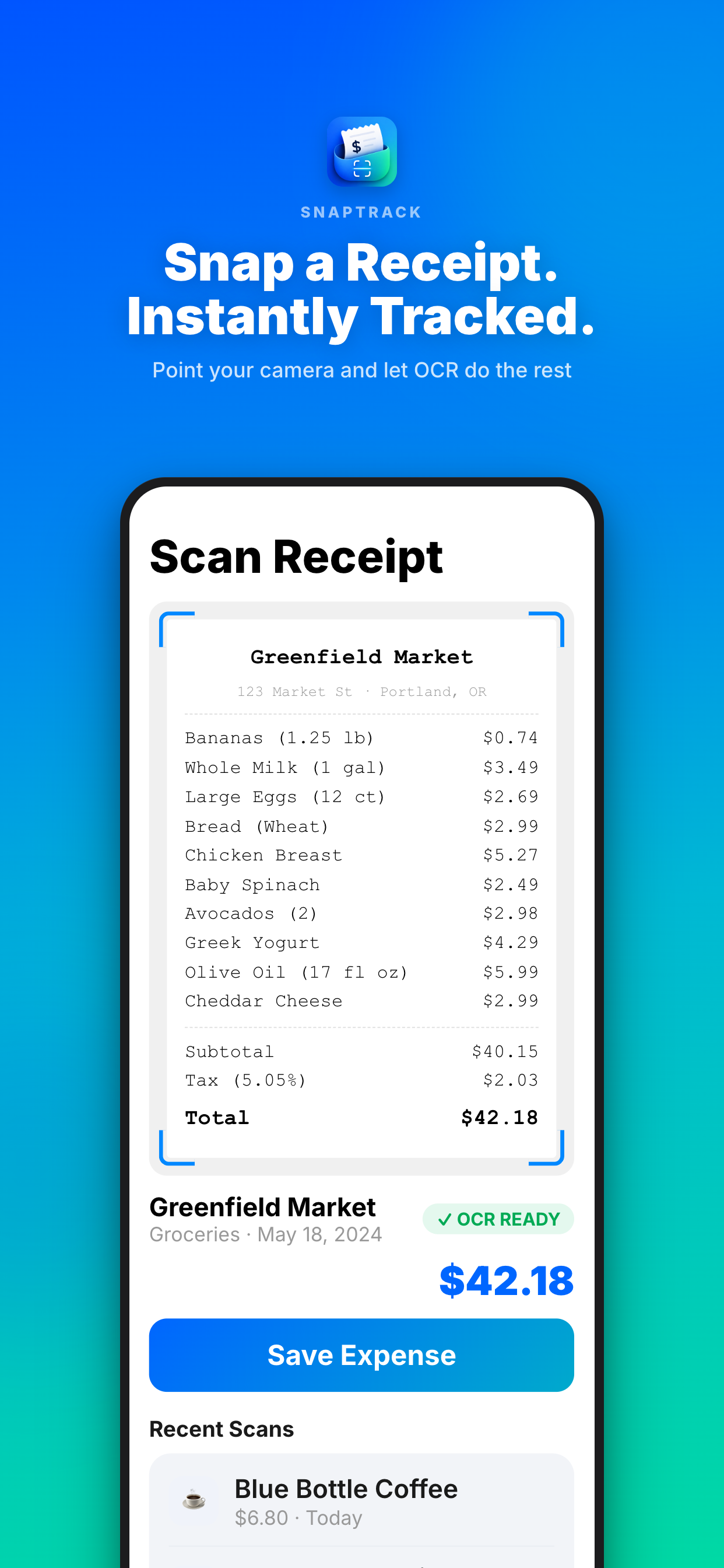
Freelance receipts are easiest to lose when the purchase happens: after a client lunch, at the end of a taxi ride or between two meetings. An iPhone receipt tracker should make capture fast enough to happen immediately, then preserve enough context to explain the expense later.
Capture first, categorise second
Take a clear photo before the receipt goes into your pocket. Check that the merchant, date and total are readable. If the receipt is digital, save the confirmation or screenshot it while the purchase is still easy to identify.
Do not spend a minute choosing the perfect category at the counter. Add the minimum useful label: client name, project, trip or “business equipment.” You can refine the category during a weekly review when you have the rest of the context.
Keep the business reason visible
“Restaurant” is not enough to explain a freelance expense months later. “Lunch with design client before website handoff” is much more useful. A short note also helps separate a client expense from a personal purchase made on the same day.
SnapTrack is designed for this capture-and-review workflow on iPhone. It helps turn photographed receipts into a searchable expense record for trips, projects and reimbursement. Explore SnapTrack or view it on the App Store.
Review once a week
Set aside ten minutes at the end of the week. Look for missing context, duplicate photos, foreign-currency purchases and expenses that need to be invoiced to a client. This review is small enough to maintain and catches problems before tax season turns every receipt into a research project.
Keep the original receipt when the business rules in your country or client agreement require it. A digital record is a useful working copy, not a reason to ignore your accountant’s retention advice.
Choose a tracker you will actually open
The most advanced expense system is not useful if it takes too long to add a receipt. For a solo freelancer, the winning workflow is usually the one that fits the moment of purchase, keeps the note short and makes the weekly review obvious. Consistency matters more than a long list of accounting features.