Technology
Can You Build an iPhone App with Local AI on a Mac?
What a local-AI iPhone app builder can and cannot do: where prompts run, what Xcode still handles, and the privacy and hardware trade-offs to check.
Published October 7, 2026 · Michael at Yuzool
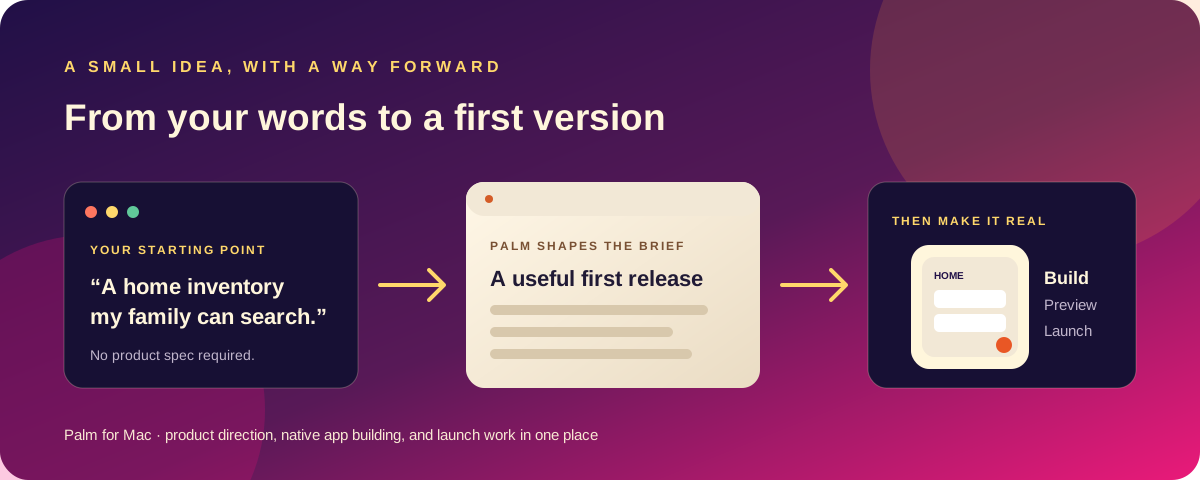
Yes—an AI-assisted workflow can help you build an iPhone app on a Mac while keeping the model work on the computer. But “local AI” describes where a model processes a prompt; it does not mean the entire app-development process happens without Apple’s tools, a network connection for every possible feature, or human review.
The useful question is not just whether an app builder says it is private. Ask which model is used, where prompts are processed, what the builder sends to connected services, and whether the generated project remains an ordinary project you can inspect.
What “local AI” means in this workflow
With a local model, the prompt is processed on your Mac rather than sent to a remote model provider. Palm supports Apple Intelligence or a model served locally through Ollama. Model choice matters: local processing can keep the prompt on-device, while a connected external service may receive the information you send to it.
Treat privacy as a workflow property, not a slogan. Check the selected model, integrations and any external services you connect. An app builder can work locally while an optional integration—such as a publishing, analytics or account connection—still communicates with a service.
What the Mac and Xcode still do
The AI can help shape an idea, generate SwiftUI code and assemble a project. Xcode remains the toolchain for building and running the iPhone app. The simulator helps you inspect the result, and a real device can reveal interactions that a quick code review misses.
That distinction is useful when evaluating an “AI app builder.” A prompt-to-screen demo is not the same as a native project that builds, saves data, handles errors and can be continued in Xcode. Ask whether you can open and edit the generated source, how the project is built, and what the tool expects you to verify yourself.
Trade-offs to consider before choosing a local model
Local models can offer a more private prompt workflow, but model quality and speed depend on the model and the Mac. Larger models need more memory and may take longer to respond. Apple Intelligence and Ollama are different ways to run local assistance; available capabilities and output quality can vary.
Cloud models may offer different capabilities or convenience, but prompts are processed by the provider you use. If your app idea contains customer names, unreleased business plans or other sensitive details, use fictional examples while testing and review the provider’s privacy terms before connecting it.
Regardless of model, generated code needs inspection. Check whether the app behaves correctly when data is empty, invalid or interrupted. Confirm that saved information persists, that permissions are requested at the right time and that the interface remains understandable with larger text and accessibility settings.
A sensible local-AI build loop
- Describe one user and one problem, without including real personal or customer data.
- Ask for a small first workflow rather than a long feature inventory.
- Review the proposed screens and data before generating more complexity.
- Build and run the project in the iOS Simulator.
- Test the main task, an empty state, a mistake and a restart.
- Open the source in Xcode and keep the project in a location you control.
- Check privacy disclosures and App Store requirements before distribution.
Palm is a Mac app for turning a plain-language idea into a native SwiftUI iPhone project, with local model options and a preview workflow. It also prepares launch materials, but those drafts need your review. The one-sentence app workflow explains how the idea becomes a project; the private app-builder guide covers the privacy-focused angle.
Local AI can make the first build feel more personal and keep model prompts on your Mac when you choose a local model. It does not remove the need to test the app, understand its dependencies or make the final product decisions yourself.