AI & Automation
How to Automate Repetitive Tasks on Mac
A practical guide to Mac automation for repetitive tasks, including screenshots, files, notifications and small daily workflows.
Published September 23, 2026 · Michael at Yuzool
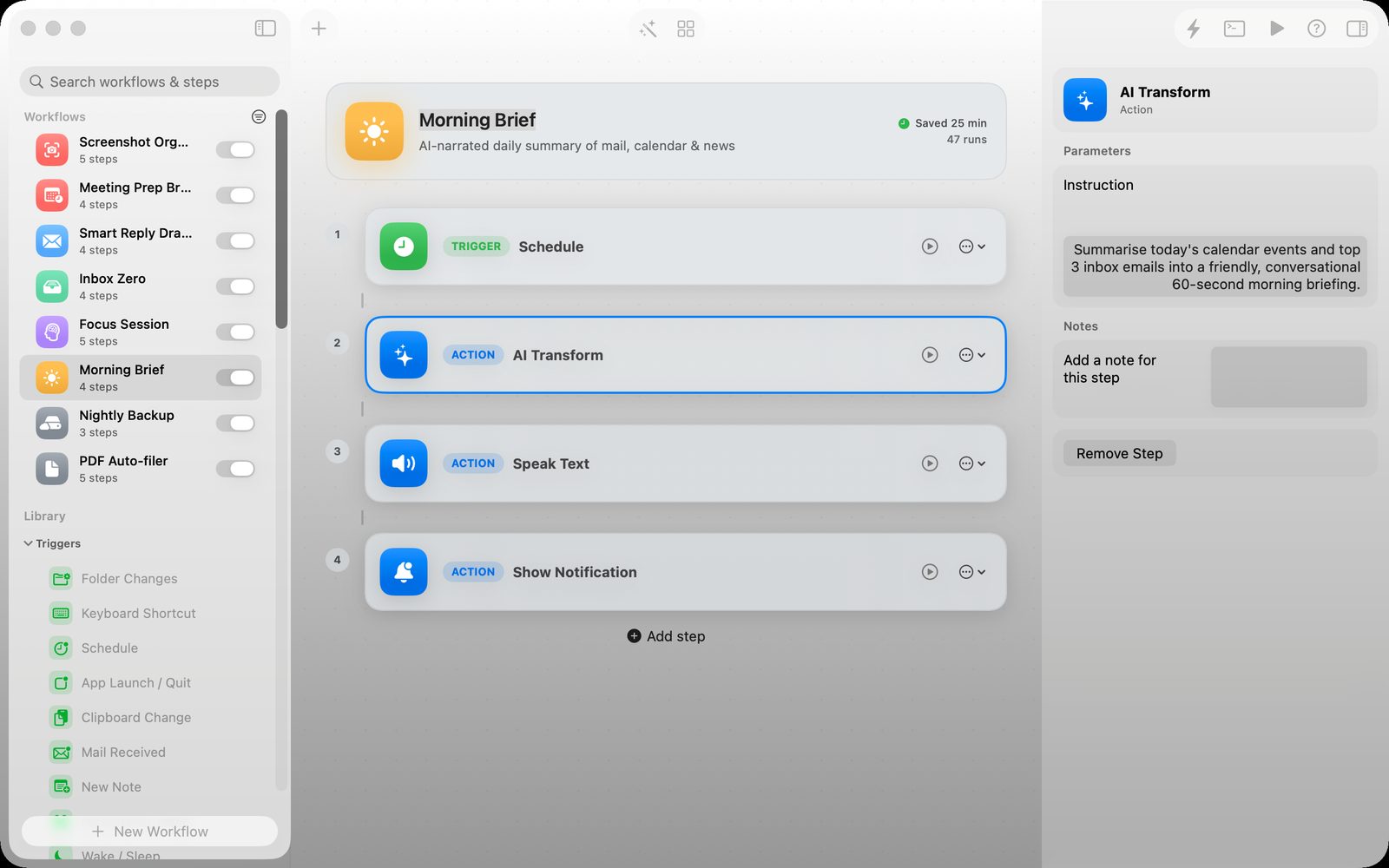
The best Mac automation is usually smaller than people expect. It is not a plan to automate an entire business. It is the five-minute task you repeat every morning, the screenshot you sort after every meeting or the file you rename before sending.
Start there. A small reliable workflow is worth more than a grand system you never finish.
Find the interruption that repeats
Write down the steps the next time you do the task. What starts it? What changes? Where does the result need to go? If you cannot describe the workflow, do it manually a few more times before automating it.
Keep the first version visible
A visual workflow makes it easier to understand what will happen. That matters when the workflow touches files or sends notifications. You should be able to inspect the sequence, change one step and run it again.
Keep a human check where it matters
Automation should remove repetition, not remove judgment. Put a review step before a message is sent, a file is overwritten or an AI-generated result becomes part of a client deliverable.
Relay is a Mac workflow tool for connecting triggers, transformations and actions in a visible canvas. It is suited to the small personal automations that otherwise end up as half-remembered scripts.
See Relay for repetitive Mac tasks
One useful automation is enough to begin
Choose a task you dislike, make the workflow dependable and use the time you recover. Once the first automation earns its place, the next candidate becomes easier to recognise.