Revenue workflow
Paddle and App Store Connect Revenue in One Daily View
A practical way for indie developers to read Paddle and App Store Connect sales together without replacing either provider's reports.
Published July 29, 2026 · Michael at Yuzool
If you sell software through more than one channel, the first question in the morning is usually not complicated. It is: did anything move yesterday?
The answer may be split between Paddle, App Store Connect, Stripe, Polar or another payment provider. Each dashboard is useful on its own, but switching between them makes a tiny daily check feel like bookkeeping.
Reports and a revenue pulse are different things
Paddle is built for proper billing work: subscriptions, transactions, refunds, adjustments and payouts. App Store Connect has its own model for sales, proceeds, fiscal periods and tax information. Those reports are the source of truth when you need to reconcile money.
The daily question is smaller. Which product moved? Is this week ahead of last week? Did the launch post or new screenshot make a difference? A useful overview should answer that quickly, then let you open the provider report when detail matters.
Label the numbers instead of hiding the differences
Combining sources is only helpful when the labels are honest. Paddle and Apple do not describe money in exactly the same way, and a purchase date is not always a payout date.
For each source, a good view should make clear:
- whether an amount is gross, net or an estimate
- which date is being shown
- how currencies are handled
- whether refunds are included
- when the last sync happened
That small bit of context creates more trust than a large chart. It also keeps the overview read-only: the app can help you notice a change without receiving permission to modify products, customers or payouts.
The three numbers I check first
For a small app business, I would start with only three time windows:
- Today, so a new sale is visible.
- The last seven days, so one unusual day has context.
- Month to date, so the number connects to the actual goal.
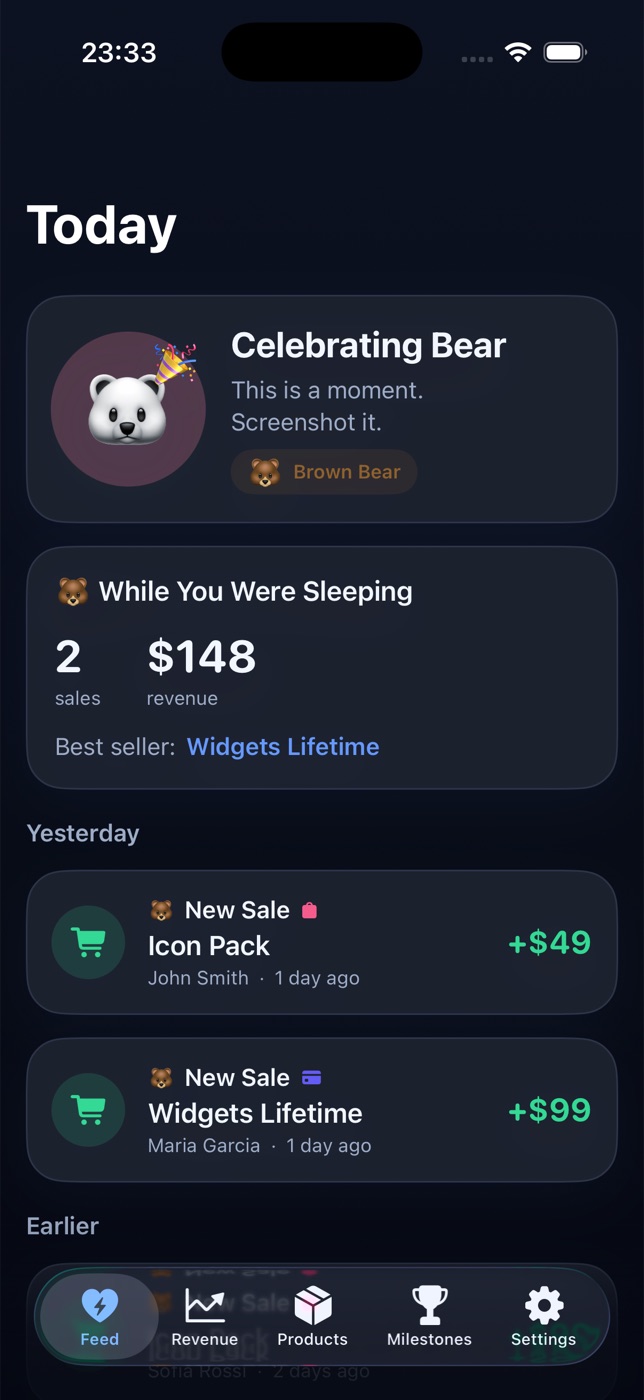
Then I want a product-level feed. A sale attached to a specific app is more useful than a total that gives no clue what to do next. It can lead to a follow-up, a better screenshot, a support reply or simply the decision to keep shipping.
A calmer founder workflow
Open one private view, check the direction, and choose one action. If nothing changed, close it. Reopening six dashboards every few minutes is not analysis; it is usually anxiety dressed up as diligence.
Revenue Bear is our small experiment in this direction for iPhone. It brings supported sales sources into a read-only feed and keeps connected credentials on the device. The aim is not another giant analytics suite. It is a shorter path from “I wonder” to “I know.”
For implementation details, start with the provider documentation: Paddle's subscription metrics and reports and Apple's App Store Connect financial information. The goal is not to make those systems less important. It is to make the first daily check less scattered.