Apps & Tools
How to Run a Photo Booth Party in a Small Apartment
A practical small-apartment photo booth setup using an iPhone: choose the corner, manage the queue, collect photo strips and keep the party moving.
Published October 1, 2026 · Michael at Yuzool
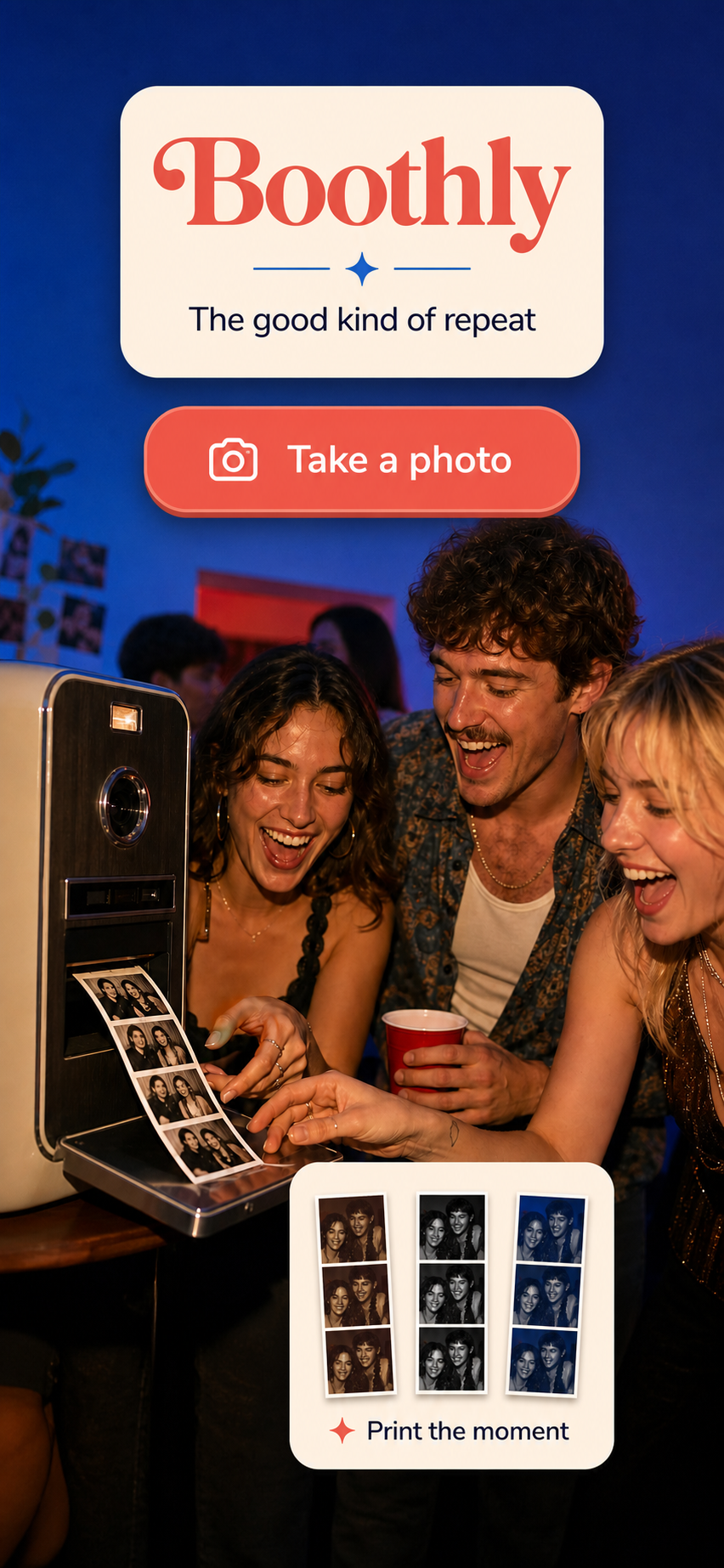
You do not need a rented booth or a huge room to give guests a photo activity they actually use. A small apartment can work well if the setup is obvious, the queue does not block the kitchen and people can understand what to do without asking the host.
Choose one clear corner
Look for a wall or doorway with consistent light and enough space for two or three people to stand comfortably. Do not put the camera beside the food table or the bathroom queue. A photo booth works best when guests can step in, take a few photos and move on without creating a traffic jam.
Keep the background simple. A plain wall, curtain or a single decoration usually looks better than a crowded collection of props. Guests should be the focus, not the furniture you are trying to hide.
Use the light you already have
Face the group toward a window when possible, but avoid placing the phone directly in front of a bright window. In the evening, use a lamp or soft room light aimed toward faces rather than a harsh light directly above them.
Take one test photo before the party begins. Check whether faces are dark, the frame cuts off taller guests or the background includes something you would rather not share. A thirty-second test prevents the host from discovering the problem after everyone has left.
Make the interaction self-explanatory
Guests should be able to see the phone, understand the prompt and start without a tutorial. Put the phone at a comfortable height, leave enough room for the group and use a short sequence that does not require precise timing.
Boothly turns an iPhone into a lightweight retro photo booth with photo-strip outputs. The point is not to reproduce a complicated event-rental setup. It is to make a small, familiar activity easy to start at a birthday, dinner party or house gathering.
Plan for the queue
If the party is busy, set a loose rule: one or two photo strips per group, then move aside so the next people can try. A small basket of props can help, but too many choices slow the activity down.
You can also make the booth part of the evening rather than an always-open station. Open it for the first twenty minutes, again after dinner and once near the end. This creates a little momentum and prevents the phone from becoming forgotten in a corner.
Keep the photos useful after the party
Photo strips work because they are tangible and easy to share. Give guests a simple way to save or send their photos, and keep one copy for the host’s memories. If you use a QR photo guestbook, make sure the link is visible and does not require everyone to create an account before participating.
Small-apartment checklist
Choose a clear corner. Test the light. Keep the frame uncluttered. Put the phone at a comfortable height. Limit props. Explain the queue. Give guests an easy way to save their photo strips. Then leave the booth alone and let people make it their own.