Pet care
Pet Health Record Checklist for a Vet Visit
A practical pet health record checklist for a dog or cat vet visit, including medications, vaccines, symptoms, documents, allergies and emergency contacts.
Published September 19, 2026 · Michael at Yuzool
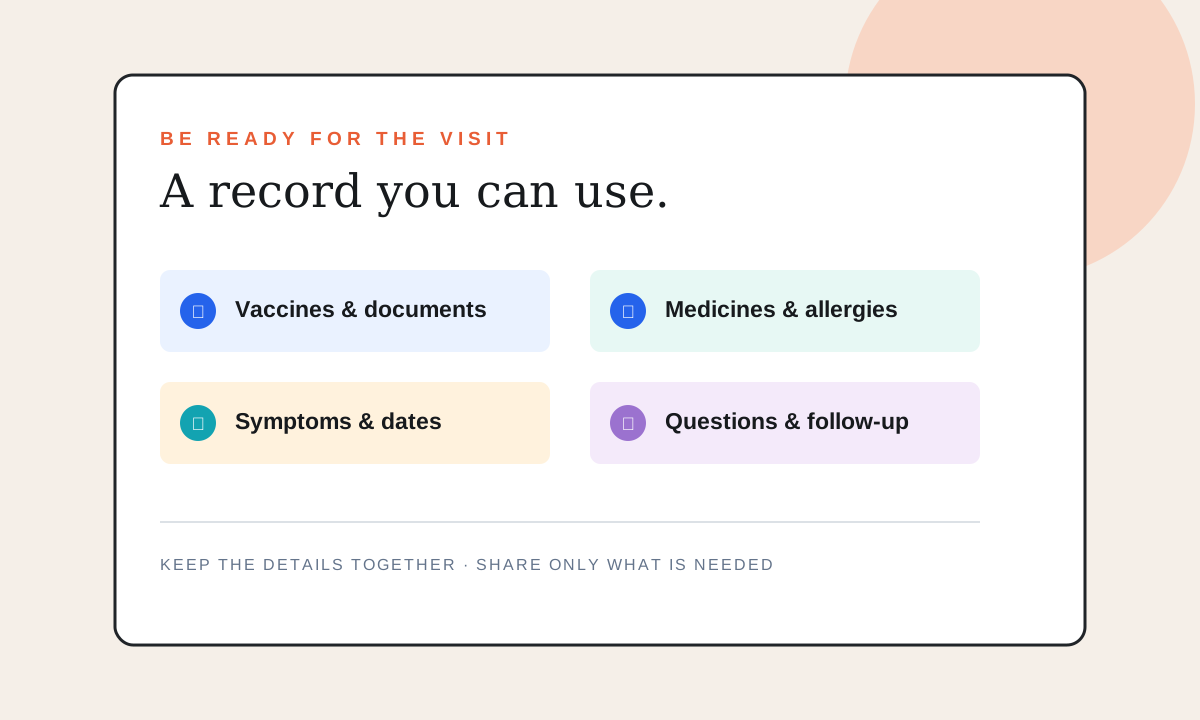
A vet appointment is easier when the important details are in one place. You do not need a perfect medical history; you need a reliable snapshot that helps the veterinary team understand what has changed, what your pet takes and what questions you want answered.
Use this checklist for a routine visit, a new clinic, a follow-up or a trip where someone else may need to care for your dog or cat. It is an organization guide, not veterinary advice. Follow your veterinarian’s instructions about medicines, vaccines and treatment.
1. Pet identity and contact details
Start with the basics so the record cannot be confused with another animal:
- Pet name, species, breed or mix and date of birth if known.
- Your current phone number and email address.
- An emergency contact who is allowed to speak with the clinic.
- The regular clinic’s name, phone number and address.
- Microchip number and the registry where it is recorded, if applicable.
Check that the clinic has your current contact details. A private note or pet record app can help you remember the information, but it does not update the microchip registry for you.
2. Current medications and supplements
Write down every medicine, preventive treatment and supplement your pet currently receives. Include the product name, strength, dose, frequency, last dose and the reason it was prescribed or used. Bring the packaging or a clear photograph if the label is available.
Do not start, stop or change a medicine based only on a checklist. If a dose was missed or your pet reacted differently, write down what happened and ask the veterinary team what to do.
3. Vaccine and preventive-care history
Bring vaccine dates and certificates if you have them. Note the clinic or provider, the name of the vaccine when recorded and any reaction you remember. Add other preventive care such as parasite treatments according to the records you were given.
When a date is uncertain, mark it as uncertain instead of guessing. A clear “needs confirmation” note is more useful than a confident but incorrect date. Ask the clinic what documentation it needs for boarding, travel, daycare or insurance.
4. Symptoms and changes
Make a short timeline of what you noticed and when. Include appetite, drinking, energy, sleep, mobility, breathing, bathroom habits, vomiting, diarrhea, coughing, scratching or behavior changes when relevant. A few dated observations can be more useful than a long paragraph written from memory in the waiting room.
If you have photos or a short video that shows an intermittent symptom, keep them ready to show the clinic. Avoid delaying urgent care while collecting records; contact a veterinary professional promptly if your pet may need immediate attention.
5. Documents and questions
Keep recent lab results, imaging reports, discharge instructions, adoption documents and insurance information together. Write your questions before the appointment:
- What changed since the last visit?
- What should I watch for at home?
- What is the next action and when should it happen?
- Which signs mean I should call the clinic?
- Do any records need to be sent to another provider?
Leave space for the answers and the follow-up date. A good record is not only a storage place; it helps you return to the decision after the appointment.
6. Share only what the caregiver needs
If a partner, sitter or family member is attending, prepare the smallest useful summary: current medicines, allergies or known reactions, clinic contact, emergency contact, feeding notes and the questions the vet needs answered. Keep private account details and unrelated personal information out of a document that does not require them.
PawKeep is an iPhone pet health record app for keeping vaccines, medications, vet visits, documents and emergency information together. See PawKeep on Yuzool or view it on the App Store. It can help organize your personal record, but it does not replace a clinic’s records, professional advice or an official registry update.
The five-minute version
If you are leaving for the appointment now, gather your pet’s current medication list, vaccine documents, recent symptom notes, clinic contact and three questions. Put the follow-up date in your calendar before you leave. Then update the record while the visit is still fresh, including what changed and who owns the next action.