Apps & Tools
The Best Photo Booth App for a Baby Shower at Home
How to set up a simple baby shower photo booth at home with an iPhone, printable prompts, retro photo strips and a keepsake-friendly guest activity.
Published September 24, 2026 · Michael at Yuzool
A baby shower photo booth does not need a rental backdrop, a queue of props or a complicated event app. A phone, a little space near a window and a photo booth app that produces a finished strip can give guests an easy activity and the parents-to-be a small collection of real memories.
The best setup is quick enough that guests can use it without an explanation. It should also create something more satisfying than another vertical photo that disappears into a group chat.
Choose a place people naturally gather
Set up near the entrance, drinks table or guest book. The photo booth should be visible without becoming the centre of the room. A plain wall, curtain or table with a few simple props is enough. Natural light from the side usually looks better than a harsh ceiling light.
Leave a little room for two or three people to stand together. Baby shower photos are often better when they include a pair of friends or a whole small group rather than one posed portrait.
Use a three-photo prompt
Three frames give people a gentle structure. Suggest a normal smile, a silly face and a message for the baby. Guests do not need a photographer directing them; the prompt simply removes the awkward “what do we do?” moment.
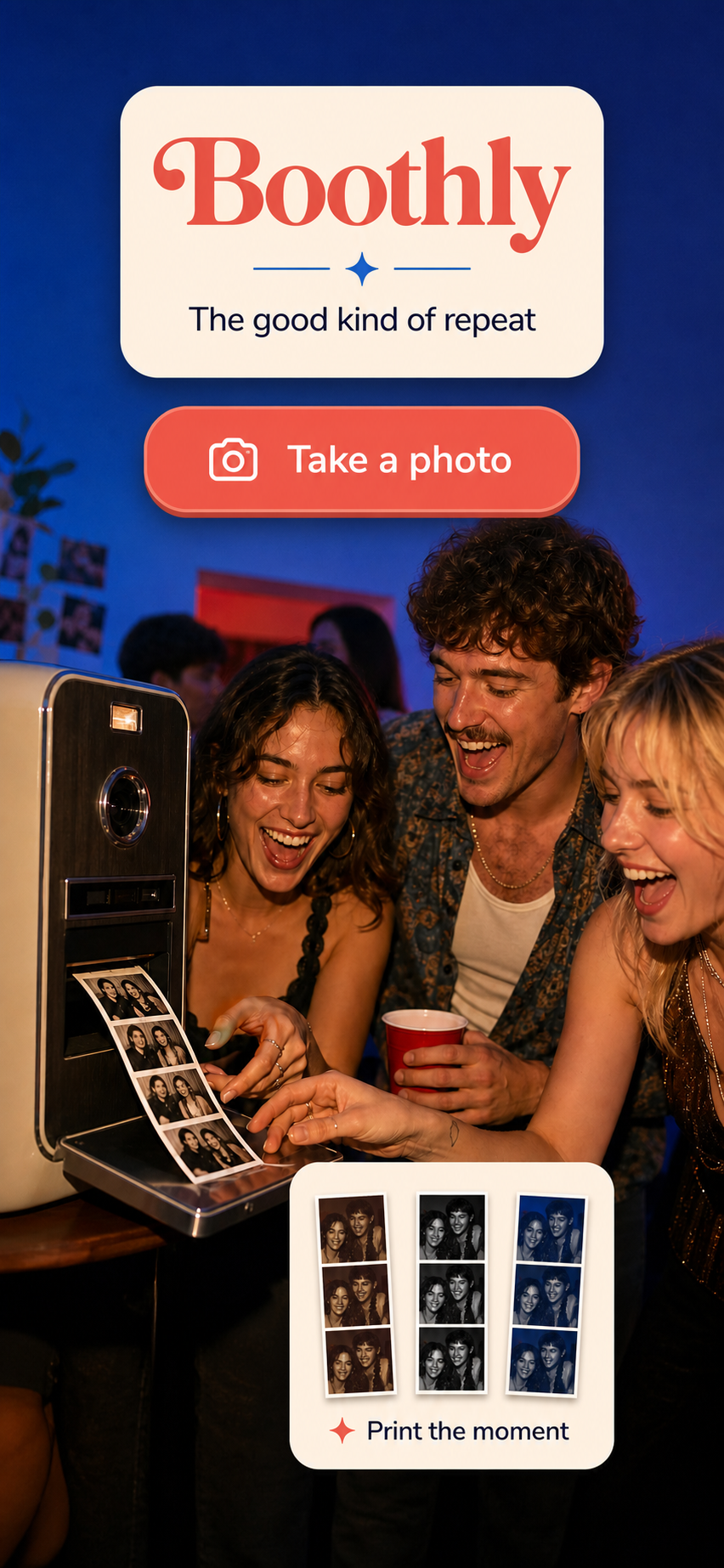
Boothly is designed for this kind of small event. It turns three quick shots into a retro photo strip with themed layouts, and it can be opened as an App Clip when guests do not want to install another app. Explore Boothly for the camera flow, themes and sharing details.
Make the finished strip the point
Ask guests to save or share the finished strip immediately. If the app can produce a clean image without a sign-in, that is a useful advantage at a party. People can send their strip to the parents, add it to a shared album or print the images later.
Keep one copy of the strips in the organiser’s shared folder. Guests may remember to take their own photo but forget to send it. A single album makes the result easier to collect without asking everyone twice.
Keep props specific and light
Choose a handful of prompts connected to the family: “future advice,” “guess the first word,” “team morning or team night” or “one thing to teach the baby.” Avoid buying a large prop kit that makes every frame look like a costume catalogue.
The most memorable images usually have one small detail: a handwritten card, a favourite book or a tiny pair of socks. Leave the rest of the frame open so the people remain the subject.
Have an offline-friendly backup
Events have weak Wi-Fi, crowded networks and guests whose phones are low on storage. Test the photo booth before people arrive and keep a normal camera option available. A good photo booth app should not make the party depend on an account or a complicated upload step.
Boothly keeps the experience focused on the phone, with no sign-in required for the basic flow. That makes it useful for a baby shower, small party or family dinner where the goal is to make a keepsake, not manage another event platform.
Put the activity where the guest book is
A simple instruction card can say: “Take three photos, choose a theme, save the strip, and leave a message.” Place it beside the guest book or card table so the photo becomes part of the same memory-making loop.
For more small tools that help with practical moments, browse the Yuzool Store or the Free Tools collection. For the actual photo booth, try Boothly on iPhone.
The best baby shower photo booth is the one guests understand immediately and want to use again. Keep the setup friendly, the prompts short and the finished strip worth keeping.