Apps & Tools
A Photo Booth App for a Small Corporate Event
Set up a simple photo booth for a small corporate event, team dinner or offsite with an iPhone, clear prompts and shareable retro photo strips.
Published September 24, 2026 · Michael at Yuzool
A small corporate event does not need a full production booth to give people a reason to take a photo together. A phone, a well-lit corner and a quick shared activity can work well at a team dinner, company offsite, conference after-party or end-of-year gathering.
Keep the event photo setup low pressure
Place the phone near a natural pause point, such as the entrance, drinks table or a space beside the dinner room. Give people one clear instruction and let them decide whether they want to participate. The photo booth should create an invitation, not another obligation at work.
Avoid a complicated backdrop that needs someone to manage it. A clean wall, a table sign and good light are usually enough. Take one test strip before guests arrive so the framing does not become a group discussion.
Use prompts that help colleagues mix
Simple prompts make the activity more useful than a queue of individual headshots. Try “with someone from another team”, “your best end-of-project face” or “the pose that sums up the year”. Three quick frames give a group a beginning, a middle and a finished keepsake without taking over the event.
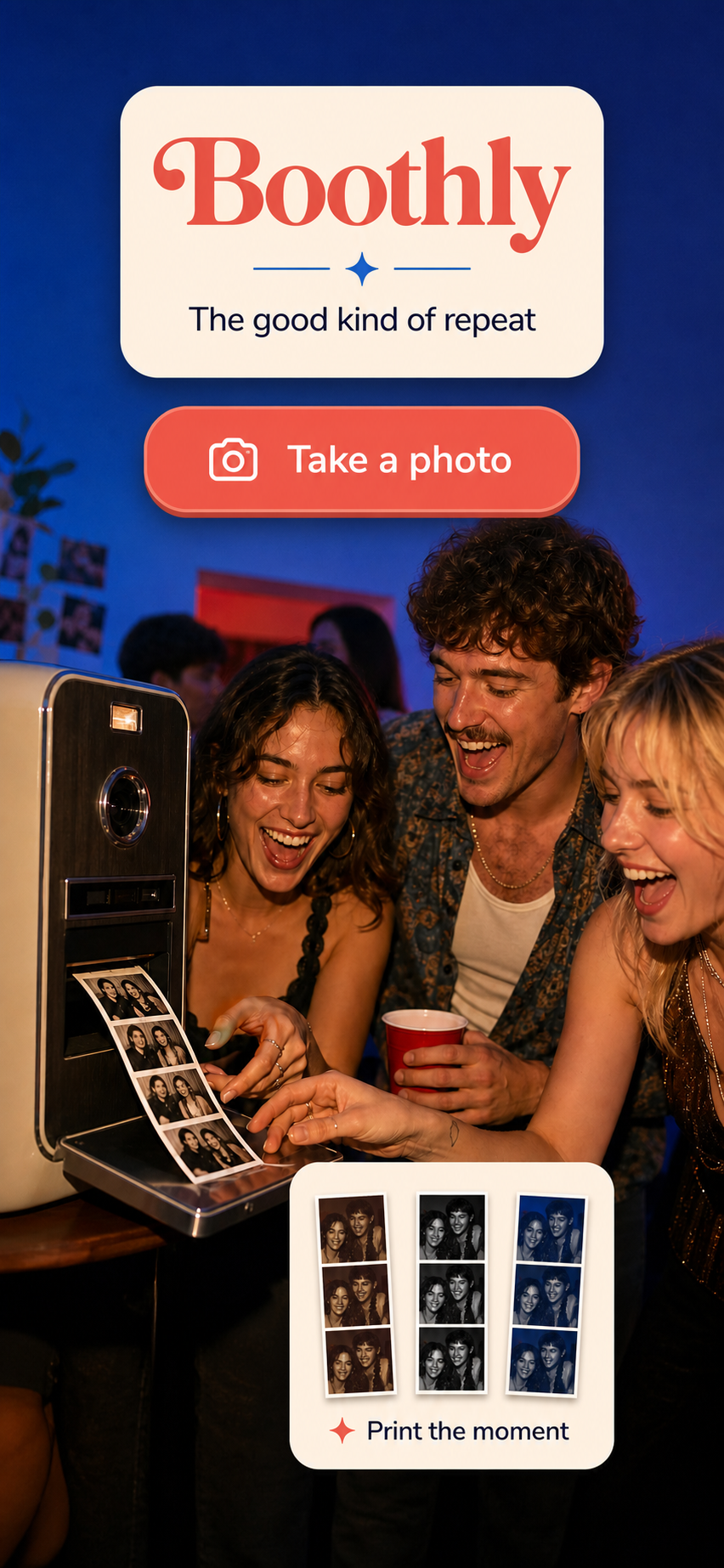
Boothly turns three iPhone photos into a retro photo strip with a few distinct themes. It is suited to small corporate gatherings because the workflow is quick, familiar and easy to stop using once everyone has had a turn. An App Clip can also help guests get to the activity without a long installation process.
Decide how photos will be shared
Tell guests whether the finished strips are private keepsakes, part of an internal recap or simply theirs to save. Do not assume that everyone wants a public gallery. A voluntary share link or QR code is enough if the organiser wants to collect a few highlights later.
The best photo booth app for a small corporate event is the one that takes almost no explanation. Keep the setup visible, the prompts friendly and the output distinctive, then let the people and conversations remain the main event.