Apps & Tools
A Checklist for Reviewing an AI-Generated SwiftUI App Before Shipping
Review an AI-generated SwiftUI app before release with a practical checklist for data, permissions, errors, accessibility, device testing and App Store claims.
Published October 7, 2026 · Michael at Yuzool
An AI-generated SwiftUI project can give you a fast first version. It cannot tell you whether the app is ready for people to depend on. Before shipping, review the generated work as software: follow the main task, test the edges, understand where data goes and make sure the product description matches what the build actually does.
Use this checklist after the project compiles and before you invite testers or prepare an App Store submission. If an item is unclear, treat that as a task to investigate—not as proof that the code is wrong or safe.
1. Walk through the core task from a clean start
Install or reset the app so you see the first-run experience. Can a new user understand what to do without a spoken explanation? Complete the main task from start to finish. Then repeat it with an incomplete entry, an unexpected value and a cancellation.
Check the states that are easy to miss in a generated prototype: no saved records, a long list, a failed operation, an empty search and a user returning after closing the app. Make sure the interface explains what happened and provides a useful next step.
2. Verify data persistence and ownership
Create a record, close the app and reopen it. Confirm what is saved and what is not. If the app syncs or exports information, understand the destination, account and failure behavior. Do not assume that a screen displaying data means it has been stored reliably.
Look for sample content, debug switches, test credentials and placeholder values that should not ship. If the app handles sensitive information, minimize what it collects and test deletion and backup behavior deliberately.
3. Inspect permissions and external connections
Search the project for network calls, analytics, credentials, permissions and third-party packages. Identify why each exists and whether it is disclosed to the user. A permission should be requested when its purpose is clear, not on first launch merely because the app might need it eventually.
If the product uses AI, establish whether prompts or app data leave the device and which provider receives them. Check that any privacy language and App Store disclosures reflect the real implementation rather than the intended design.
4. Check the interface beyond the happy path
Test the screens at different device sizes, in light and dark appearance where supported, and with larger text. Confirm that buttons have clear labels, focus order makes sense and important information is not conveyed by color alone. Review loading, error and confirmation states, not just the polished first screen.
Try the app with VoiceOver if possible. Native controls are a useful foundation, but generated layouts still need an accessibility pass. Check that destructive actions are clear and reversible when appropriate.
5. Review code and dependencies you will maintain
Open the project in Xcode and identify the app entry point, data model, main views and services. Read the parts that handle persistence, networking, payments and permissions. Remove unused dependencies and rotate any secret that was accidentally placed in source code; secrets should not be embedded in a client app.
Run a clean build and keep a known-good copy of the project. If you cannot explain what a critical block does, ask for an explanation, simplify it or have an experienced developer review it before release.
6. Make the store page match the build
Check the name, subtitle, screenshots, privacy details, support URL and pricing. Screenshots should show real app behavior. Avoid claiming integrations, offline support or privacy properties that you have not tested in the released configuration. App review helpers can flag common issues, but they cannot guarantee approval; Apple makes the final review decision.
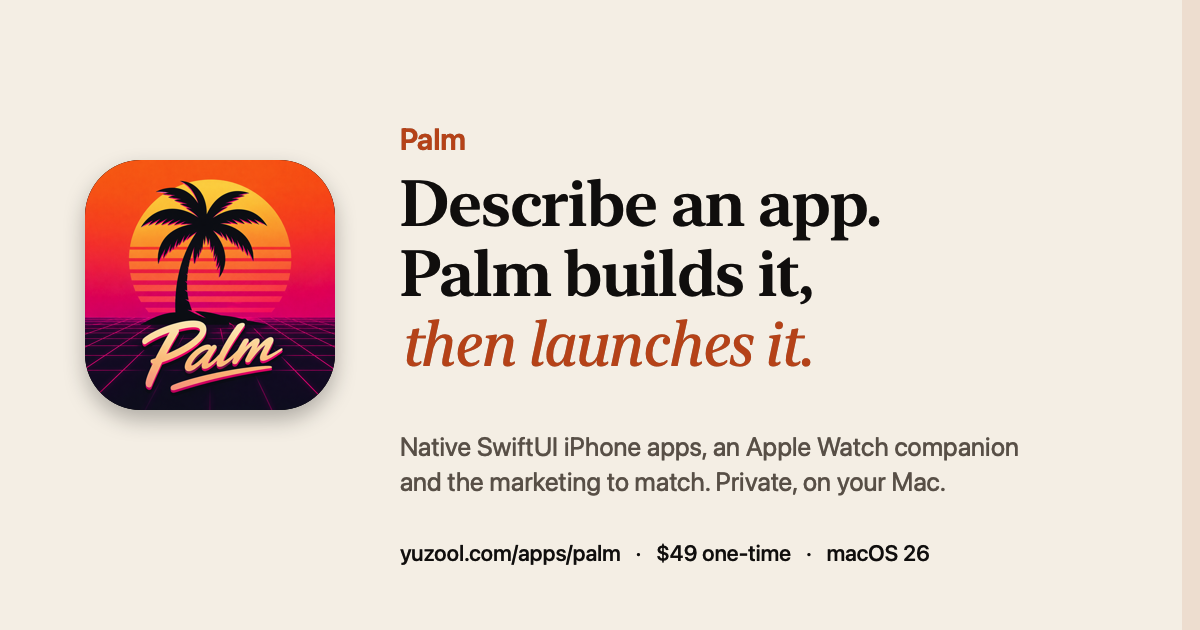
Palm generates native SwiftUI projects on Mac and includes a pre-submission check for common App Review rejection reasons. Use that as one review layer, then run your own device and privacy checks. For the earlier product decisions, see how to turn one app idea into a working iPhone app and Palm’s App Store launch checklist.
The important boundary is simple: generation can accelerate the first draft; responsibility for testing, privacy, truthful marketing and the release remains with the developer. A careful review is what turns a plausible prototype into software you are prepared to support.