Apps & Tools
Small Party Photo Booth Ideas You Can Set Up at Home
Plan a simple at-home party photo booth with a good spot, soft light, easy prompts and a sharing plan guests understand—without turning the room into a production.
Published September 21, 2026 · Michael at Yuzool
A photo booth can give a house party a little activity without asking the host to plan a full entertainment schedule. The best home setup is usually small: one obvious place to stand, flattering light, a simple prompt and a clear way to keep or share the pictures.
Choose a place guests naturally pass
Look for a corner with enough room for two or three people to stand together. Keep it near the party, but not in a doorway or the busiest path between the kitchen and living room. A plain wall, curtain or bookshelf can work as a background; tidy the edges of the frame instead of buying a themed backdrop.
Check the frame from the camera’s position before guests arrive. Remove anything distracting, make sure faces are not directly in front of a bright window, and leave a little space for people to step in and out. If you are using a phone, prop it securely at face height and test that the camera can include a small group.
Make the light forgiving
Soft, even light is more useful than elaborate decorations. Use a lamp bounced toward a pale wall or place the setup where room light reaches faces from the front or side. Avoid a single harsh lamp directly overhead. Take a test picture at the time the party will happen, because daylight can disappear earlier than expected.
Keep props optional and easy to return. A few hats, paper shapes or handwritten prompt cards can help people loosen up, but guests should not need to perform a joke to use the camera. Try prompts such as “make the face you arrived with” or “fit everyone into one frame.”
Decide what happens to the photos
Tell guests whether they are making a picture for themselves, adding to a shared album or leaving a printed copy in a guest book. Those are different experiences. If you want one collection owned by the host, choose a service designed to gather uploads and explain who can view them. A camera app that saves or shares a finished picture to the person who took it is not automatically a shared guest gallery.
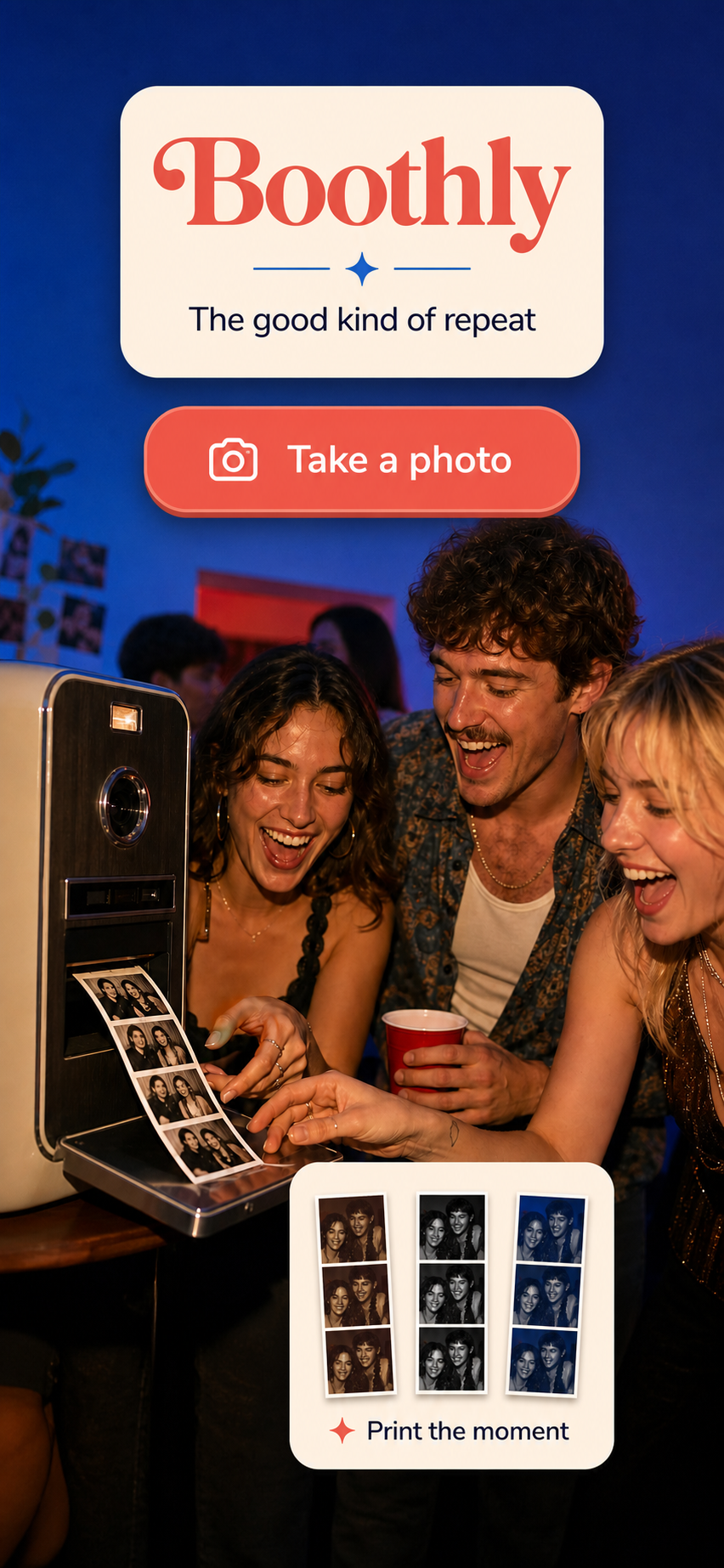
For a quick personal keepsake, an iPhone photo-strip app can be simpler than hiring equipment. Boothly makes a three-frame retro strip on iPhone; its App Clip can start from a QR code or NFC tap, so guests can try the camera without first installing the full app. That route is iPhone-specific, so it should be an optional activity rather than the only way to contribute photos at a mixed-device party.
Keep the setup easy to reset
Before the first guest arrives, test the complete path: open the camera, take the pictures, review the strip, and save or share it. Put a short instruction beside the phone and make sure someone can help if the device needs attention. A small setup that works reliably will get more use than a complicated station with a queue.
If you are planning a larger event, our QR photo booth setup guide covers placement and guest instructions in more detail. For the camera itself, see Boothly on Yuzool or open Boothly on the App Store.