Apps & tools
SnapTrack vs a Spreadsheet for Freelance Expenses
Compare SnapTrack with a spreadsheet for freelance expenses: receipt capture, project context, currencies, corrections and preparing a clean reimbursement record.
Published September 24, 2026 · Michael at Yuzool
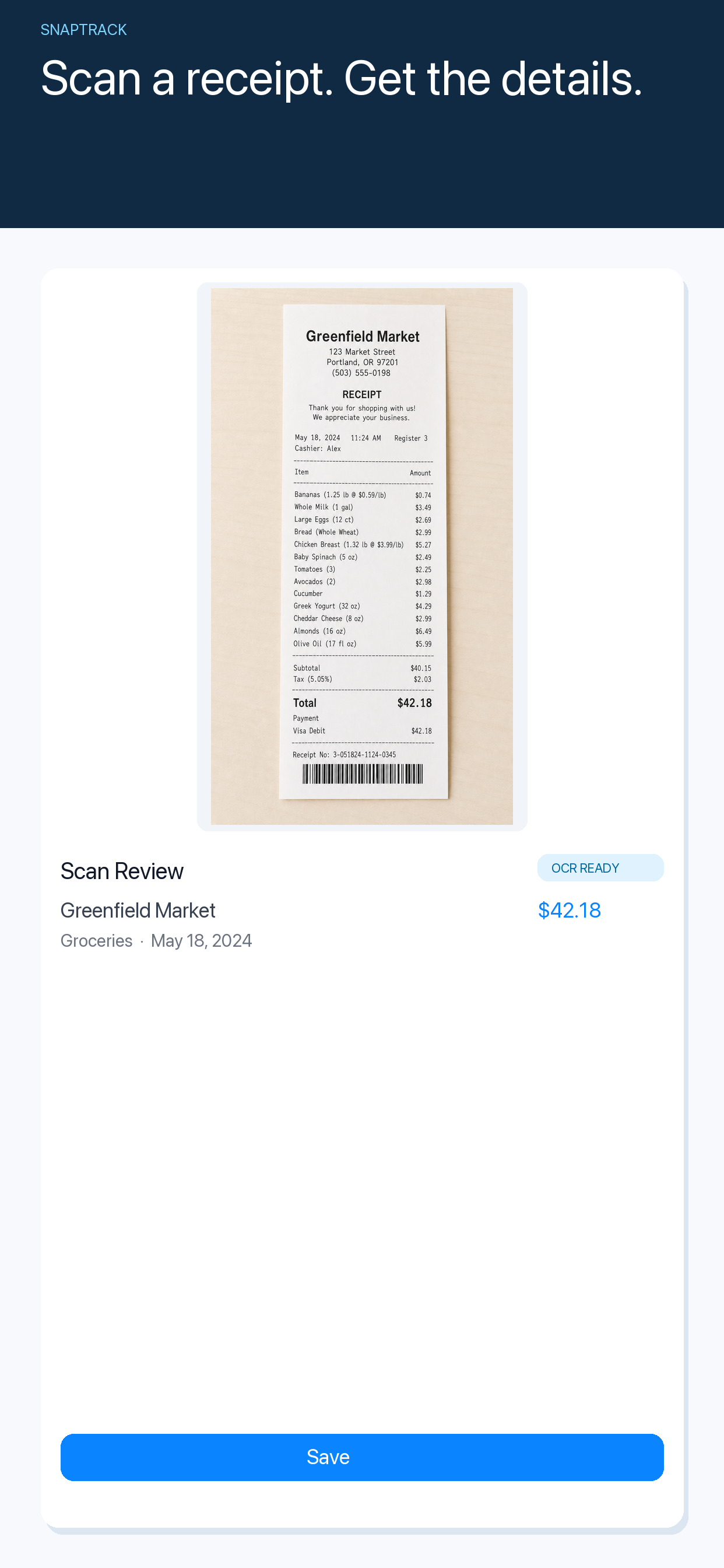
A spreadsheet is flexible and familiar, but it usually starts working after the receipt has already been collected. SnapTrack is built around the earlier moment: scanning the receipt, checking the result and preserving the context before the purchase becomes another item to reconstruct at month end.
Choose a spreadsheet when you need a custom financial model
A spreadsheet is useful when you need formulas, a tailored chart or a wider view of business finances. You can add columns for client, project, tax treatment and reimbursement status, then build a report exactly around your accountant’s process.
The cost is maintenance. You have to open the file, type the details accurately, attach or rename the receipt and remember which currency or project applies. A spreadsheet can be excellent once the data is there, but it does not make capture automatic.
Choose SnapTrack when capture is the bottleneck
SnapTrack is designed for the receipt moment on iPhone. Scan a receipt, review the detected merchant, total, date and category, then keep the result in a searchable expense history. You can correct the scan before saving it rather than trusting an unreadable OCR result.
This is useful for freelancers who buy things between meetings, work from cafés, travel for client projects or regularly promise to “sort the receipts later”. The smaller workflow is often the important part: record the purchase while you still remember what it was for.
Keep project context visible
Whatever tool you choose, add enough context to answer three questions later:
- Which client or project was this for?
- Was it personal, business or reimbursable?
- What should happen next—invoice it, claim it or simply archive it?
Do not rely on the merchant name alone. “Station café” may be a client meeting, a travel stop or a personal purchase. A short note can save more time than another complicated category system.
Be careful with currency conversion
Spreadsheets often encourage you to convert a foreign receipt immediately and discard the original. Keep both amounts instead. The original currency is what the receipt says; the converted value is the number you used for your report.
SnapTrack keeps the original amount and currency visible and lets you add a home-currency rate when you need a converted total. That makes the record easier to explain after a trip or when a reimbursement question arrives later.
A practical recommendation
Use a spreadsheet when you need a custom financial model and are willing to maintain it. Use SnapTrack when the main problem is capturing receipts consistently on the move. Many freelancers can use both: SnapTrack for the reliable source record, and a spreadsheet or accounting system for the final monthly summary.