Apps & Tools
How to Track Website Download and Checkout Conversions
Build a simple funnel from product-page visit to download click, checkout start and confirmed purchase—and understand what each event can actually prove.
Published October 9, 2026 · Michael at Yuzool
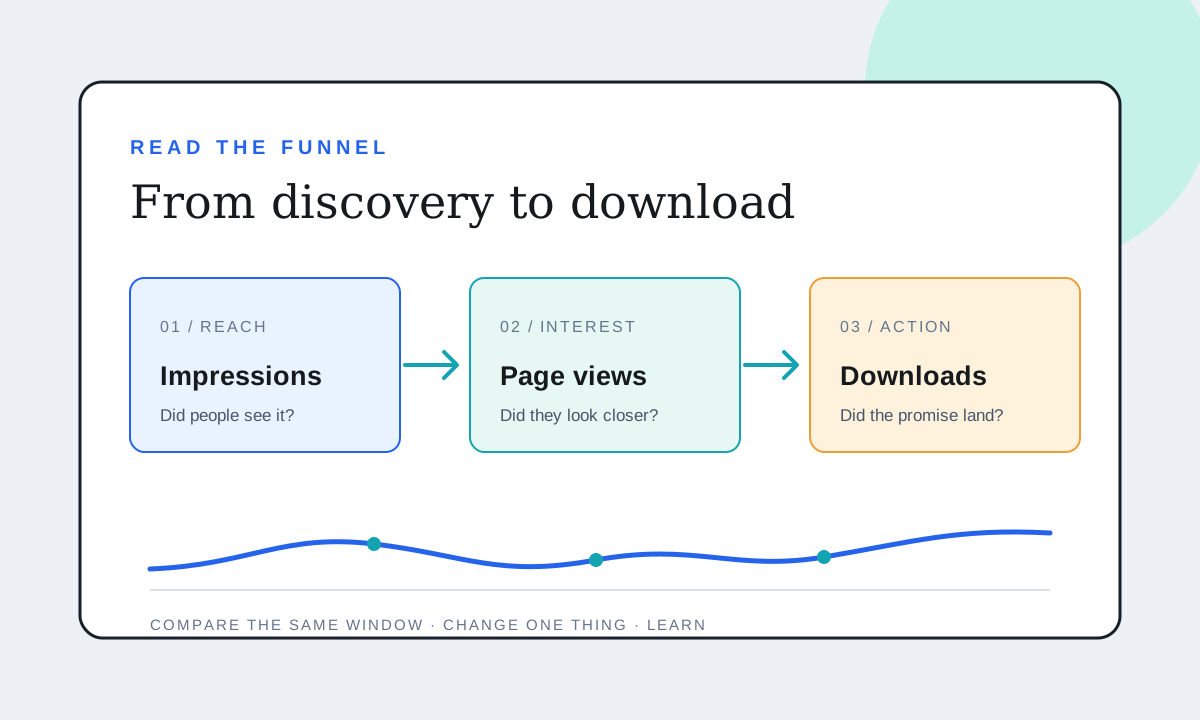
If a product page gets visitors but sales remain unclear, adding more analytics events is not automatically the answer. The useful first step is to name each stage of the journey and be precise about what the measurement can prove. A click is intent. A completed payment is a sale. Those are different facts.
Map the funnel before adding events
For a downloadable app or paid software, a practical website funnel might be:
| Stage | Example measurement | What it tells you |
|---|---|---|
| Product page | Page view on the focused landing page | Someone arrived at the offer |
| Download intent | Click on the download CTA | Someone chose to get the app |
| Purchase intent | Click through to checkout | Someone opened the payment path |
| Confirmed outcome | Successful payment recorded by the seller | A purchase completed |
Do not collapse these into one generic “conversion” number. If the payment happens on an external store, the website may not be able to observe the final outcome. Use the store's or payment provider's transaction report as the source of truth for revenue, then compare it with website events to find where interest drops away.
Name events by action and placement
Choose a small naming convention before you instrument the page. For example, palm.download.header and palm.checkout.hero identify both the action and its location. If placement is not important to your decision, simpler names such as palm.download and palm.checkout are easier to maintain.
Avoid names like button-1, click or conversion. They become impossible to interpret when a page changes or an app has several buttons. Keep event names lowercase and stable; put campaign details in campaign parameters rather than creating a new event for every email or social post.
Track only the actions you will actually review. A focused product page usually needs a page view, a primary download or store-link click, a checkout click if relevant, and perhaps a signup or lead form completion. More events can add noise without making the funnel more actionable.
Separate button clicks from outcomes
A download-button click does not prove that a file finished downloading, that the app launched, or that a user kept it. A click to an App Store listing does not prove an install. A checkout link click does not prove a payment. If you can observe the downstream event with the platform's supported integration, label it accurately; otherwise report it as an unobserved step.
For a third-party checkout, use a successful-payment webhook or the provider's own sales export as the completed-purchase record. Do not infer a sale merely because someone reached the checkout page. If the payment provider redirects buyers to a thank-you page, verify that the page cannot be reached without a real purchase before counting it as a sale.
Test the full path yourself
Before sharing a campaign link, run one test from the product page through each available step. Confirm that:
- The CTA points to the intended download or checkout.
- The event fires once per action, not on page load and again on click.
- The event name appears as expected in the analytics report.
- Campaign parameters survive redirects where applicable.
- A test purchase is excluded or clearly labeled, if you have a safe test mode.
Use a test campaign value such as utm_campaign=qa_check and make a note of the test time. This makes it much easier to distinguish your own activity from a real visitor when the numbers are small.
Read the weakest stage and choose one change
If page views are low, work on distribution and the promise in the link. If visits are healthy but download clicks are scarce, make the first screen more specific: say who the app is for, what job it does and what happens after the click. If download intent is healthy but paid checkout starts are low, review the price, product explanation and trust signals. If checkout starts are healthy but confirmed purchases are low, inspect checkout friction and rely on the payment provider's data to verify the gap.
Do not compare rates across different date ranges or traffic sources without noting the difference. A small email campaign and broad search traffic may have very different intent. Use tagged links consistently and let each source accumulate enough observations before making a large redesign based on a handful of visitors.
This approach works for a Mac product such as Palm as well as other independent software: show the page visit, measure the next intentional action, and keep completed sales grounded in payment data. A clear four-stage funnel is usually more useful than a dashboard full of ambiguous button events.