Apps & Tools
An App Store ASO Tool for Mac Indie Developers
How a Mac ASO tool can help an indie developer research competitors, compare keywords, audit metadata and prepare an App Store launch with less guesswork.
Published September 24, 2026 · Michael at Yuzool
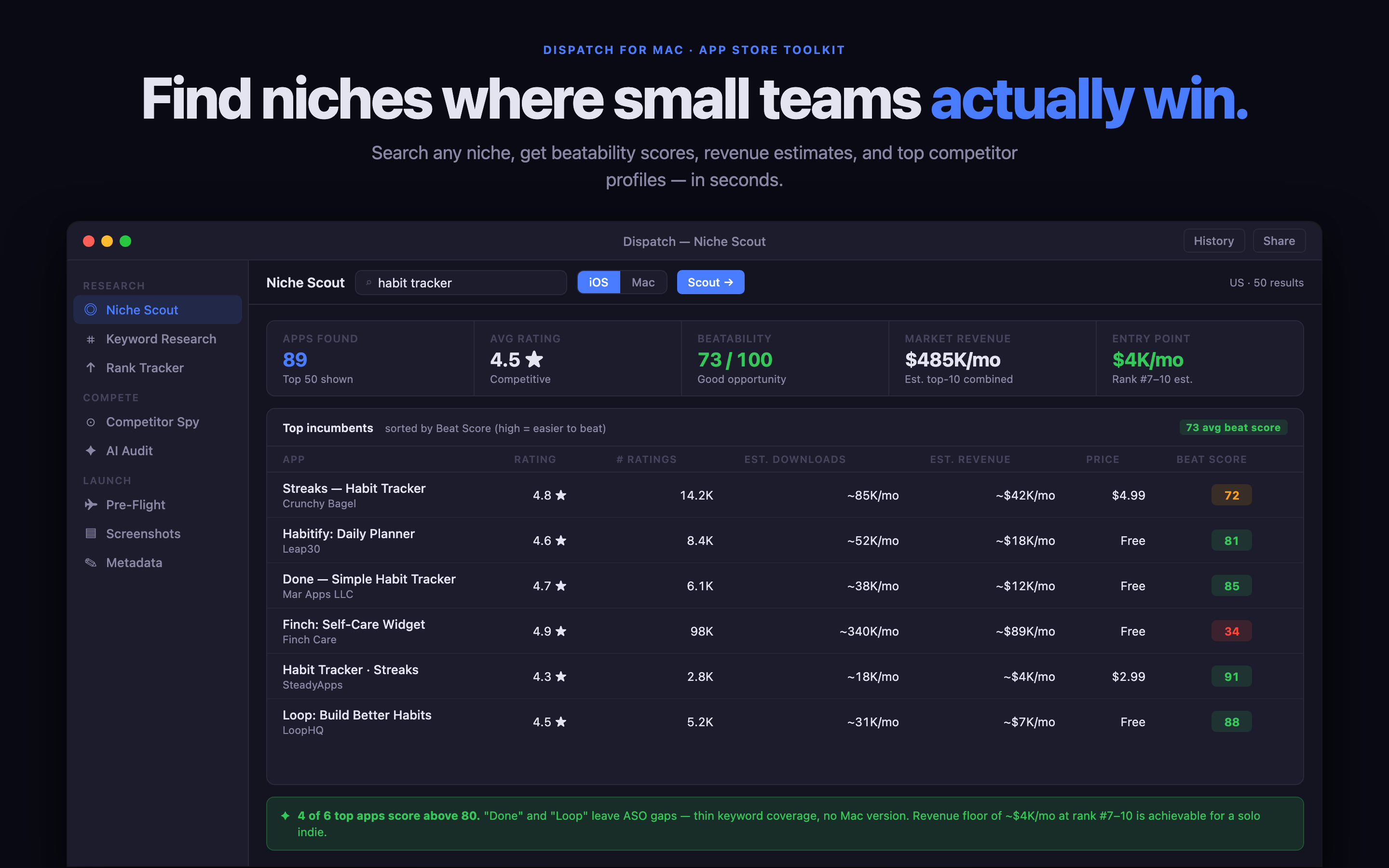
App Store optimisation is often described as a keyword task, but a keyword list is only the beginning. An indie developer also needs to understand the competing promises, choose a market that the product can actually serve and check whether the title, subtitle, screenshots and description tell the same story.
What should a Mac ASO tool help with?
A useful ASO workflow should make four jobs easier: finding phrases people use, comparing competing listings, recording decisions and checking the product page before submission. It should help you move from “this phrase looks popular” to “this is the audience, promise and screenshot sequence we can support.”
The tool should also reduce context switching. App Store Connect, notes, spreadsheets and browser tabs can each hold part of the research, but the important decision is usually lost between them. A focused Mac workspace keeps the evidence near the draft metadata.
Research the opportunity before polishing the listing
Start by describing the problem in ordinary language. “Expense tracker for freelancers” is closer to a search intent than “OCR receipts,” even though OCR may be the feature that makes the workflow possible. Group phrases by the job, audience and moment that brought someone to the App Store.
Then compare the first page of results. Look for repeated language, missing promises and products that are strong in one area but weak in another. The opportunity is not always a completely empty category; it may be a narrow audience that the larger apps address poorly.
Why a native Mac workflow helps
Research is easier to repeat when it is close to the rest of the launch work. You can keep the app page, notes and product screenshots nearby, review the evidence, then turn one finding into a concrete metadata change. A native Mac app also suits developers who want their research to stay in a local workspace rather than another browser dashboard.
Dispatch is built for this part of the process. It combines App Store opportunity research, keyword and competitor review, metadata preparation and pre-flight checks for an independent launch. The goal is not to generate a mysterious score; it is to help you make a better product-page decision.
A practical ASO review loop
Choose one audience and one job. Record the phrases that describe it. Compare the language used by competing apps. Draft a title and subtitle that make the promise clear. Check whether the first screenshots prove that promise. After release, review the search and conversion signals and note what changed before making the next experiment.
That loop is small enough to repeat and specific enough to improve. It is more useful than changing five fields at once and then guessing which one mattered.