Apps & Tools
Dispatch vs App Store Connect: What Each Tool Does
Dispatch and App Store Connect solve different parts of the indie app workflow. Learn when to use each, what Dispatch adds, and how to research an App Store launch on Mac.
Published October 1, 2026 · Michael at Yuzool
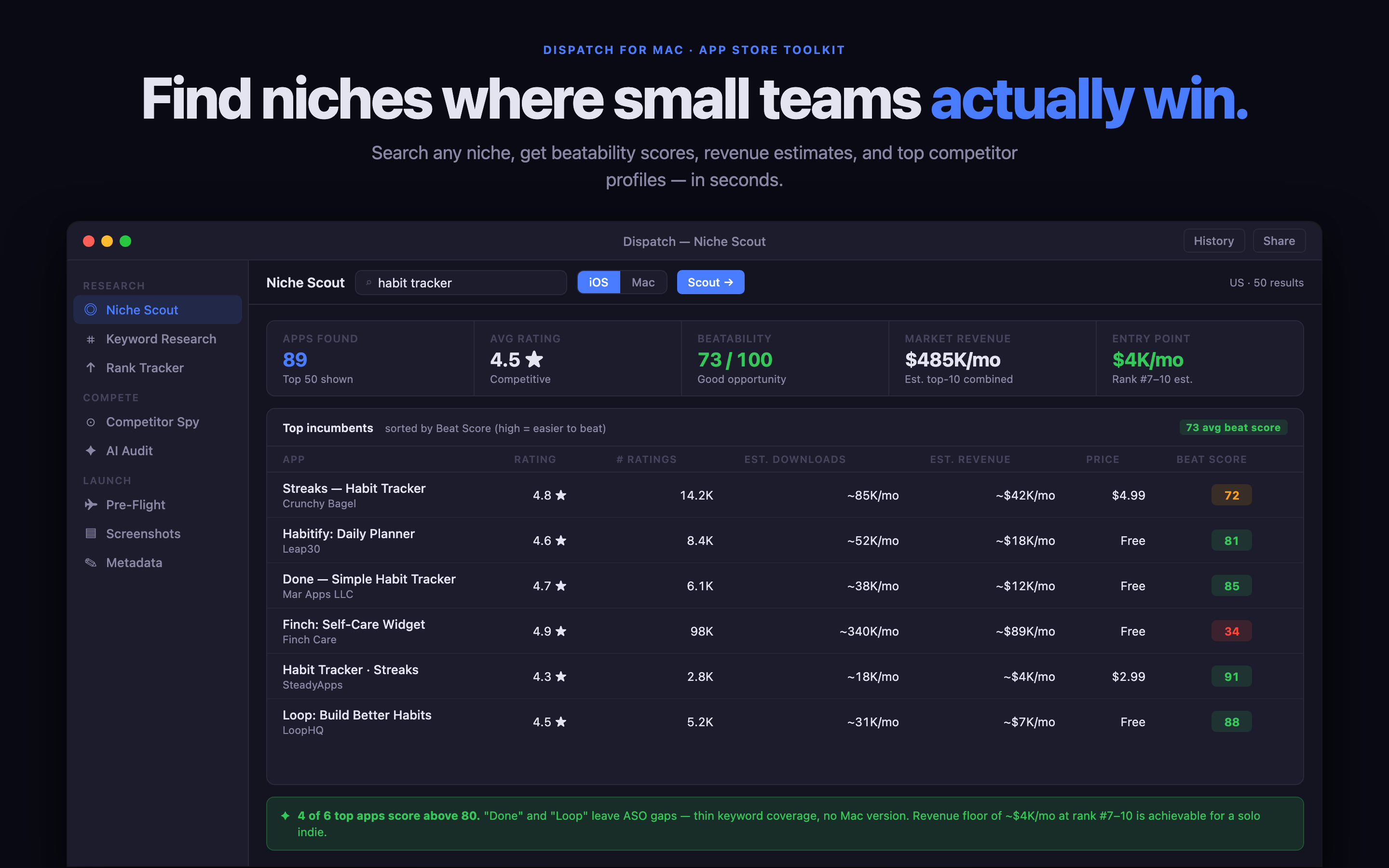
App Store Connect is the place where an Apple developer submits, prices and measures an app. Dispatch is the preparation layer around that work: a focused Mac workspace for researching a category, comparing competing listings and turning decisions into a launch checklist.
They are not replacements for one another. A useful workflow uses both, at different moments.
What App Store Connect is for
App Store Connect is the source of truth for the live business of an app. Use it to upload builds, submit versions for review, manage product pages, set availability and inspect sales and download data. It is essential once an app exists in Apple’s system.
It is less suited to the earlier questions that decide whether a listing is ready: what language competitors use, which search intent the screenshots answer, whether the first five seconds of the page are clear and whether a launch plan has a sensible order.
What Dispatch adds
Dispatch is for the thinking that happens before and between App Store Connect sessions. It helps an independent developer keep a private record of:
- niche and keyword research;
- competitor listing notes;
- screenshot and metadata decisions;
- launch tasks and release retrospectives; and
- the evidence behind the next update.
The distinction matters because an App Store page is an output. Dispatch keeps the reasoning that produced that output, so a subtitle change or screenshot test is a decision you can learn from rather than a forgotten edit.
A practical workflow using both
Start in Dispatch when you are choosing a market or preparing a new version. Search the language buyers use, save a small sample of competing pages and write down the gap your app can own. Then prepare the title, subtitle, screenshots and launch checklist around that gap.
Move to App Store Connect when the assets and metadata are ready for submission. Upload the build, create the version, add the prepared copy and submit it for review. After launch, return to Dispatch with the result: impressions, product-page views, downloads, sales and the next question to test.
That loop is especially useful for a one-person studio. It avoids turning App Store Connect into a notebook while avoiding the opposite mistake of collecting research that never becomes a shipped page.
Which one should you buy?
You need App Store Connect if you publish Apple apps. Dispatch is useful if you want a repeatable, local-first system for the work around publishing and you do not want another large monthly dashboard. It is a one-time Mac purchase with a direct edition available from Yuzool.
Get Dispatch for Mac from Yuzool or buy the direct edition through Polar. You can also open Dispatch on the Mac App Store.
The short version: App Store Connect runs the Apple account. Dispatch helps you make better decisions before you open it and remember what happened after you close it.