Apps & Tools
Mac App Store vs buying direct: how to choose
The best place to buy a Mac app depends on more than the checkout button. Compare the actual edition, updates, support, privacy and ownership details before you decide.
Published October 11, 2026 · Michael at Yuzool
When you find a Mac app you like, you may see two ways to buy it: Apple’s Mac App Store or the developer’s own website. It is tempting to treat them as identical copies with different checkout screens. Sometimes they are. Sometimes they are different editions, with different features, update routes or support arrangements.
There is no universal winner. The useful question is: what exactly am I buying, and which route makes ownership easiest for me? This guide gives you a quick way to compare the two without assuming that one channel is automatically safer, cheaper or more complete.
Start with the edition, not the storefront
Before comparing price, make sure you are comparing the same product. Developers may distribute one edition through Apple and another directly. They might differ because of platform capabilities, review rules, packaging, included features or the support model. A lower price is not necessarily a discount on the same thing; it may be a deliberately smaller edition.
Look for a feature list that names real differences. “Pro,” “full” and “premium” are not enough on their own. Prefer concrete descriptions: does one edition include a specific workflow, integration, export option or analysis view that the other does not? If the listing is vague, ask the developer before paying.
What the Mac App Store usually makes simpler
Buying through the Mac App Store keeps the transaction and app delivery inside your Apple account. The store handles installation, purchase history and updates for that listing. If you already use Apple’s purchase flow and prefer one familiar place to manage apps, that convenience has genuine value.
There are trade-offs to check. Confirm the app supports your macOS version, read the current listing carefully and make sure the store edition includes the features you need. A Mac App Store page may also have less room to explain unusual workflows than the developer’s own product page, so check both when the purchase matters.
App Store reviews can help, but read them as individual experiences rather than a complete product specification. Look for recent comments about the exact version, compatibility and support response. For privacy-sensitive tools, check the developer’s privacy disclosures and product documentation too.
What buying directly can make simpler
A direct purchase can give the developer more control over the edition, pricing, delivery and customer relationship. Some developers can offer features or integrations in a direct version that are not present in their App Store edition. You may also get product-specific support from the person or team making the app.
But “direct” is not a quality guarantee. Check who processes the payment, how you download the app, where you retrieve it later, how updates arrive and who handles support. Read the licence and refund terms before purchase. A clear developer page should answer these questions without making you hunt through checkout.
Also check whether a direct purchase uses a third-party checkout provider. That is common for small software businesses. It means the provider processes payment under its own terms; it does not mean the developer receives your full card number. Make sure the checkout domain is the one linked from the developer’s official site.
A quick comparison checklist
Features
Compare the actual workflows included in each edition, not just the names or badges.
Price over time
Check whether payment is one-time or recurring, and whether major upgrades are included or sold separately.
Updates
Know where updates appear and whether you need the same account, portal or installer to receive them.
Support and privacy
Find the support contact, data-handling explanation and any account or cloud requirements before you buy.
Then ask yourself one practical question: which version will I actually open and use? If a more advanced edition saves time on a job you do every week, the additional price may be worthwhile. If you only need the core workflow, the simpler edition may be the better fit.
Worked example: the two Dispatch editions
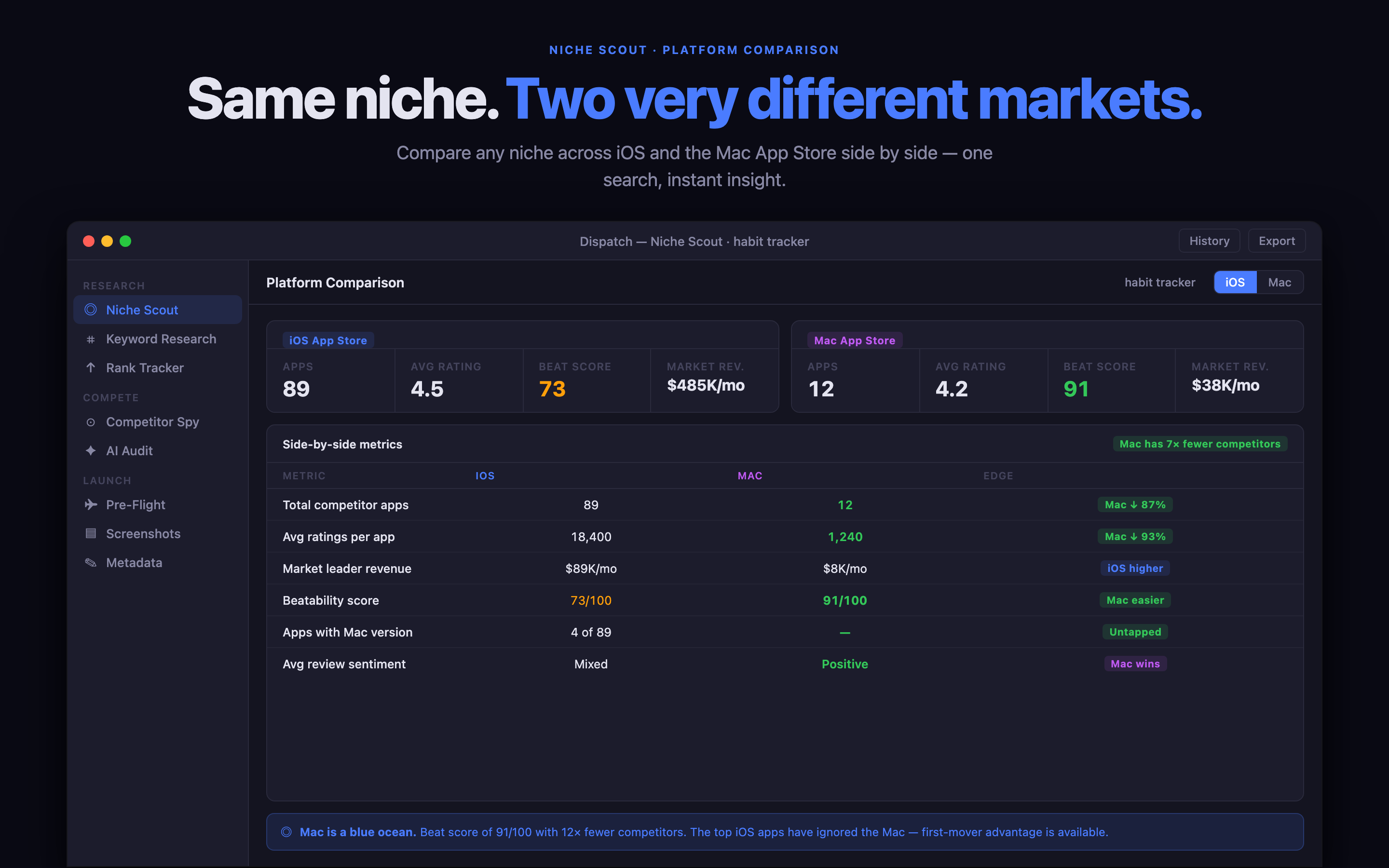
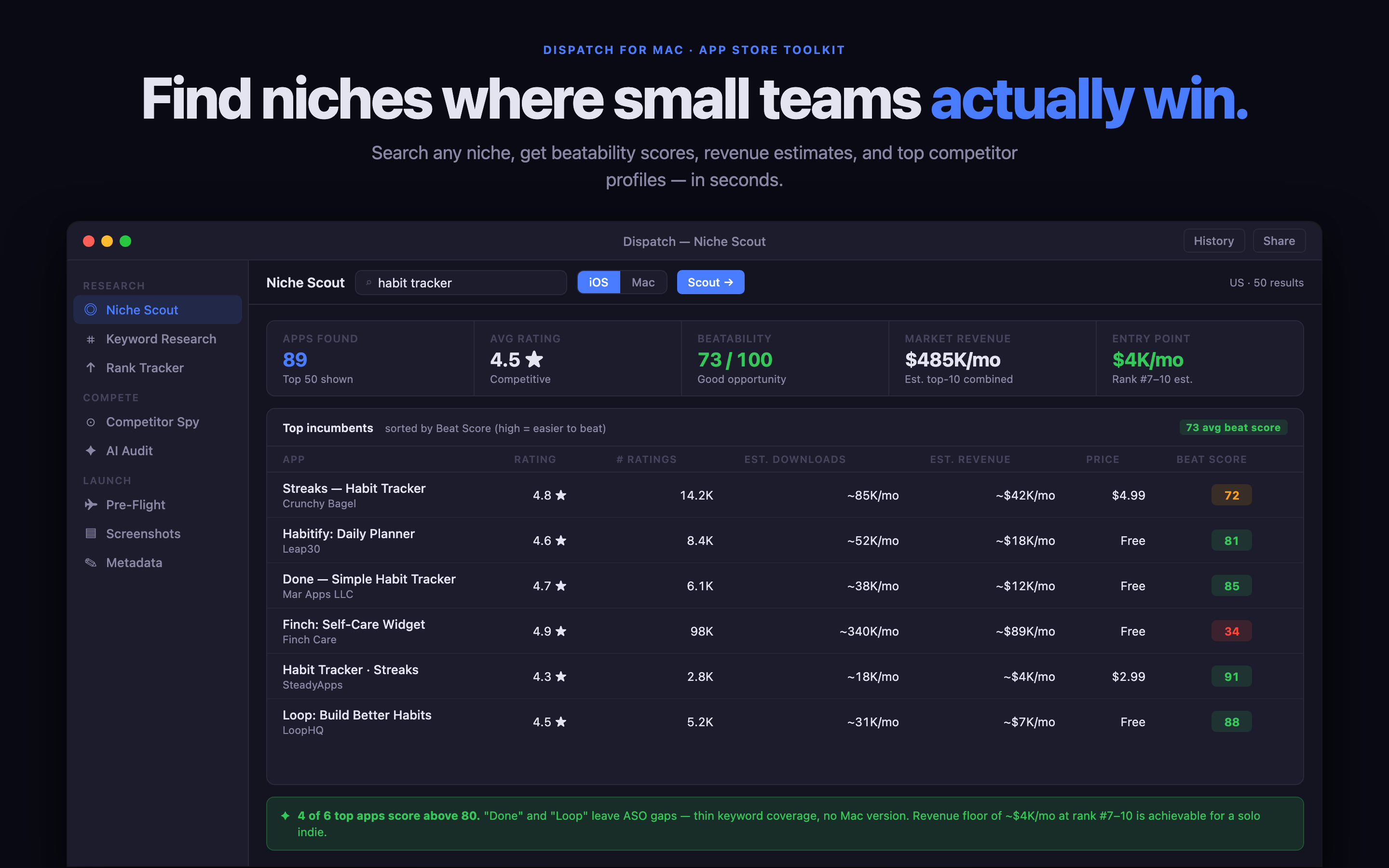
Dispatch is a Mac toolkit for independent developers researching and preparing Apple app launches. Its two editions share the core workflow, but they are intentionally not identical.
- Mac App Store edition — $29.99, one time: niche and keyword research, rank tracking, metadata editing, screenshot preparation, submission pre-flight and local-first projects.
- Direct edition — $39, one time: includes the streamlined workflow and adds deeper competition analysis, expanded review mining and more detailed niche and cost-to-compete research.
So the decision is not “Apple checkout versus the same app for a different price.” Choose the App Store edition if the focused research and launch workflow is what you need, and you prefer Apple to manage the purchase and updates. Choose direct if you expect to use the deeper competitor and review research. Both are one-time purchases; neither requires a monthly subscription.
Dispatch also has a separate iPhone companion, Dispatch Kun, for checking App Store Connect sales, reviews and activity on the go. That is a separate app, not an iPhone version bundled with either Mac edition.
Questions worth asking before checkout
Will I get future updates? Find out whether updates are included for the current product and how they are delivered. “One-time purchase” describes the payment model; it does not, by itself, explain every future major-version policy.
Can I move between editions? Do not assume that an Apple purchase transfers to a direct licence, or vice versa. Each storefront has its own purchase records. Ask the developer about upgrade or migration options if you might switch later.
Where does my data go? The sales channel does not tell you how the app handles data. Look for a product-specific privacy explanation covering local storage, account requirements, connected services and any AI processing. When a page says “local-first,” check what that means for the features you plan to use.
Who do I contact if something breaks? Store reviews are not a support channel. Find the developer’s direct support address or help page, and check whether you can identify your purchase if you need assistance.
The short version
Buy from the Mac App Store when its edition has the features you need and Apple-managed installation, billing and updates are your preference. Buy direct when the developer offers a specific edition or workflow that better matches your job, and the delivery and support terms are clear.
In either case, the good signs are the same: an honest feature comparison, a visible price, plain-language privacy details, a real support route and no ambiguity about what happens after payment. If those details are missing, pause and ask. A careful developer should be happy to make the choice clear.
Related reading: Dispatch vs App Store Connect explains where launch research ends and Apple’s publishing tools begin. For the exact current feature list and links, use the Dispatch product page.