Apps & tools
An Expense Tracker for Freelance Consultants
Track reimbursable travel, meals and project costs by client with a focused iPhone expense tracker for freelance consultants who do not want to rebuild receipts at month end.
Published September 24, 2026 · Michael at Yuzool
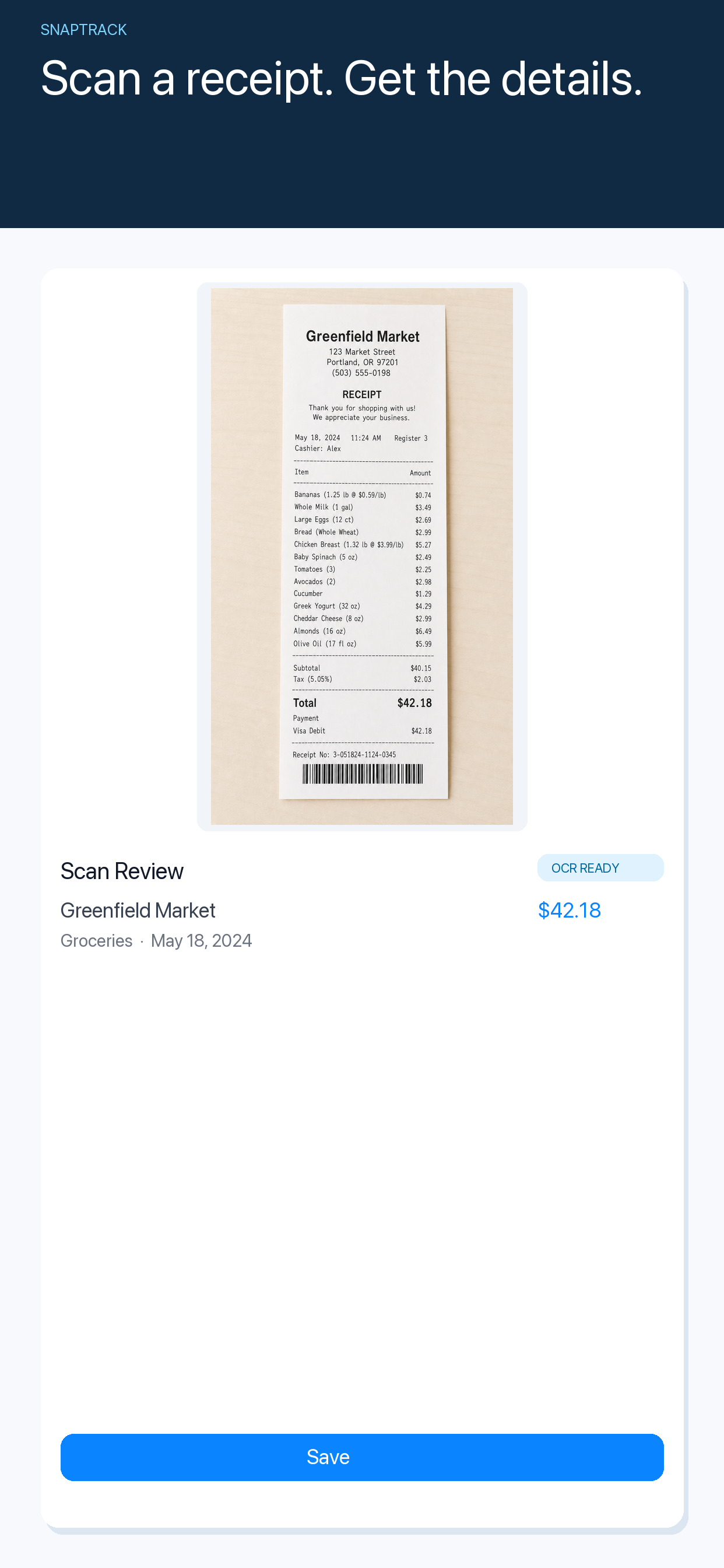
Freelance consultants often pay for the work before they can invoice it: a train to a client workshop, lunch during a full-day session, a taxi between offices or a research purchase made for a specific project. These costs are easy to justify when they happen and surprisingly difficult to reconstruct several weeks later.
Record the client context immediately
The amount alone is not enough. When you capture an expense, add the client, project and reason while the memory is fresh. “Train — Client A workshop” is useful; “£42.80” is not.
Keep the note short. The goal is to preserve the decision, not write a report on every coffee. If the expense is personal, shared, reimbursable or likely to be passed through, mark that distinction at the same time.
Separate reimbursable and business costs
Consultants commonly mix several kinds of expense in one wallet:
- costs the client agreed to reimburse
- ordinary business costs that belong in bookkeeping
- personal spending during a business trip
- purchases shared between several projects
Use a consistent category or note so these do not become one undifferentiated list. Before invoicing, filter the expenses for that client and check the supporting receipt. Before tax review, separate the items that need professional advice from the straightforward record keeping.
Photograph the receipt before it disappears
Receipts are most fragile when the workday is busy. They are folded into a notebook, left in a taxi or mixed with the next client’s paperwork. Capture a photo as soon as you pay, then check the merchant, date and amount.
If a receipt is digital, keep the email or document reference alongside the expense. A photo is a useful record, but it should not make you lose the original source when your bookkeeping process requires it.
SnapTrack is a focused iPhone expense tracker for capturing receipts and keeping the important context attached to the expense. It is useful for consultants who need a quick record while travelling but do not want a full accounting system open during every client day.
For a broader workflow, see the guide to an iPhone expense tracker for a freelance business trip and the freelancer expense tracker page.
Do a short pre-invoice review
Before sending an invoice, review the client’s expenses in one sitting. Check the date, receipt image, category, amount and reimbursement agreement. Remove duplicates and flag anything that needs a question rather than silently guessing.
This five-minute review is easier than answering a client query a month later. It also protects the relationship: a clear expense line with a receipt feels considered, while a vague total creates unnecessary friction.
An expense tracker should make good record keeping easier, not turn a consultant into a part-time bookkeeper. Capture the receipt, add the client context and review the list before invoicing. That is enough structure to keep reimbursable work from becoming invisible.