SEO workflow
A Google Search Console Tool for Small Business on Mac
A practical guide to choosing a Google Search Console tool for a small business on Mac, from finding low-CTR pages to recording SEO changes and follow-up.
Published September 24, 2026 · Michael at Yuzool
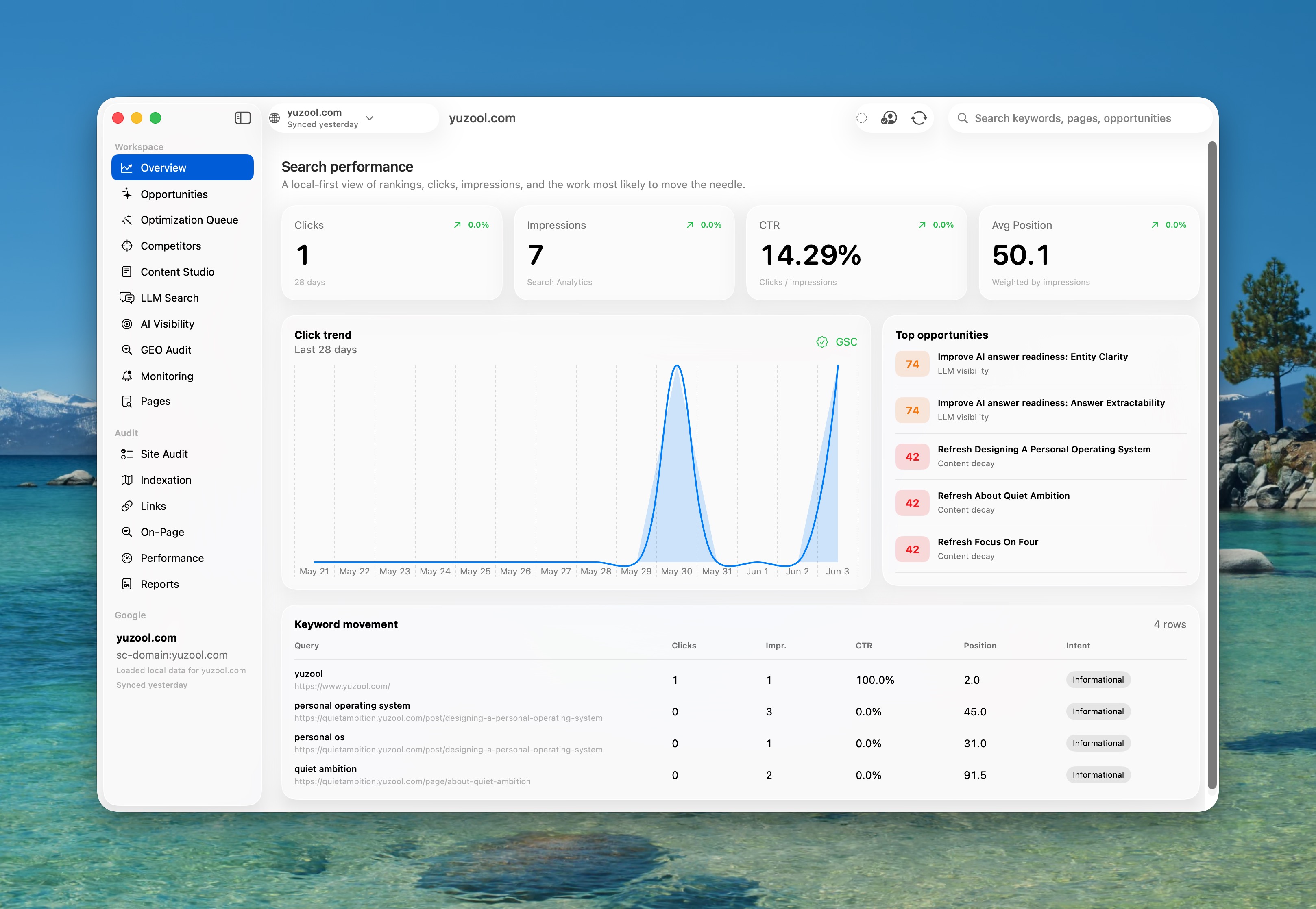
Google Search Console is useful for a small business because it shows how real people discover the site. The difficulty is not getting more charts. It is deciding which page deserves attention when there are only a few hours available for SEO each week.
What a small business needs from Search Console
Start with pages that already have evidence behind them. A page with impressions but a low click-through rate may need a clearer title or description. A page sitting just outside the first page may need a better answer, stronger internal links or a more specific search intent. A sudden drop may point to a technical issue or a change in the result page.
The useful workflow connects the signal to the page and then to a change. A spreadsheet can store the numbers, but it rarely preserves why the change was made or when it should be checked again.
Why a native Mac tool can help
Small business owners often do SEO between client work, customer support and daily operations. A focused Mac app makes the review feel like a short work session rather than another browser dashboard to keep open all day.
The best tool should help answer three questions quickly:
- Which page has the clearest opportunity?
- What change is reasonable for that page?
- When should the result be reviewed?
Rank is built around that decision layer. It brings Search Console performance into a native Mac workflow for reviewing pages, drafting safer SEO changes and tracking what happened next. It is designed for owners who want a repeatable review without buying an enterprise SEO platform.
A 20-minute weekly Search Console routine
Choose one page with meaningful impressions. Read the queries that brought people there and compare the promise in the search result with the page’s opening section. Make one focused change, record the reason and set a follow-up date. Do not rewrite five pages at once; the point is learning which kind of improvement helps this site.
If the site serves a local area, include the town, service or audience only where it accurately describes the page. If it sells a product, make sure the title and opening copy explain the task the product completes. Search data is valuable when it improves the page for the person who arrives, not when it becomes a reason to add more keywords.
Choose the smallest workflow you will repeat
A small business does not need a complicated SEO system to make progress. It needs a clear page, one evidence-led change and a habit of checking what happened. A native Search Console tool is useful when it makes that loop easier to start and easier to remember.