Apps & Tools
How to Audit App Store Screenshots Before Launch
A practical App Store screenshot audit for indie developers: check the promise, sequence, readability, audience fit and evidence before submitting an app.
Published October 3, 2026 · Michael at Yuzool
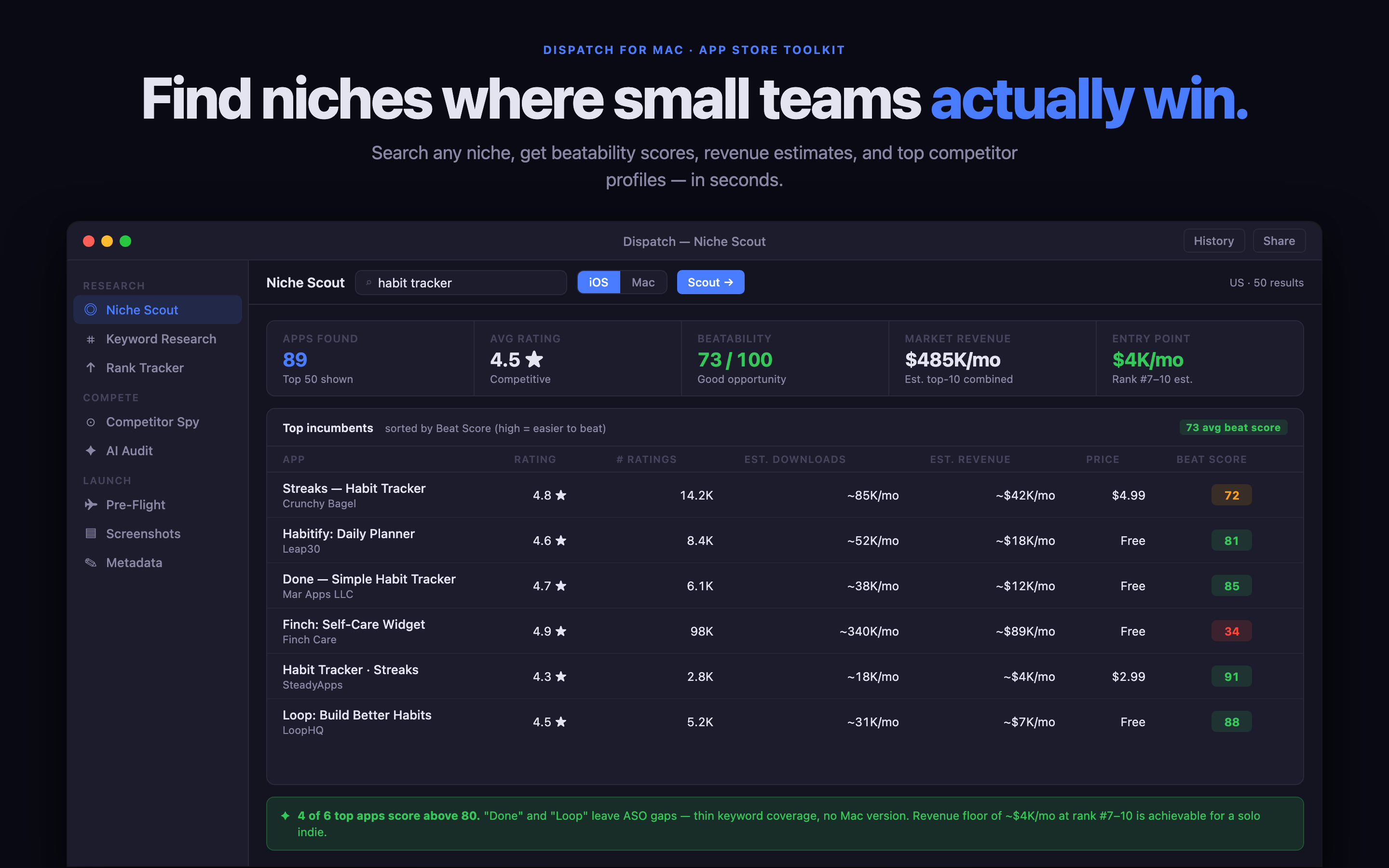
An App Store screenshot audit is a short test of whether a stranger can understand the app without opening it. It is different from checking whether the images look polished. A beautiful screenshot can still explain the wrong thing, arrive in the wrong order or use language the buyer does not search for.
Read the first screenshot alone
Hide the rest of the listing and look at the first screenshot for a few seconds. Can you tell who the app is for and what job it does? If the answer depends on the app icon, a tiny interface detail or a paragraph below the fold, the first frame needs a clearer promise.
Check the sequence as a story
The screenshots should answer questions in order: what is this, how does it work, why is it better for this person and what happens after I download it? Do not spend the first three frames explaining settings if the main outcome is still unclear.
Dispatch is a focused Mac workspace for researching competing App Store pages, recording screenshot decisions and keeping a launch checklist together. Explore Dispatch or buy the direct edition through Polar. The Mac App Store edition is also available.
Test it at phone size
Review the images at the size people will see them. Long headlines, pale text and interface details that look clear on a large monitor often disappear on a phone. Ask one person unfamiliar with the product to describe the app after viewing only the screenshots. Their words will reveal what the page actually communicates.
Keep the audit focused. Fix the biggest misunderstanding first, then submit or test one meaningful change at a time.