Apps & tools
An Invoice App for Freelance Developers
Organise project invoices, deposits, milestones and follow-ups as a freelance developer with a simple Mac and iPhone invoicing workflow.
Published September 24, 2026 · Michael at Yuzool
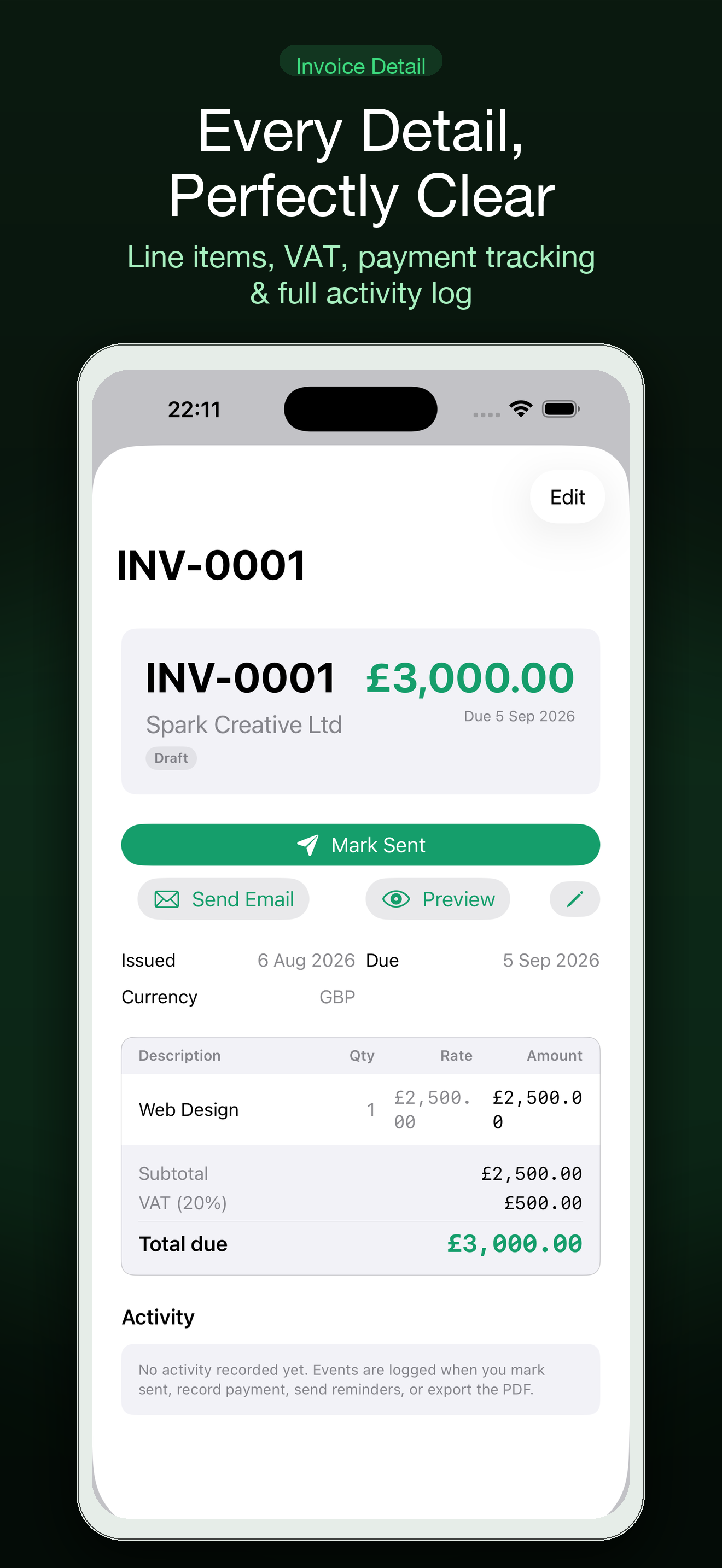
Freelance developers often invoice in stages: a deposit before work starts, a milestone when the first version is ready and a final amount after launch. The code may be organised in a repository, but the money side can still end up scattered across email, a spreadsheet and a reminder that never made it onto the calendar.
Give every project a payment next step
For each client project, record the invoice number, amount, due date, payment status and next follow-up. If the project has milestones, make each payment visible instead of relying on one large total that only becomes urgent at the end.
Settle is a focused Mac and iPhone invoicing app for freelancers and independent workers. It helps keep the “what happens next?” of a payment workflow visible, whether the next step is sending an invoice, checking a due date or following up with a client.
Separate project progress from payment progress
A project can be technically complete while an invoice is still outstanding. Track those as two related but separate states. “Waiting for client content” is a delivery status; “invoice due Friday” is a payment status. Combining them makes it harder to see what needs attention.
For milestone work, write the trigger for each invoice in plain language. For example: “Send second invoice when the staging site is approved.” Put the action and date somewhere you will actually review, rather than leaving it in a contract paragraph.
Make reminders factual and calm
The first follow-up does not need to sound like a confrontation. Include the invoice number, due date, amount and payment link, then ask whether anything needs correcting. If the client reports a problem, record the promised next action and date so the issue does not remain an invisible email thread.
For older or disputed balances, review your contract and local requirements before escalating. Settle can help organise the record, but it does not provide legal or accounting advice.
A weekly developer-invoice review
- List invoices sent but not marked paid.
- Check each due date and the last contact.
- Assign one next action to every open invoice.
- Send reminders that are due and note the response.
- Archive paid work so the active list stays readable.
The best invoice app for a freelance developer is not necessarily a full accounting suite. If the recurring problem is remembering what was sent and what needs a follow-up, a smaller focused workflow may be easier to maintain alongside your existing payment provider.