Apps & Tools
The Best Invoice App for Freelancers Who Send Recurring Invoices
What freelancers should look for in an invoice app for recurring client work: reusable line items, client history, payment status, PDF export and simple follow-up.
Published September 24, 2026 · Michael at Yuzool
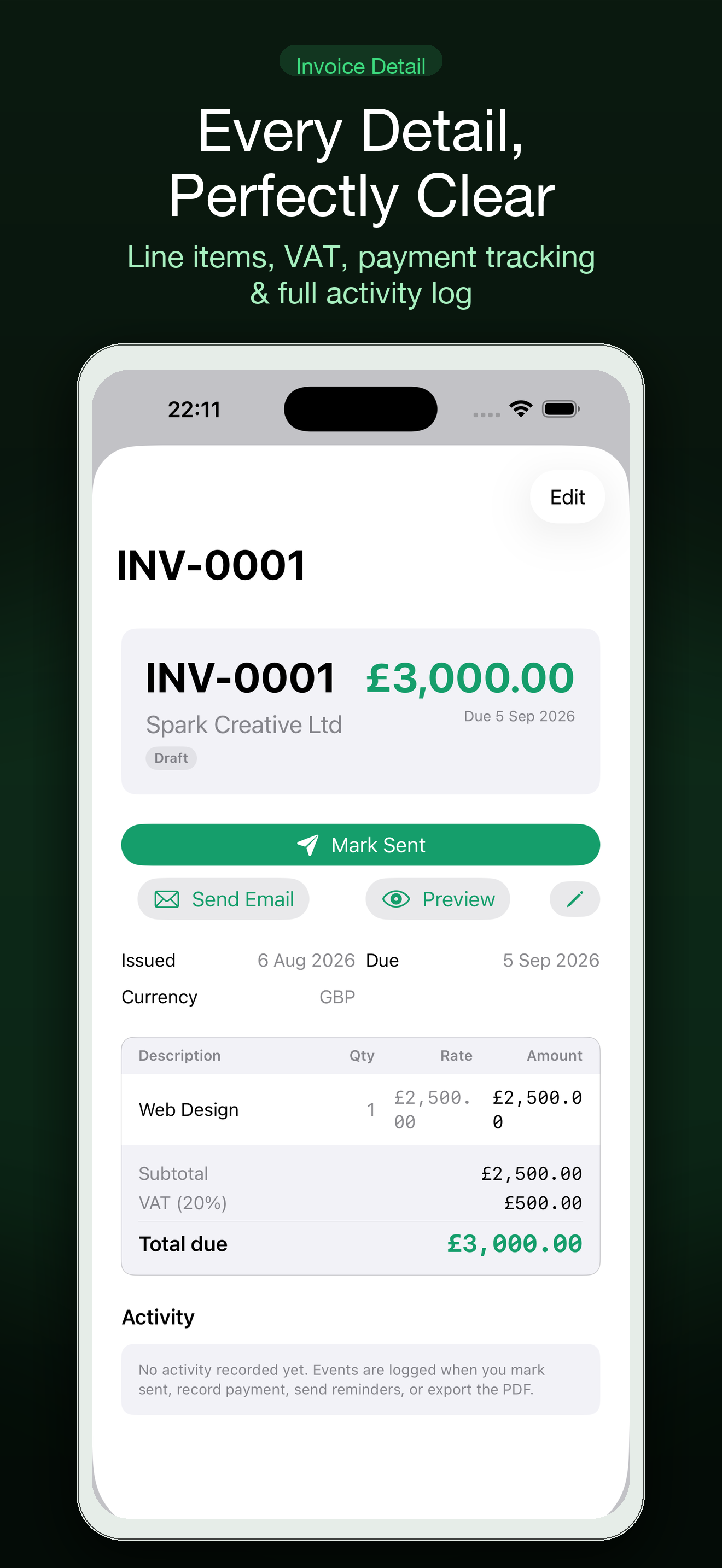
Recurring freelance work should make invoicing easier, but it often creates a different kind of friction. The client, rate and due date may repeat while the work changes slightly each month. A good invoice app should remember the stable parts without making you send the wrong period, line item or amount.
The best tool for a freelancer is rarely the one with the biggest accounting feature list. It is the one that makes the correct invoice quick to prepare, easy to check and simple for the client to pay.
Separate reusable details from monthly facts
Save the client name, billing email, payment terms and standard rate as reusable details. Enter the current period, project note, hours and one-off expenses each time. This separation reduces typing without hiding the parts that need a fresh check.
Before sending, verify the service period and due date. Recurring invoices are easy to copy and surprisingly easy to send with last month’s dates still attached.
Keep the client record small
A freelancer usually needs a reliable client record, not a complicated CRM. Store the contact, invoice history, payment status and a note about the next conversation. The record should answer: what did I send, when is it due and what needs attention?
Settle is built around this smaller invoicing workflow for freelancers on Mac and iPhone. It supports client records, PDF export, receipt scanning, Stripe payments and iCloud sync without asking a solo business to adopt an entire enterprise finance system. Explore Settle for the full workflow.
Make payment status visible
An invoice is not finished when it is sent. You need a calm way to see draft, sent, due, overdue and paid without opening every PDF or searching your email.
Keep the status close to the client and invoice. If a payment is late, the next action should be obvious: send a polite reminder, check the payment link or ask whether the client received the invoice. Visibility is more useful than a dashboard full of ratios.
Use line items that explain the work
Recurring clients still want to understand what they are paying for. “Design work” may be accurate but vague. Use line items that identify the period, deliverable or agreed service without turning the invoice into a project report.
If the work changes from month to month, start from a reusable draft and edit the current details. Do not make the client read a copied description that no longer matches the work delivered.
Export when the job requires it
Clients may need a PDF for their records, and you may need a clean history for tax preparation or a bookkeeping handoff. Check that the app can produce readable documents with the right business details and that your records remain accessible if you change workflows later.
An export is also a trust feature. A small business should not feel trapped inside its billing tool just because it has sent a few invoices.
Keep reminders human
Automation is useful for remembering that an invoice is overdue. It is less useful when it sends a cold sequence without context. A short personal reminder that names the invoice and asks whether anything is needed is usually a better starting point for a freelance relationship.
Settle can be one part of that process. Use the Settle app page to see the Mac and iPhone workflow, browse the wider Yuzool Store or use the Free Tools when you need a smaller supporting utility.
The best recurring-invoice workflow is predictable but not careless: reuse the stable details, check the changing facts, keep payment status visible and make the next human action easy.