Apps & tools
Invoice Follow-Up App for Freelancers
Build a calmer invoice follow-up routine as a freelancer: track what was sent, what is due and when to send the next polite reminder.
Published September 24, 2026 · Michael at Yuzool
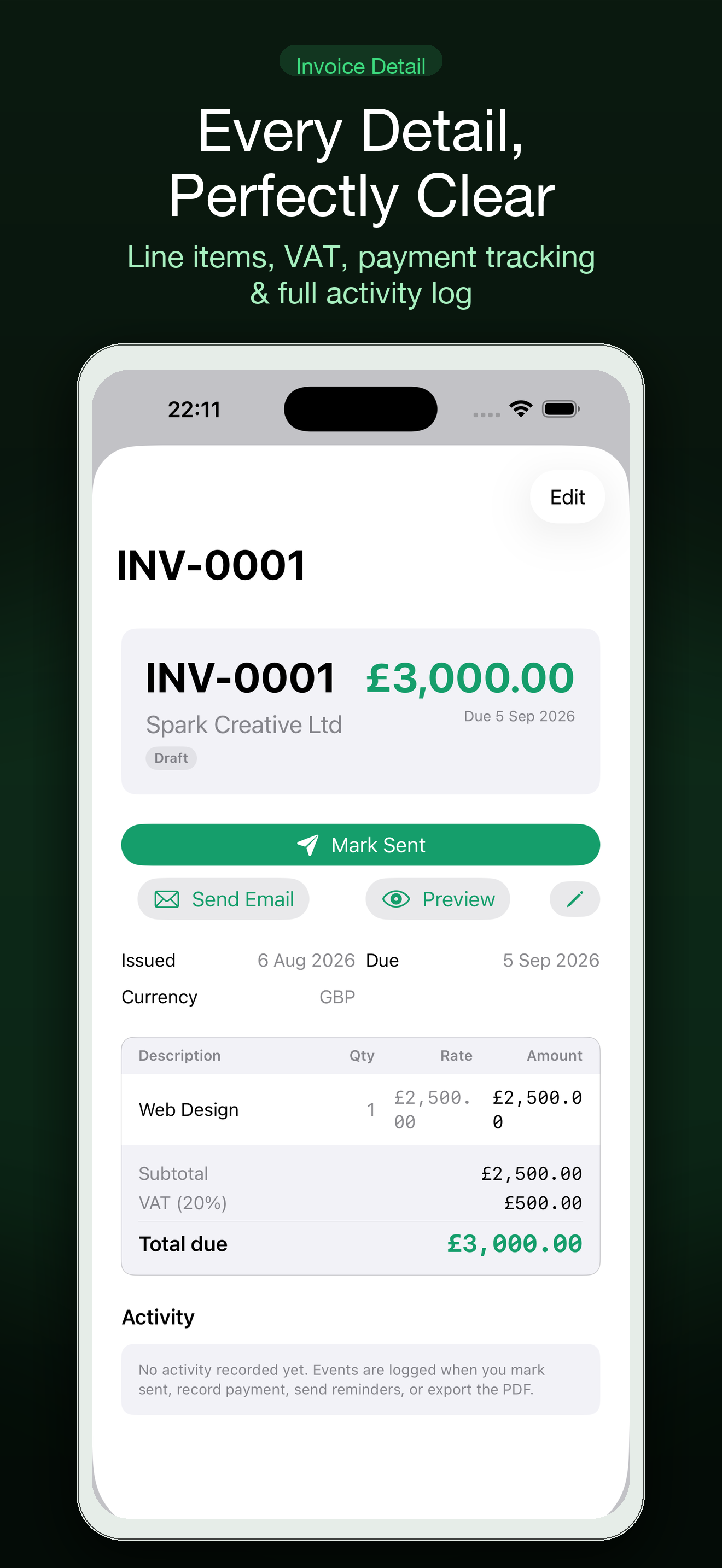
Following up on an unpaid invoice is part of running a freelance business, but it is easy to postpone when the information is scattered across email, accounting software and a personal notes file. A small invoice follow-up app can give each payment a clear next step without turning collections into a full-time job.
Track the next action, not just the invoice
For each invoice, record the client, amount, date sent, due date and the next date you will follow up. That last field is the one most likely to disappear. “Invoice sent” is not a plan; “send a friendly reminder on Tuesday if unpaid” is.
Settle is an invoice app for freelancers who want a focused view of what has been sent, what is due and what needs attention next. It works best as a lightweight follow-up surface alongside whatever system you already use to create invoices and receive payments.
Use a simple reminder rhythm
Your exact terms come first, but a predictable rhythm helps. Send the invoice with clear payment instructions. Before the due date, check that the client received it. Shortly after the due date, send a concise reminder with the invoice number and payment link. If the invoice remains unpaid, follow your agreed terms and escalate professionally.
Avoid writing each reminder from scratch. Keep a short template that states the facts without sounding accusatory:
“Hi [name], just checking that invoice [number] reached you. It was due on [date]. Here is the payment link again: [link]. Please let me know if anything needs correcting.”
Use placeholders only while preparing the template; replace every field before sending.
Separate overdue work from client relationships
An unpaid invoice may be an administrative delay rather than a dispute. Keep the first follow-up factual and easy to answer. If the client says there is a problem, record the promised next step and date instead of leaving the conversation in your inbox.
For larger or older balances, review your contract and local requirements before taking action. An app can help you remember and organise, but it does not provide legal or accounting advice.
A five-minute weekly money review
- Open every invoice still marked outstanding.
- Confirm the due date and last contact.
- Assign one next action and date.
- Send the reminders that are already due.
- Archive paid invoices so the list stays readable.
The point is not to chase clients constantly. It is to make follow-up ordinary enough that invoices do not quietly age in the background.