Apps & Tools
Photo Booth App for a Birthday Party at Home: A Simple Setup
Set up a small birthday photo booth at home with a phone, good light, simple prompts and a clear way for guests to save or share their three-frame photo strips.
Published September 22, 2026 · Michael at Yuzool
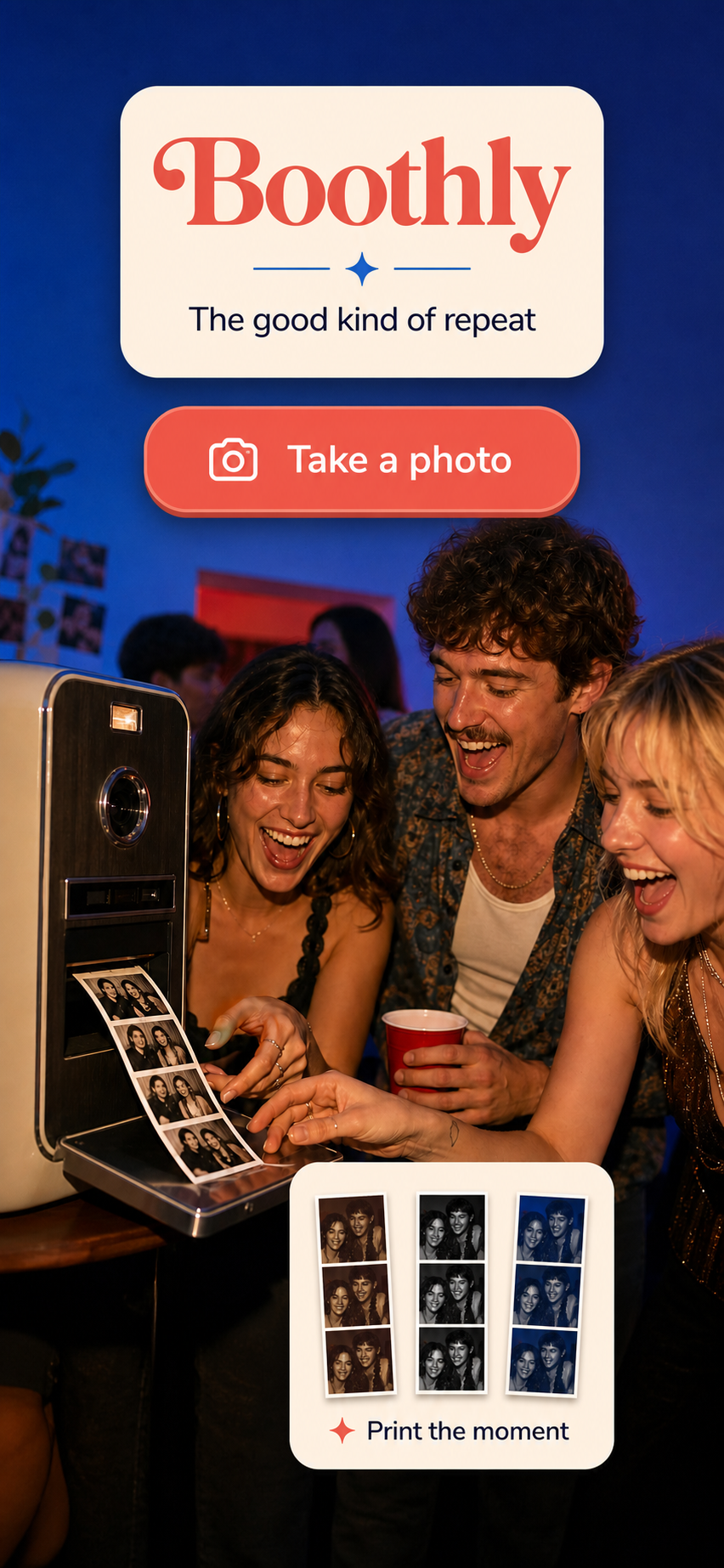
A birthday photo booth does not need a backdrop company, a printer or a complicated booking. For a small party at home, the best setup is a clear corner, forgiving light and a camera experience that lets two or three people make something quickly together.
Pick the corner before you pick the props
Choose a place people naturally pass, but keep it out of the path to the food, bathroom or front door. A plain wall, curtain or bookshelf is enough. Stand where the phone will be and look at the whole frame: remove distracting objects at the edges, check that there is room for a small group, and make sure nobody will stand directly in front of a bright window.
Soft light from the front or side is more useful than a pile of decorations. Test the setup at the time of day the party will happen. If the room is dim, use a lamp bounced off a pale wall rather than a harsh light directly above everyone’s head.
Give guests an easy three-step activity
Guests should understand the activity without asking the host. A short sign can say: “Take three frames, save your strip, share it if you want.” Keep props optional and use prompts that do not put anyone on the spot: “big birthday face,” “everyone look left,” or “one serious frame, two silly ones.”
Test the full flow before the party. Open the camera, take the pictures, review the result and save it. If the phone needs a permission prompt or the app needs a connection, handle that before the first guest arrives.
Decide whether you want keepsakes or a shared album
These are different jobs. A keepsake is a finished image saved by the people who made it. A shared album is a collection owned or managed by the host. Tell guests which one they are using, especially if images may be posted publicly later.
Boothly is designed for the keepsake version: it makes a three-frame retro photo strip on iPhone, with Classic, Midnight and Rose themes. Its App Clip can start from a QR code or NFC tap, so guests can try the camera without downloading the full app. Because this is an iPhone route and the strip is created on the participant’s phone, it should be an optional activity at a mixed-device party—not the only way to collect birthday photos.
If the main goal is gathering candid images from every guest, use a dedicated shared-gallery workflow and explain who can see the uploads. A photo-strip activity can sit alongside it as the playful part of the evening.
Keep the party moving
Put the instruction beside the phone, leave enough room for people to step in and out, and assign one person to check the battery occasionally. Do not create a queue by making every guest pose. A small activity that people can join when they feel like it usually produces better memories than a mandatory photo schedule.
For more ideas, read our small-party photo booth setup guide and learn more about Boothly. You can also get Boothly on the App Store.