Apps & Tools
How to Make a QR Photo Guestbook for a Dinner Party
Set up a simple QR photo guestbook for a dinner party so guests can share the night without renting a photo booth or passing around one phone.
Published September 30, 2026 · Michael at Yuzool
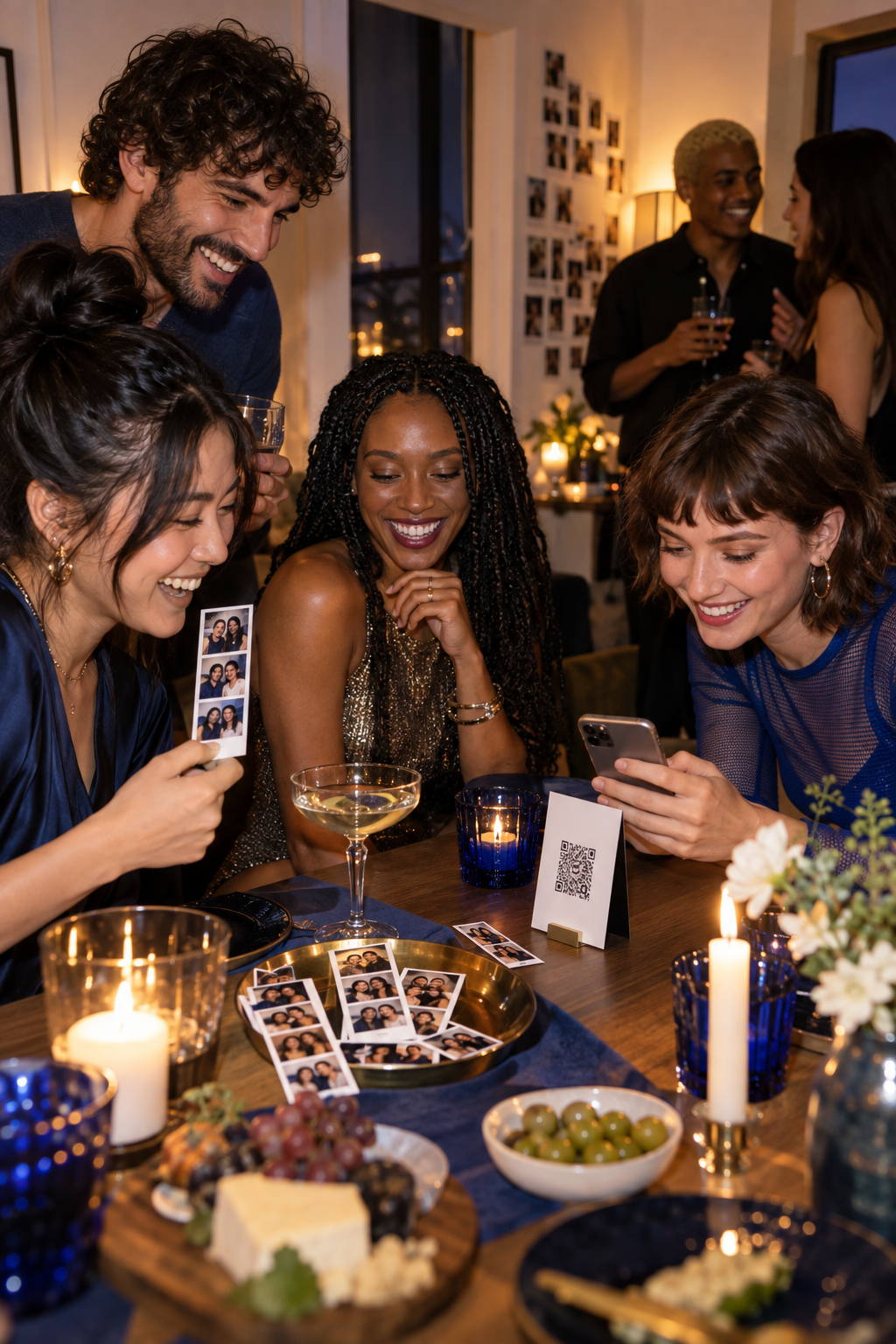
A dinner party does not need a rented booth to create a good photo record. The most successful setup is usually smaller: a well-lit corner, a short instruction card and an easy way for guests to add their own pictures. A QR photo guestbook turns that corner into a shared memory without asking the host to photograph every conversation.
The trick is to make the action obvious and optional. Guests should understand what the QR code does, where the photo goes and whether they want to contribute before they pick up a phone.
Choose one place for the guestbook
Avoid scattering the experience across a shared album, a group chat and a cloud folder. Choose one destination and explain it in one sentence: “Scan to add your favourite photo from tonight.” The shorter the instruction, the more likely somebody will use it between courses.
Place the QR code near the entrance or beside the area where people are already taking pictures. A small tabletop card works better than a large sign that makes the dinner feel like an event activation. Include a fallback web address for anyone whose camera does not recognise the code immediately.
Make the photo corner forgiving
Use a background that is interesting but not busy. A wall, curtain or bookshelf is enough. Put the light in front of the person rather than directly behind them, and leave enough space for two or three people to stand without bumping into the table.
Do not over-style the set. A simple lamp, one prop and a little room to move will create more natural pictures than a complicated arrangement guests are afraid to touch. If the party is at night, test the setup with the same lighting that will be present when dinner starts.
Give guests a prompt, not a performance
People often freeze when a camera appears and they are told to “be fun.” Give them a small choice instead:
- Take a picture with the person you met tonight.
- Recreate the first photo you took together.
- Photograph the table before dessert.
- Make one deliberately serious portrait.
These prompts make the guestbook feel like a record of the dinner rather than a demand for a perfect social-media image. Keep them visible near the QR code and change them for different parts of the evening if the group stays late.
Decide how much privacy the guestbook needs
Tell guests whether the photos are private to the group, visible to everyone with the link or intended for a later shared album. Do not assume that a photo taken at a private dinner should automatically be public. A simple note about who can see the pictures builds trust and avoids a cleanup job later.
If children, clients or people who do not want to be photographed are present, make participation clearly optional. The host can enjoy the guestbook without turning it into a requirement for being part of the evening.
Use a photo booth app for the keepsake layer
A QR guestbook and a photo strip serve different purposes. The QR link makes sharing easy for the whole room. A photo booth app gives a smaller group a physical-feeling keepsake with a repeatable frame and a little structure.
Boothly is an iPhone photo booth app for creating retro-style photo strips at parties, dinners and small events. It is useful when you want the visual consistency of a booth without renting hardware or asking a friend to manage a complicated setup. You can use the QR photo guestbook guide alongside the retro photo strip setup to choose the right level of ceremony.
Finish with a small ritual
At the end of the night, give the group a moment to look through the guestbook and choose one favourite image. That final pause is often more memorable than collecting hundreds of pictures without context. A QR code makes contribution easy; a little editorial judgment makes the result feel like a keepsake.