Apps & tools
How to Turn Photos of Recipes and Flyers Into Useful Actions
A simple iPhone workflow for turning photographed recipes, event flyers and handwritten notes into actions instead of letting them disappear into the camera roll.
Published September 24, 2026 · Michael at Yuzool
Taking a photo is often the easiest way to save information. It is also an easy way to postpone doing anything with it. A recipe stays in the camera roll, an event flyer becomes a forgotten screenshot and a handwritten note is technically saved but practically lost.
The useful step is to decide what the image should become.
Give the photo a next action
When you capture a recipe, the next action might be “buy ingredients on Saturday.” For an event flyer it could be “check calendar and decide by Friday.” For a note from a meeting, it might be “email Alex the revised estimate.” The action does not need to describe every detail in the image. It only needs to make the next decision visible.
Use a short verb-led phrase: buy, RSVP, call, compare, send, book or read. This turns a passive archive into a small queue of things you can actually finish.
Keep context attached
The action should retain enough context that you do not have to reopen the original image every time. Add the event name, the person involved or the deadline. If the image contains a price, address or date that matters, keep that detail with the action too.
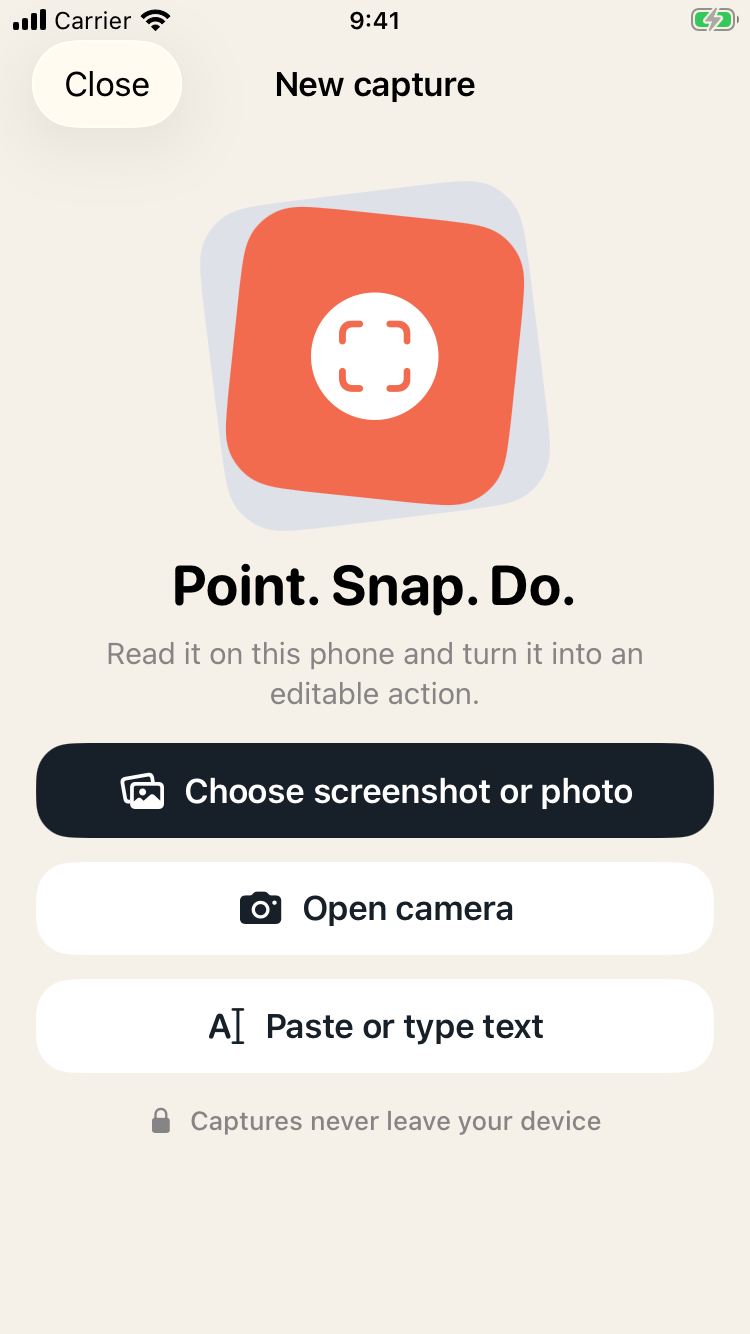
SnapDo is an iPhone photo-to-action app for turning visual information into a useful next step. It is suited to the small moments when the camera is already the fastest capture tool but a plain image is not enough. The photo-to-task guide covers the wider workflow.
Use a quick review, not a perfect filing system
Set aside a few minutes at the end of the day to review new photo actions. Complete the tiny ones, add a date to the ones that can wait and delete the image if the action is no longer useful. The goal is not to catalogue every photograph. It is to prevent important visual information from becoming invisible.
A few examples
- Recipe: “Buy ingredients for lentil soup — Saturday.”
- Concert flyer: “Check tickets and invite Sam — Thursday.”
- Business card: “Send portfolio link to Mei — tomorrow.”
- Handwritten idea: “Sketch the onboarding flow — next planning block.”
The best photo-to-action workflow is small enough to repeat. Capture the image, name the next step and give it a moment in the week.