Apps & Tools
How to Turn a Whiteboard Photo into an Action List on iPhone
A practical workflow for turning a photographed whiteboard into editable follow-up actions on iPhone, then checking names, dates and assignments before sharing.
Published October 7, 2026 · Michael at Yuzool
A whiteboard photo preserves the conversation, but it does not automatically give the team a usable list of next steps. Turning that photo into actions takes a short review: capture a clear image, extract the legible text, and check each item before it becomes a commitment.
Take a photo that is easy to read
Stand square to the board, include the full writing area and avoid glare from windows or ceiling lights. If the board is large, take overlapping sections rather than shrinking everything into one distant shot. Make sure names, arrows and dates remain visible; those details often carry more meaning than the headline.
Do not erase the board until you have checked that the photo is readable. If a marker is faint, rewrite the important line or capture a closer image. Better source material usually means less correction later.
Convert statements into clear next actions
A useful action begins with a verb and says what should happen next. “Pricing” is a topic; “Mina to confirm the annual plan price by Thursday” is an action someone can verify. When reviewing extracted text, separate decisions, open questions and tasks so a brainstorming note does not accidentally become an assigned commitment.
Check names, dates, numbers and negations carefully. Handwriting, abbreviations and arrows can be ambiguous, and text extraction can miss them. If an owner or deadline was not agreed in the room, leave it unassigned instead of guessing.
Review before you copy or share
Compare every action against the original photo. Remove duplicate lines, restore context that was on the board, and clarify shorthand while you still remember the discussion. Then move the confirmed items into the team's task system or meeting notes and keep the source image if you may need to revisit the decision.
Avoid photographing confidential information unless you are allowed to store it on the device and in the app you choose. Follow your organisation's rules for customer data, personnel details and retention.
Use a photo-to-action tool for the first draft
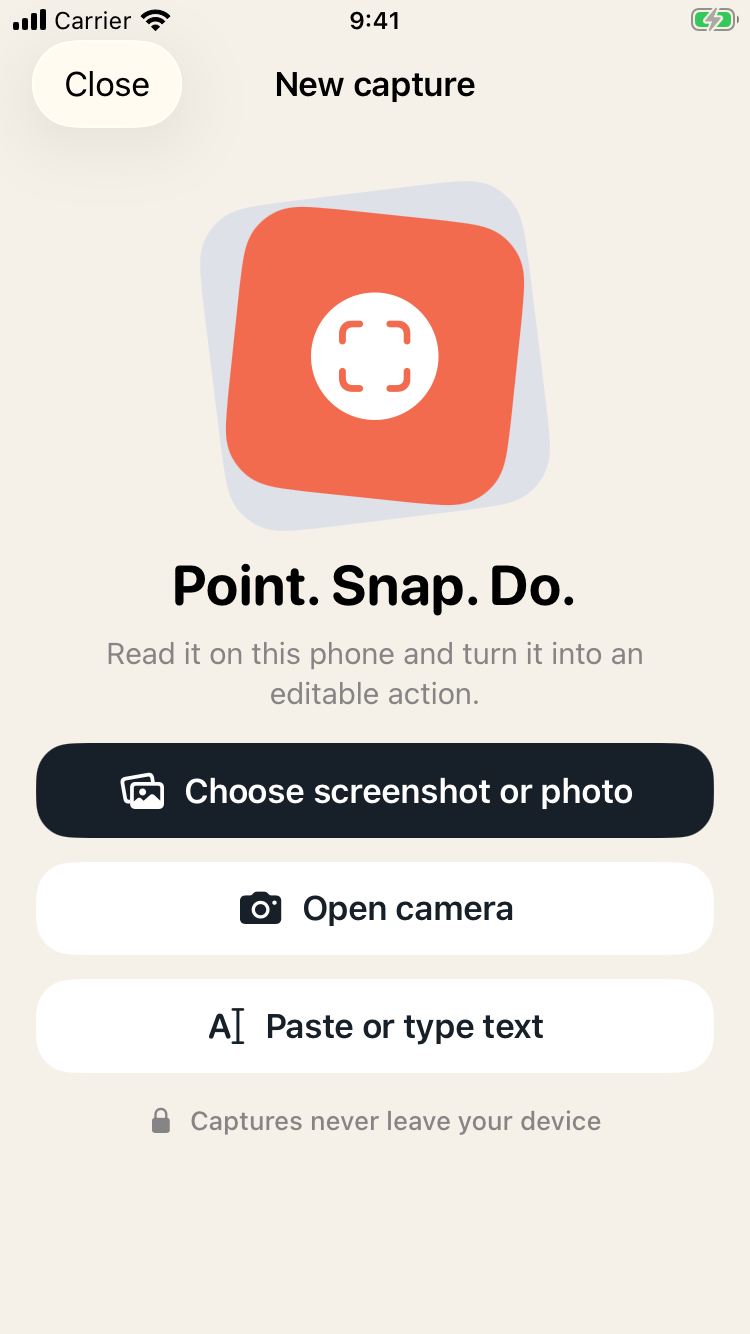
SnapDo turns photos, screenshots and pasted text into editable actions on iPhone. It can help create a first draft from a whiteboard image; review the result before treating anything as a task or sharing it with colleagues. The final check is still human: confirm the wording, owner and timing with the people who agreed to the work.
The useful outcome is not a perfect transcription. It is a short, accurate list that preserves the team's intent and makes the next step clear.