Makers & Design
Website Redesign Brief Template: Goals, Scope, and Content
Use this website redesign brief template to explain the audience, business goal, pages, content, constraints, examples and success measures before design starts.
Published September 20, 2026 · Michael at Yuzool
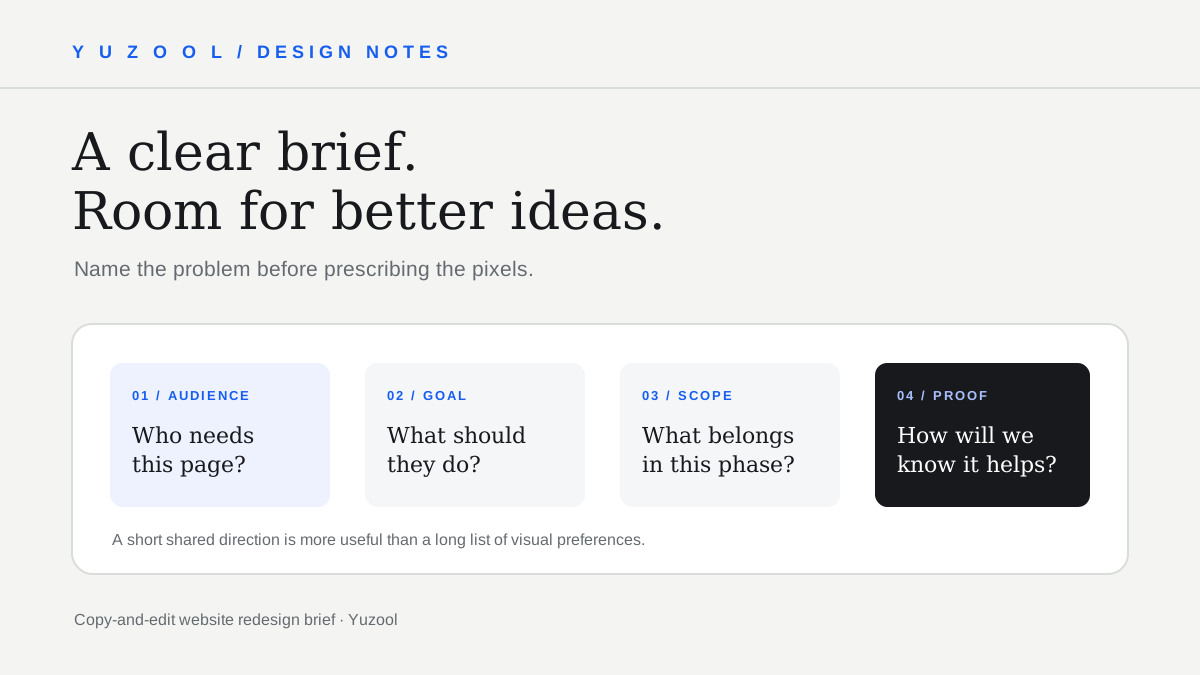
A useful website redesign brief tells a designer what the site needs to do, who it is for, and what must stay true while the work changes. It is not a request to “make it modern.” It is a short decision document that helps the project begin with shared context instead of guesswork.
You do not need a lengthy strategy deck. One or two clear pages are often enough to align an independent business, its decision-maker and the person doing the design. The brief can be updated as new information appears; its job is to make the starting assumptions visible.
Begin with the reason for changing the site
Describe the problem you can observe. “The website feels old” is a feeling, not yet a useful project direction. “New customers cannot tell which towns we serve,” “our main service pages do not explain the estimate process,” or “the portfolio does not show our recent work” gives the project something concrete to improve.
Add what the business would like a visitor to do: call, request an estimate, book a consultation, compare services, or understand a product. Choose a primary action for the most important page. A site can have several purposes, but the brief should say which outcome matters most now.
Define the audience and situation
Avoid describing everyone as the audience. Name the people the site needs to help first and what they are trying to decide. For example: “Homeowners in the western service area who need to compare repair and replacement options,” or “small software teams evaluating whether our tool fits their workflow.”
Include what a visitor already knows when they arrive. Someone arriving from a referral may need proof and service-area information. Someone finding the site through a specific search may need a direct answer to that exact question before a broad company history.
Set a practical scope
List the pages or page types that are part of the work: homepage, service detail, contact or estimate page, portfolio, about page, and any required policy or account pages. Mark what is not included, too. A website refresh may not include a new logo, custom booking system, rewritten legal terms, photography, or a complex content migration.
This boundary protects both sides. It avoids discovering late that “redesign the website” meant rebuilding a payment flow or writing twenty service-area pages. If an extra need appears, record it as a separate option instead of quietly letting the scope expand.
Gather content and proof before the layout
List what already exists and what needs to be supplied:
- Current page URLs and content that should remain.
- Service descriptions, process details, and geographic coverage.
- Real project photos, product screenshots, or demonstrations.
- Customer reviews that the business has permission to publish.
- Brand files, fonts, colors, and any existing design system.
- Contact details, opening hours, pricing language, and response expectations.
Flag missing material honestly. If there are no usable project photos yet, the designer can make a layout that works without them or plan a photo session. Placeholder imagery should not be mistaken for final proof.
Record constraints and responsibilities
Include the platform, domain, hosting or technical requirements if known. Note who can provide access and who will approve copy and design. Include any launch date that is tied to a real event, and explain the consequence if it moves. A preferred date without a reason should not be treated as a hard deadline.
Name one final decision-maker. Several people can give feedback, but someone needs to reconcile it and approve the result. Agree on how many review rounds are included and how feedback will be collected. One organized set of comments is more useful than disconnected edits arriving over several weeks.
If accessibility, multilingual content, privacy, performance or specific integrations matter, make them explicit early. A designer cannot reasonably plan around a requirement that appears after the visual direction is approved.
Share examples with reasons
Provide a few reference websites, but explain what each example demonstrates: the clarity of the navigation, the way project images are presented, the calm tone, or how an estimate request works. Also identify what should not be copied. A long list of unrelated inspiration links can pull a project in several directions.
Describe the brand qualities in ordinary language. “Confident and approachable” is a useful start if you can say what that means in the context of your customers. “Premium” could mean careful photography, concise copy, restrained color, or higher prices; the brief should explain which signal you actually intend.
Decide how you will judge the result
Choose signs of a successful launch that can be observed. Examples include customers reaching the correct service page, more complete estimate requests, fewer enquiries from outside the service area, or staff needing less explanation during a sales call. These measures do not guarantee that a redesign will cause a change; they give the team a better way to notice what happens.
Record a baseline if you already have analytics or enquiry notes. If reliable measurement is not in place, treat the first period after launch as learning rather than claiming success from a few anecdotes.
Copy-and-edit website brief
- Project and website:
- Why are we changing it now?
- Main audience and what they need to decide:
- Primary action visitors should take:
- Current pages to keep, improve, add, or remove:
- Content, photos, reviews, and brand assets available:
- Platform, integrations, and technical constraints:
- What is out of scope for this phase:
- Launch date and why it matters:
- Project owner and final approver:
- Review process and feedback deadline:
- Examples we like—and what we like about them:
- How we will tell whether the new site is working:
Keep the brief short enough that people will actually read it. Add detail when a real decision depends on it, not to make the document look more complete. If the project includes a quote form, this home-service quote request form guide can help define the questions and the post-submit experience.
A strong brief does not decide every design detail in advance. It gives the designer a clear problem, a realistic boundary and the evidence needed to explore solutions. That leaves room for better ideas while keeping the work pointed at the business and the people it serves.