Makers & Design
Home Service Quote Request Form: What to Ask and What to Skip
A practical home-service quote form checklist: the details contractors need to respond, what to leave optional, and how to make the next step clear.
Published September 20, 2026 · Michael at Yuzool
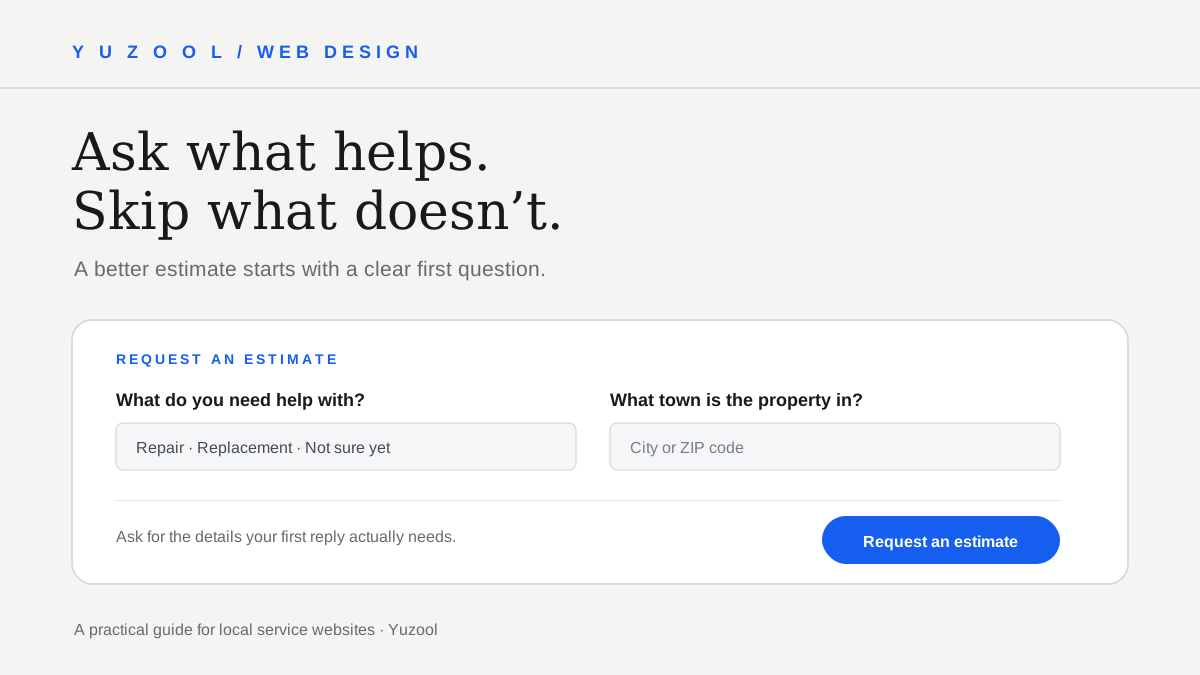
The best home-service quote form collects enough information to make a useful first response—and no more. A homeowner should be able to tell what to enter, why it helps, and what will happen after they press submit.
That sounds simple, but local business forms often ask for a full address, several phone numbers, a long project description and a preferred appointment before explaining whether the company serves the area. Others ask only for a name and email, leaving the owner to start the conversation from zero. A good form sits between those extremes.
Start with the first response you need to make
Before adding a field, write down what your team needs to decide after receiving a request. Perhaps you need to know the service, the property’s town, and a way to reply. A roof repair company may need to understand whether the request concerns a leak or a planned replacement. A landscaper may need the town and whether the person wants regular maintenance or a one-time project.
If an answer will not change your first reply, estimate or routing decision, it probably does not belong in the first form. You can ask for more detail in a follow-up, during a site visit or at the point when the detail becomes relevant.
This is a useful test for every field: “What will we do differently because we know this?” If the answer is unclear, remove the field or make it optional.
The useful starting fields
For many small service businesses, a first inquiry can begin with:
- Name. Ask how the person would like to be addressed. Avoid splitting first and last name unless your process genuinely needs both.
- One reply route. Email or phone may be enough. If you need both, explain why and let people say which one they prefer you to use.
- Service needed. A short list helps route the request: repair, replacement, maintenance, installation, or “not sure yet.” Use the customer’s words, not internal job codes.
- Town or ZIP code. This can help confirm service-area fit before asking for a full street address. If an exact location is required to assess the work, say so.
- A brief project note. Invite a sentence or two, not an essay. “What would you like help with?” is easier to answer than “Provide a comprehensive scope of work.”
These are a starting point, not a mandatory recipe. A solo cleaner who schedules by phone may need only a name, number, service type and preferred time to call. A contractor arranging an on-site estimate may need the property address sooner. Keep the form shaped around the actual next step.
Make every question plain and answerable
Use labels that stay visible when someone starts typing. Placeholder text can show an example, but it should not be the only label: once the visitor enters an answer, the instruction may disappear. Nielsen Norman Group describes several usability problems with placeholder-only labels, including making it harder to review and correct completed fields. Read its form-design guidance.
Ask one thing at a time. “Describe your project, address, timeline and preferred contact method” is several questions packed into one box. Separate the information that changes the estimate from details that can wait. GOV.UK’s service guidance recommends asking questions people understand and being able to explain why each question is needed. Designing good questions.
If you use a dropdown, include “Not sure” or “Something else” when the list cannot cover every situation. A visitor should not have to choose an inaccurate answer to continue.
Explain optional and required details
Required fields should be genuinely necessary for that first response. Mark optional details clearly, rather than making visitors guess. A project photo can help a landscaper understand a layout, but it should not block a first conversation if the customer does not have one ready.
Do not collect sensitive or unnecessary information simply because a form builder makes it easy. A quote request usually does not need a date of birth, account password or unrelated demographic information. If a field is needed for a specific job, explain the reason beside it.
Set expectations before and after submit
The button should describe the next action: “Request an estimate” or “Ask about availability” is more informative than “Submit.” Under the button, a short note can set an honest expectation: “We’ll reply by email within two business days.” Only publish a time promise the business can keep.
After submission, show a confirmation on the page. Say that the request was received, identify the reply route, and tell the customer what happens next. Do not imply that a price or appointment is confirmed if the form only starts a conversation.
If a form fails validation, explain which answer needs attention in text and keep the visitor’s other entries. A generic “Something went wrong” after a long form can turn a small correction into a reason to leave.
A compact example
Request a roofing estimate
- What do you need help with? — Repair / replacement / inspection / not sure
- What town is the property in?
- How should we reply? — Email / phone
- Email address or phone number, based on the choice above
- Anything else we should know? — Optional
Button: Request an estimate
Confirmation: “Thanks—your request is on its way. We’ll review the details and reply using your preferred contact method.”
This is not the right form for every trade. It illustrates the principle: ask about service fit first, collect a useful reply route, and make any extra detail optional until it matters.
Test the form on a phone
Complete the form using a small screen and one hand. Check that labels remain visible, the keyboard matches the answer type, error messages appear next to the relevant field, and the button is easy to reach. Submit once with a missing required answer and once with the shortest valid set of information.
Then ask someone who does not know the business to try it. Can they tell which services are available, whether their location is covered, and when to expect a reply? If they hesitate, the form may need clearer wording—not another field.
A quote form is part of the service itself. A focused set of questions respects the visitor’s time and gives the business a better starting point for a real conversation. For related guidance, see this website redesign brief checklist. If your service page needs a broader visual or UX pass, Yuzool’s design work covers landing pages and selected implementation projects.