Apple & Mac
A Weekly Planner for Freelancers Who Switch Context All Day
A realistic weekly planning method for freelancers handling several clients: reserve focus blocks, carry unfinished work forward and protect admin time.
Published September 24, 2026 · Michael at Yuzool
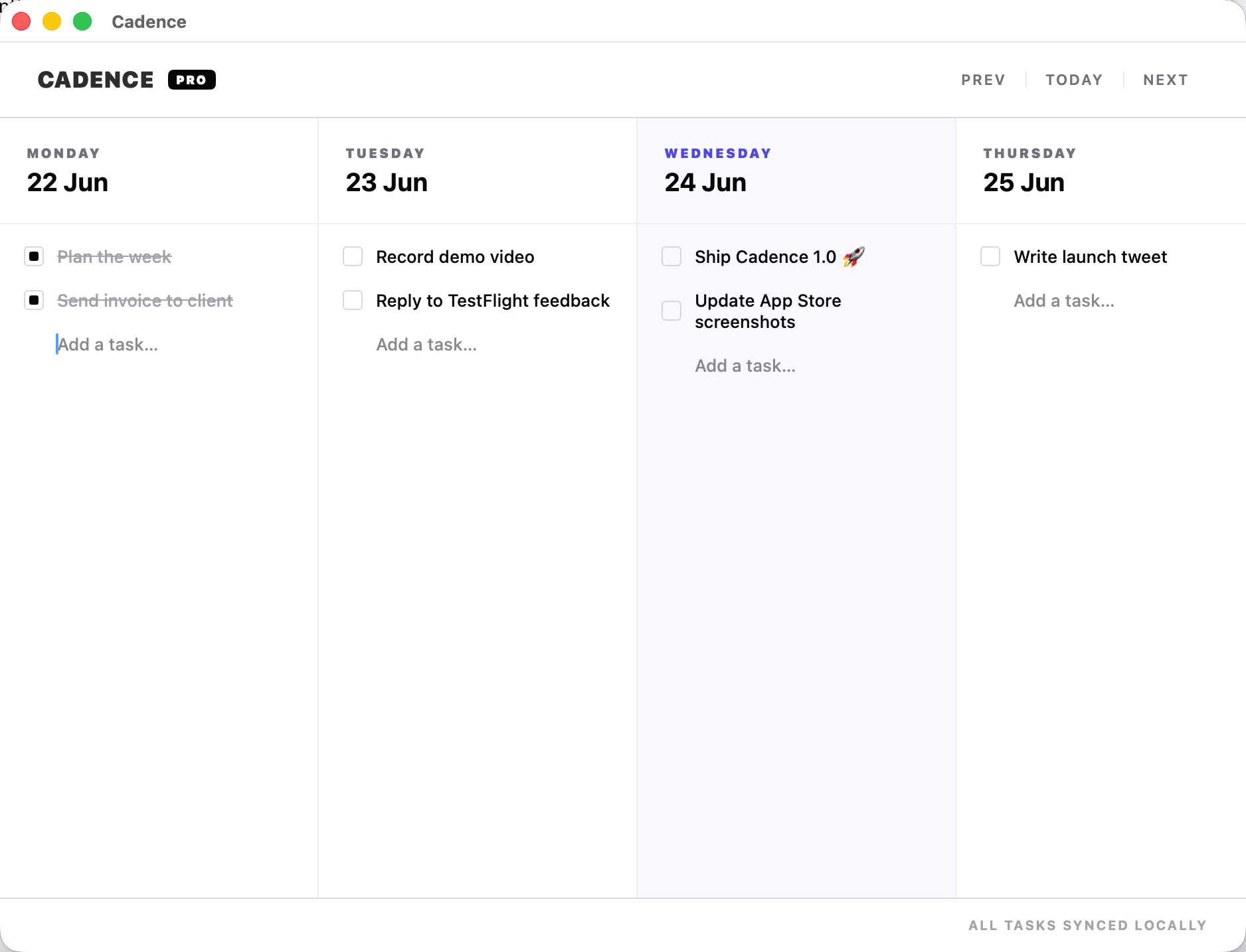
Freelancers rarely have one job to finish. They have a client revision, an invoice, a call, an idea for next month and a message that needs an answer today. A weekly planner helps when it reflects that reality instead of pretending every task can be completed in a neat sequence.
Plan around contexts
Group work by the kind of attention it needs: client calls, deep production, writing, admin and small replies. Give each context a home in the week. This reduces the cost of switching from design software to email to a video call and back again.
Do not fill every gap. Leave room for the work that expands, the client who replies late and the task that turns out to be two tasks.
Keep a short daily promise
Choose one important outcome for each day and two smaller tasks. If the list has ten priorities, it has no priority. The aim is to make the next useful action obvious, not to create a more impressive list of unfinished work.
When something rolls over, move it deliberately. Do not copy it into a new list and pretend the week restarted. Ask whether it is still important, whether it needs a smaller next step or whether the deadline needs renegotiating.
Cadence is a native weekly task board for freelancers and independent workers who need to see what matters this week and move unfinished work without starting over. The multi-client weekly planning guide shows one way to set up the board.
Review before Friday disappears
Reserve fifteen minutes at the end of the week. Look at what shipped, what moved and what is waiting on someone else. Record the one thing that would make Monday easier. The review is not a performance report; it is how you stop old work from becoming background noise.