Cloak
Private AI on Mac Needs Boundaries, Not Just Bigger Chat Windows
Why local providers, BYOK cloud models, small prompts, terminal-style interfaces and clear data boundaries matter for practical Mac AI tools.
Published July 1, 2026 · Michael at Yuzool
AI tools keep getting bigger.
More memory. More sidebars. More files. More workflows. More agents. More places to put the conversation. More ways to turn a quick question into a whole session.
Sometimes that is useful. Long research, codebase exploration, planning, file-heavy analysis and deep writing all benefit from room.
But a lot of AI use on the Mac is smaller than that.
You are already working. A question appears. You need a command, a rewrite, an explanation, a code recall, a naming idea, or a quick second opinion. The job is not to open another universe. The job is to get an answer and return to the work.
That kind of AI tool needs boundaries.
Privacy is easier to understand when the choice is explicit
"Private AI" can become vague very quickly.
Does private mean the model runs on-device? Does it mean the app has no telemetry? Does it mean the API key is yours? Does it mean prompts are not stored by the app maker? Does it mean the cloud provider still sees the request?
Those are different promises.
A better design is to make the provider choice explicit.
In Cloak, the shape is:
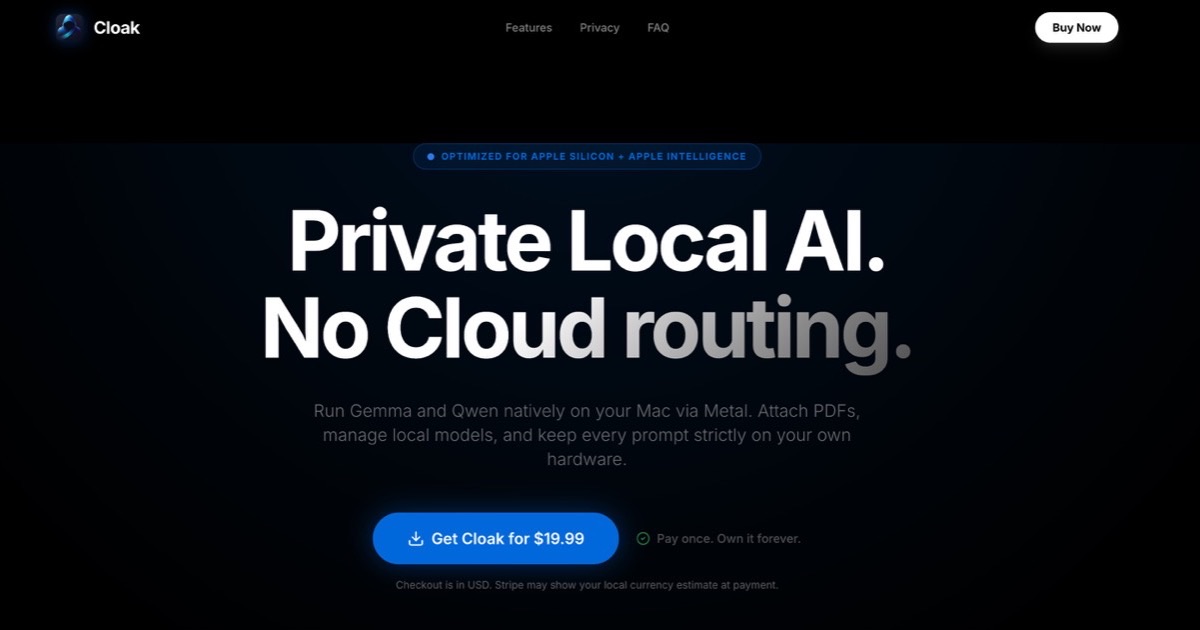
- Apple Intelligence for on-device prompts where supported
- local Llama for local model use after setup
- Claude, OpenAI or Gemini only when you choose a cloud provider
- bring your own key for cloud models
- API keys stored in macOS Keychain
- no Yuzool account or telemetry layer
That does not magically make every AI request private. It makes the boundary visible enough that the user can choose.
Local-first does not mean cloud never matters
There is a temptation to treat local and cloud AI as a moral scoreboard.
The truth is more practical. Local models are excellent when the prompt should stay on the machine, when network access is not wanted, or when the task is small enough for the model available. Cloud models are useful when the prompt benefits from stronger reasoning, larger context or a model the user already trusts and pays for.
The product design question is not "which one wins?"
It is "does the user know which one they are using?"
That is where many AI tools get blurry. They hide routing behind a single assistant label. The user types and hopes the privacy story matches the prompt.
For Mac utilities, I prefer the opposite: show the provider, make switching easy, and keep the tool honest about what leaves the machine.
Small prompts deserve a small surface
There is a different kind of privacy that is not only about servers.
It is about attention.
Large AI apps invite you to stay. They create a workspace. They collect threads. They make the conversation feel important. That can be powerful, but it can also turn a 20-second question into a context switch.
A terminal-style AI assistant can be more respectful of the work you were already doing.
Press the hotkey. Ask the question. Read the answer. Dismiss it.
The product is not trying to become your office. It is closer to a command.
That boundary changes the feeling of the app.
BYOK is not just a billing model
Bring Your Own Key can sound like a niche feature for technical users, but it also clarifies the relationship.
If you use a cloud model through your own key, you are choosing that provider directly. You can see the account, the billing, the provider terms and the model path. The Mac app becomes the interface, not a hidden middle service.
That is a simpler trust model for many indie developers and technical Mac users.
It also keeps the app's pricing honest. Cloak can be a one-time purchase because it is not reselling unlimited AI usage behind a subscription. Local providers cost nothing extra. Cloud providers use your own account.
The interface should reveal the promise
Design is not just taste. It tells the user what kind of relationship they are entering.
A chat app with a wide canvas, history, documents, integrations and social-feeling polish suggests one thing. A terminal-style prompt suggests another.
Cloak looks like a terminal because the promise is:
- fast
- keyboard-first
- short-lived
- provider-visible
- local when possible
- cloud only when chosen
- small enough to stay out of the way
That design would be wrong for a deep research tool. It is right for a summonable Mac sidekick.
Boundaries make AI more useful
The more AI expands, the more useful small boundaries become.
Not every prompt needs a project. Not every question needs history. Not every AI action should leave the machine. Not every cloud request should be hidden behind a generic assistant brand.
The Mac is good at focused utilities. Cloak is built in that tradition: a small app with a strong opinion about one interaction.
Press Command Shift Space. Ask the question. Choose the provider. Get back to work.
That is the boundary.