Privacy
How to Choose a Privacy-Conscious iPhone Game
A practical checklist for checking an iPhone game’s privacy labels, tracking, permissions, account requirements and optional features before you install it.
Published September 21, 2026 · Michael at Yuzool
Games can ask for more access than their basic play loop seems to need. Before installing one, it is worth checking what information the app collects, whether it uses advertising tracking, which permissions are optional, and what happens when you turn a feature off.
Start with the App Store privacy details
Read the app’s privacy information on its App Store listing and open the developer’s privacy policy if the labels are unclear. Look for data linked to you, data used for tracking, and information collected for analytics or diagnostics. These labels are developer-provided disclosures, so use them as a starting point rather than as a substitute for understanding the policy.
Then check whether the game requires an account, social profile or persistent connection for its core play. A local arcade game may need much less personal information than a multiplayer service with chat, friend lists and cloud saves. Do not assume every offline-looking game stores everything only on the device; verify the details for that product.
Treat permissions as feature-specific
Ask why a game wants each permission. Camera, microphone, contacts, photos, motion or location access may support a feature, but they should make sense for what you chose to do. If an optional mode requests motion or camera-related access, see whether it can be skipped and how the app handles that data. You can review or revoke iOS permissions later in Settings.
Also distinguish advertising from advertising tracking. An app may contain promotions without tracking you across other companies’ apps and websites. If that distinction matters to you, read the policy and the App Store privacy labels rather than relying on a vague “private” badge.
Look for a privacy explanation you can understand
A useful privacy policy should explain the data, purpose, storage and sharing in plain language. It should also identify optional features that process information differently from the main experience. If the explanation is missing or contradicts the App Store listing, pause before sharing personal information or enabling sensitive permissions.
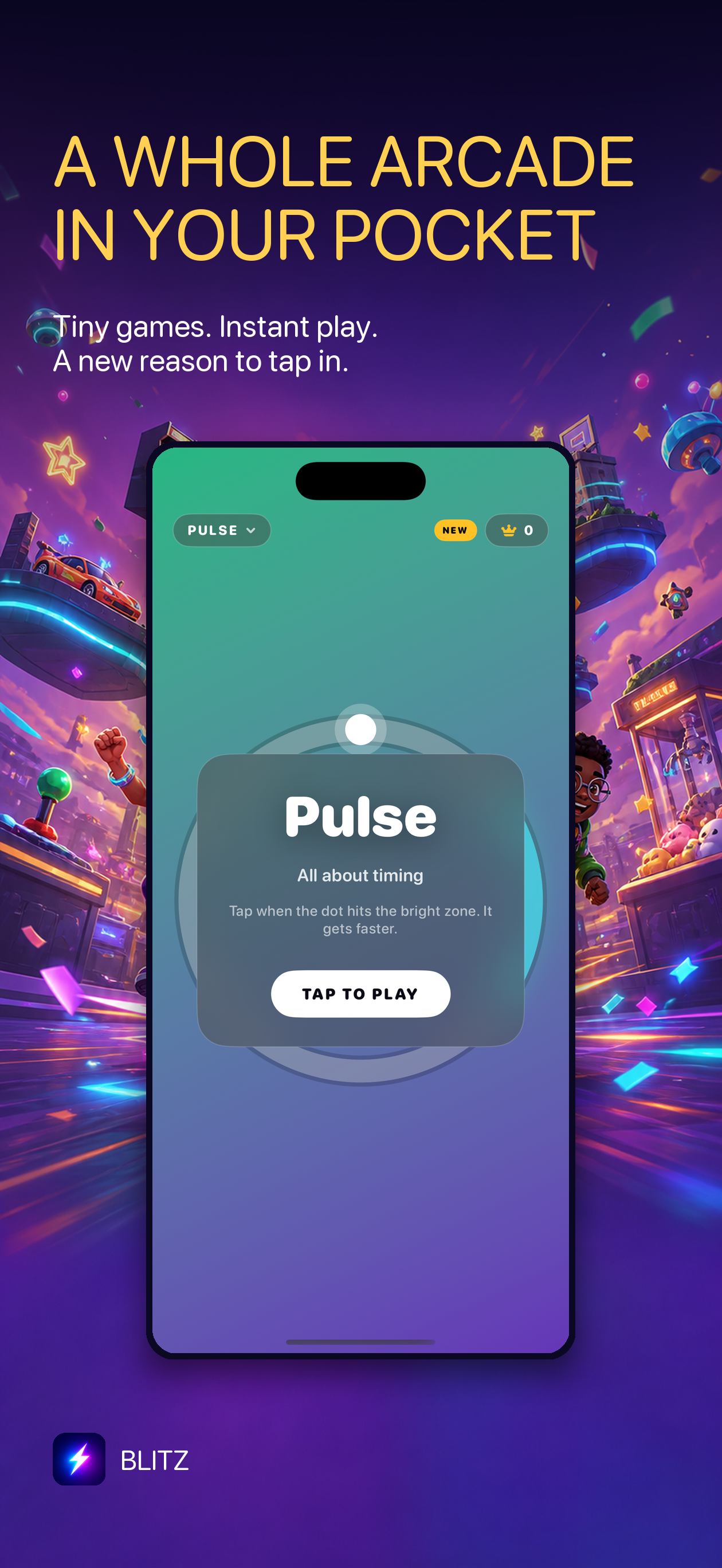
Blitz is a small iPhone arcade with quick games and daily challenges. Its current product page says it does not use advertising trackers, and that optional face-tracking movement data is processed on-device. Review the Blitz privacy policy for current details rather than assuming those points apply to every game. You can learn more about Blitz or see it on the App Store.
Make a quick pre-install checklist
- Do the App Store privacy details match what you expect from the game?
- Is tracking disclosed, and can you decline it?
- Are camera, motion or photo permissions optional and explained?
- Does the core game work without an account if that matters to you?
- Can you find a clear privacy policy and contact for questions?
The goal is not to avoid every game that collects any data. It is to understand the exchange and choose apps whose requirements make sense for the play experience you want.